Nook AI Interior & Home Design
by botiva
Description
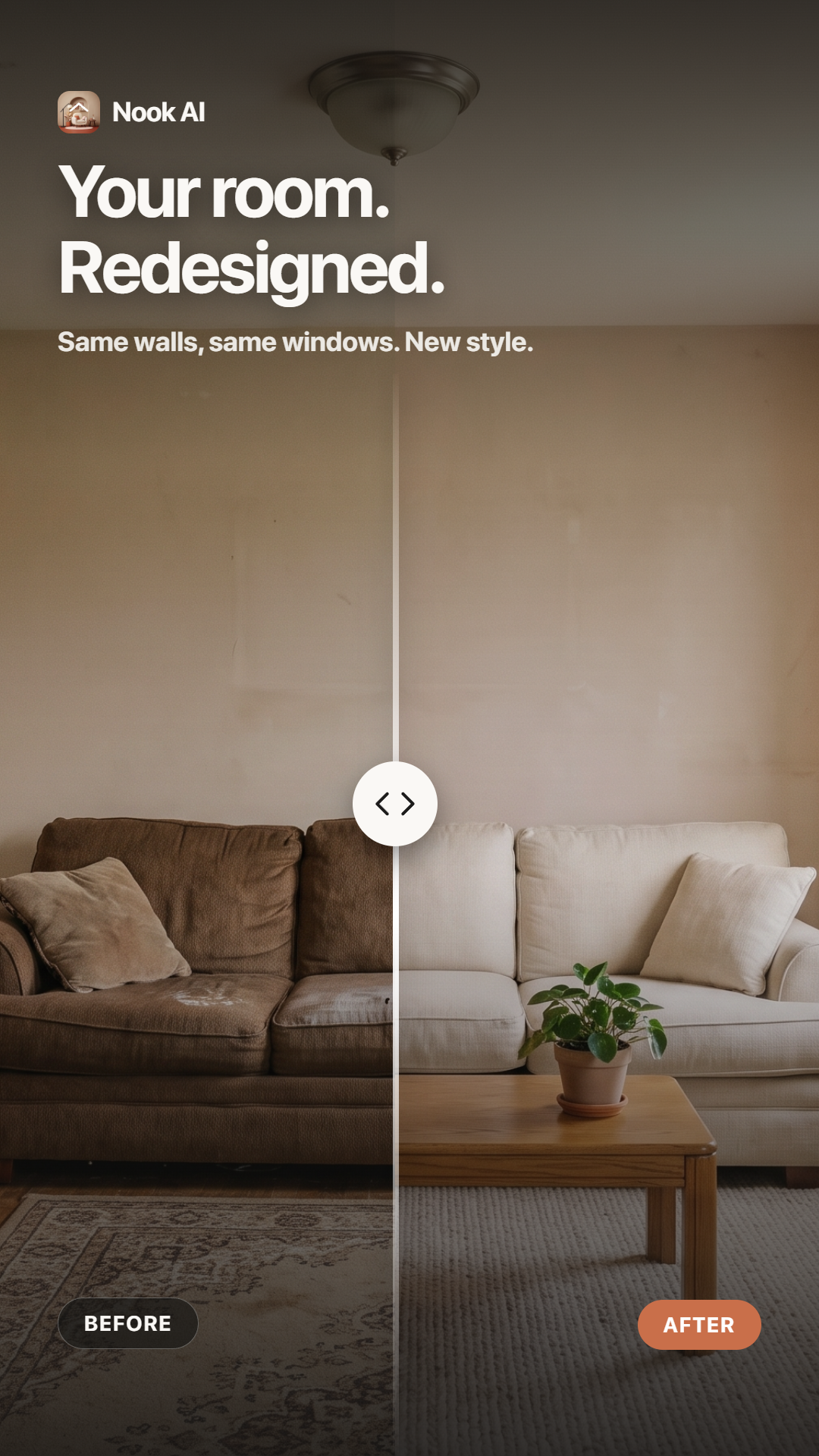
Nook AI is AI interior design for the room you actually live in. Take one photo and see your own room redesigned—same walls, same windows, same camera angle—with a new style, new furniture or a fresh wall color.
Most AI home design apps invent a brand-new room. Nook AI keeps your architecture and changes only what you ask for, delivering a photoreal redesign in about a minute, with a before/after slider to compare.
WHAT YOU CAN DO
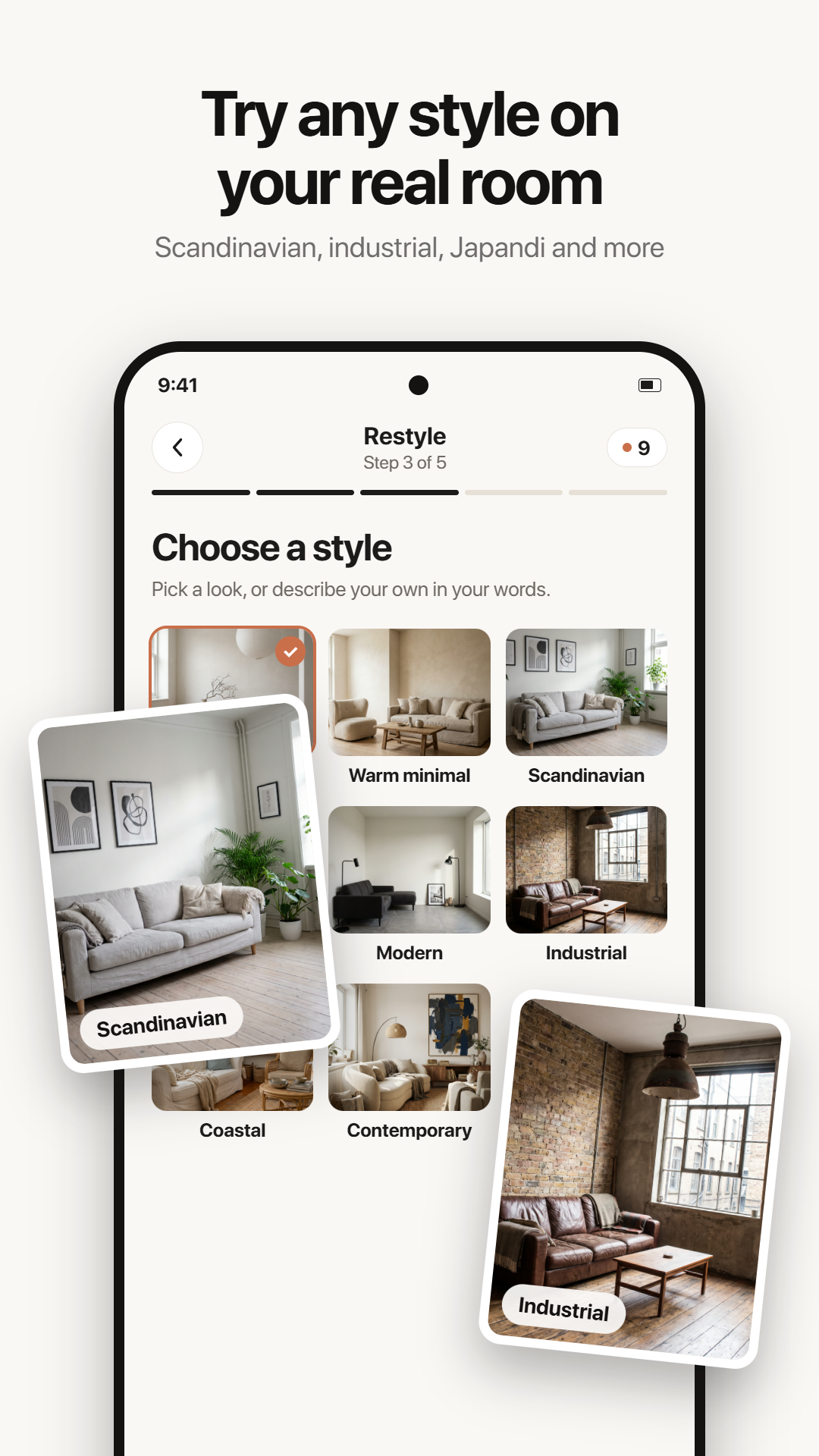
- Restyle — try a new interior style on your space, from Scandinavian and Japandi to modern, industrial and boho
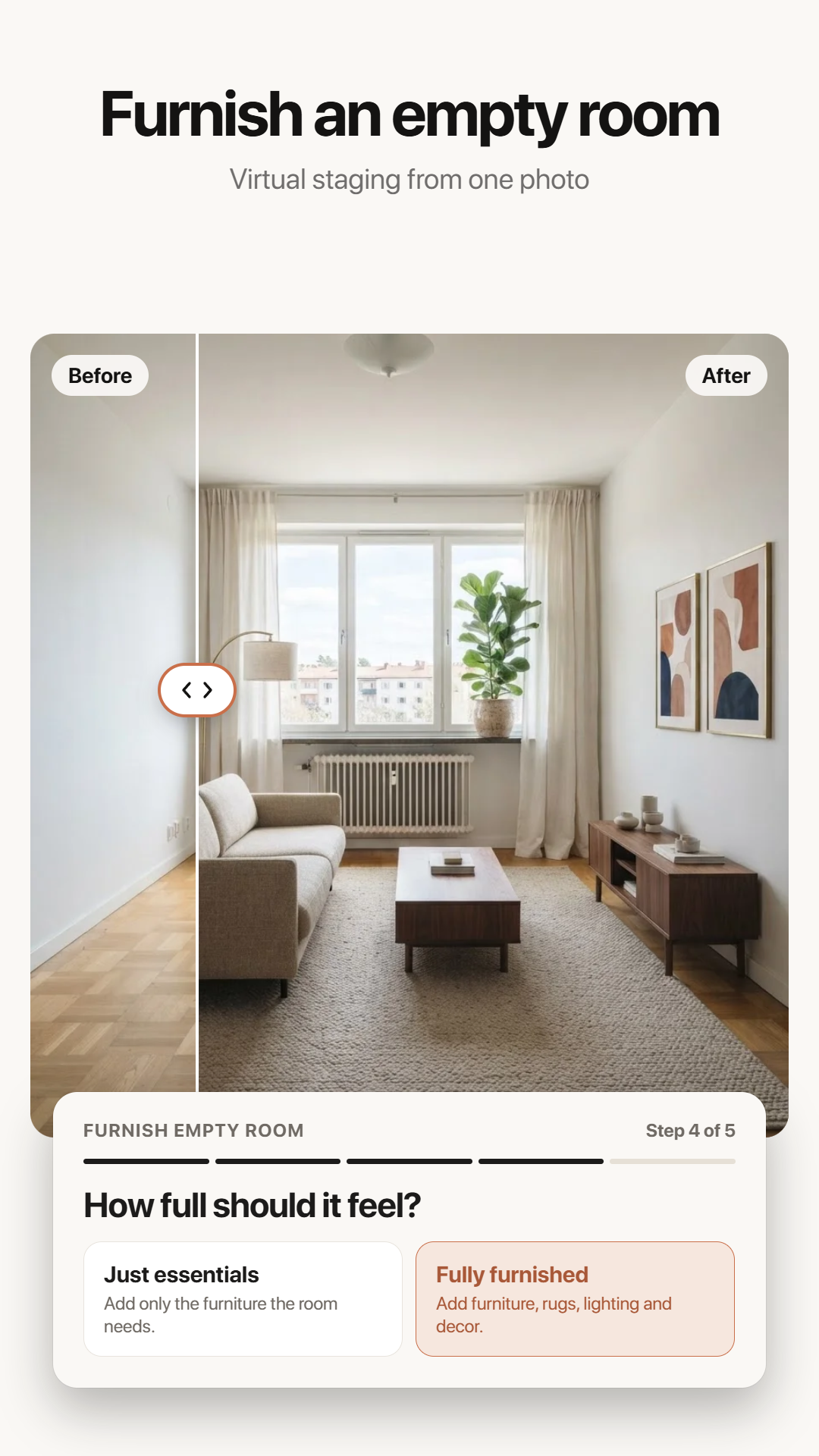
- Furnish an empty room — virtual staging for a new home, a rental or a property listing
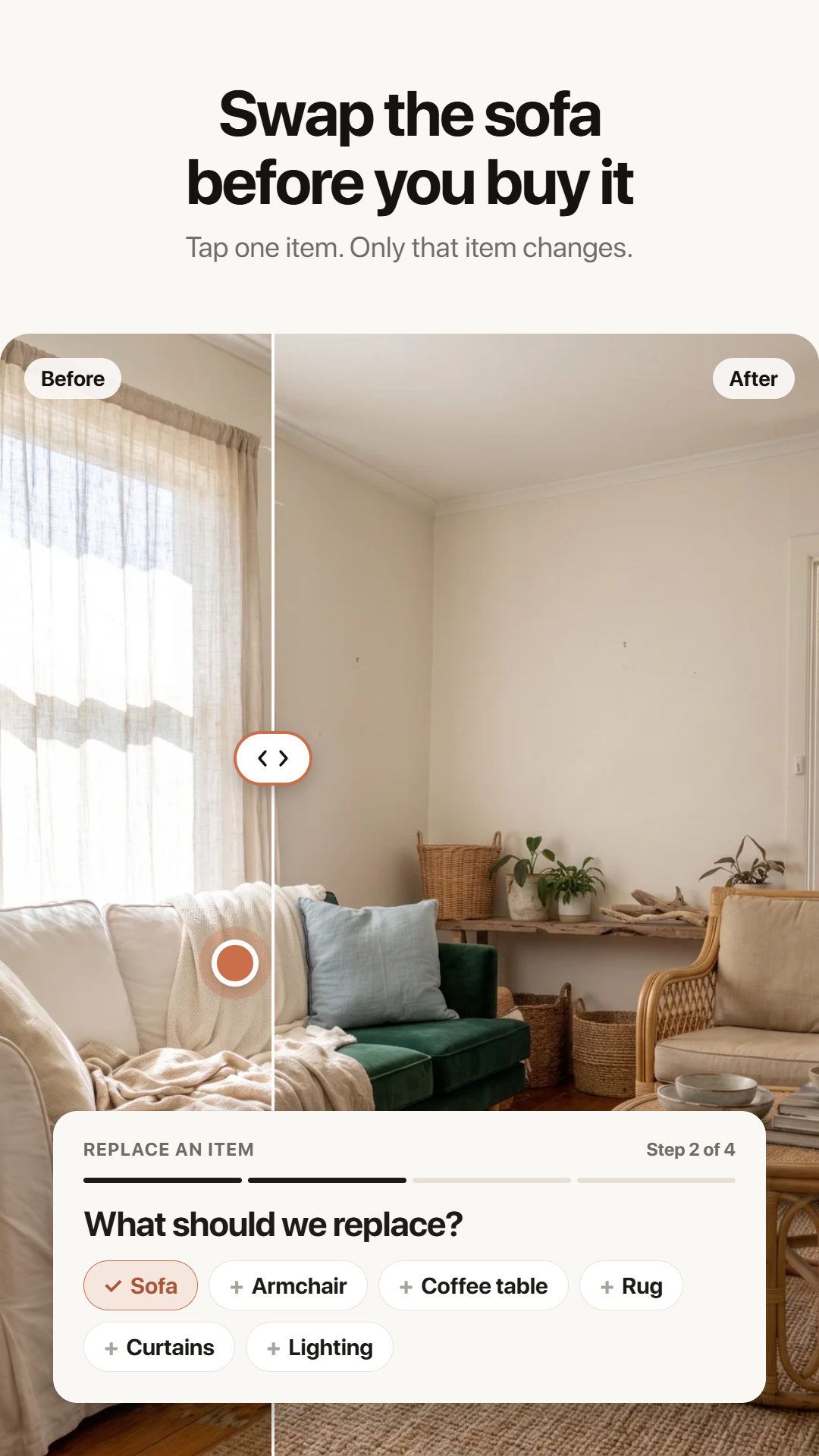
- Replace an item — tap the sofa, rug or lamp you want to swap and see the new piece before you buy
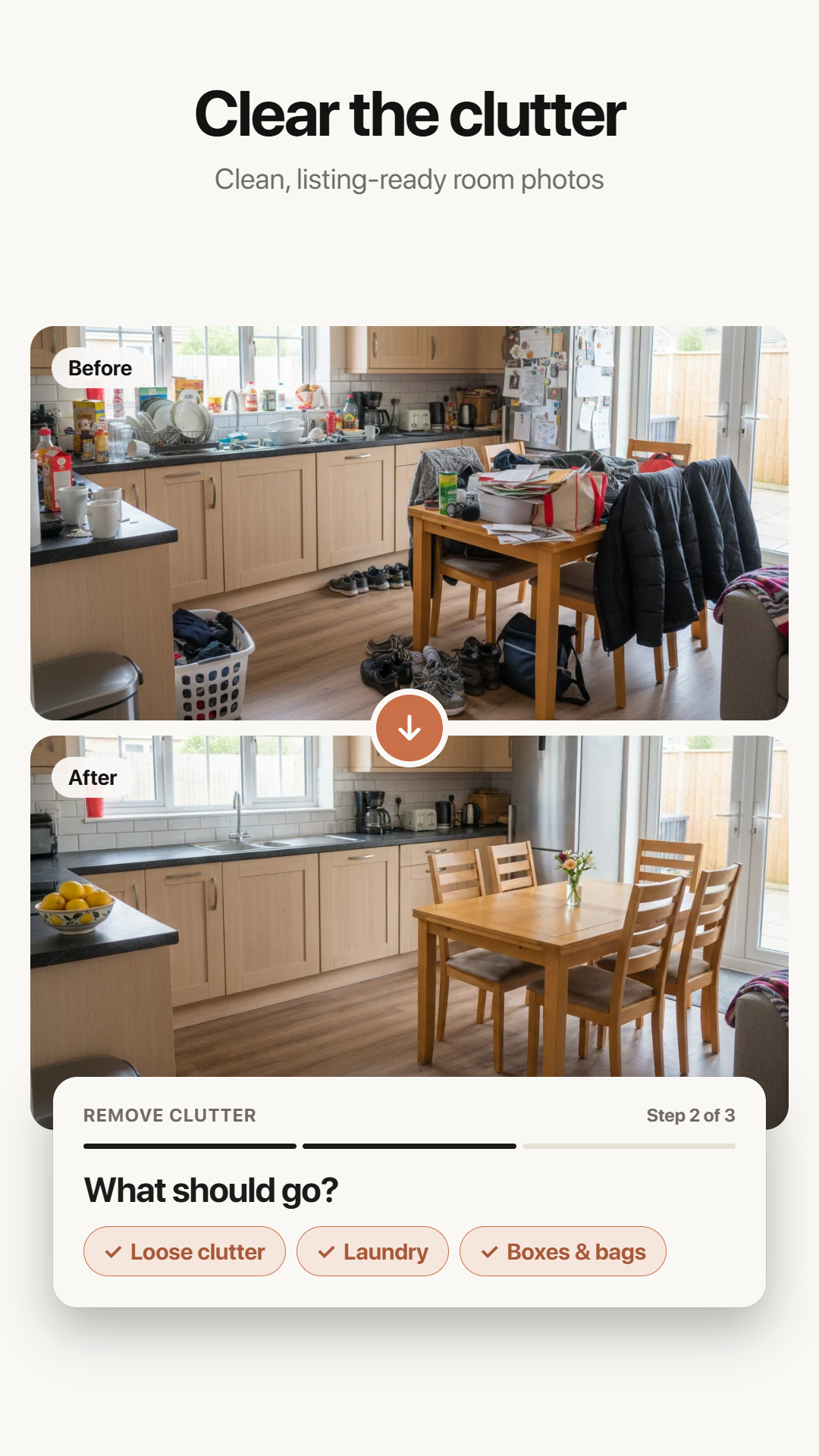
- Remove clutter — declutter a room photo for a clean, listing-ready look
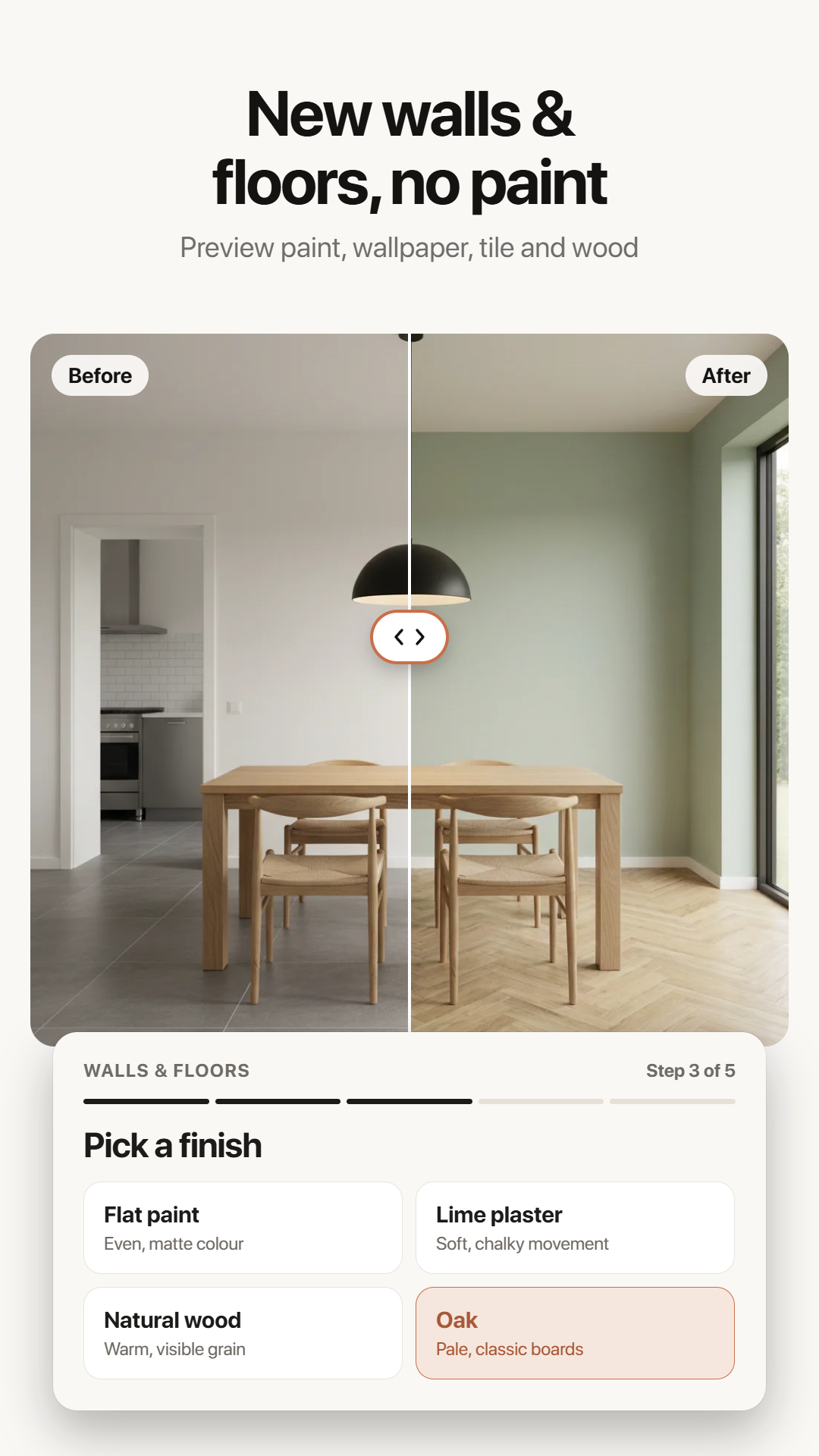
- Walls & floors — preview paint colors, wallpaper, flooring and ceiling finishes without lifting a brush
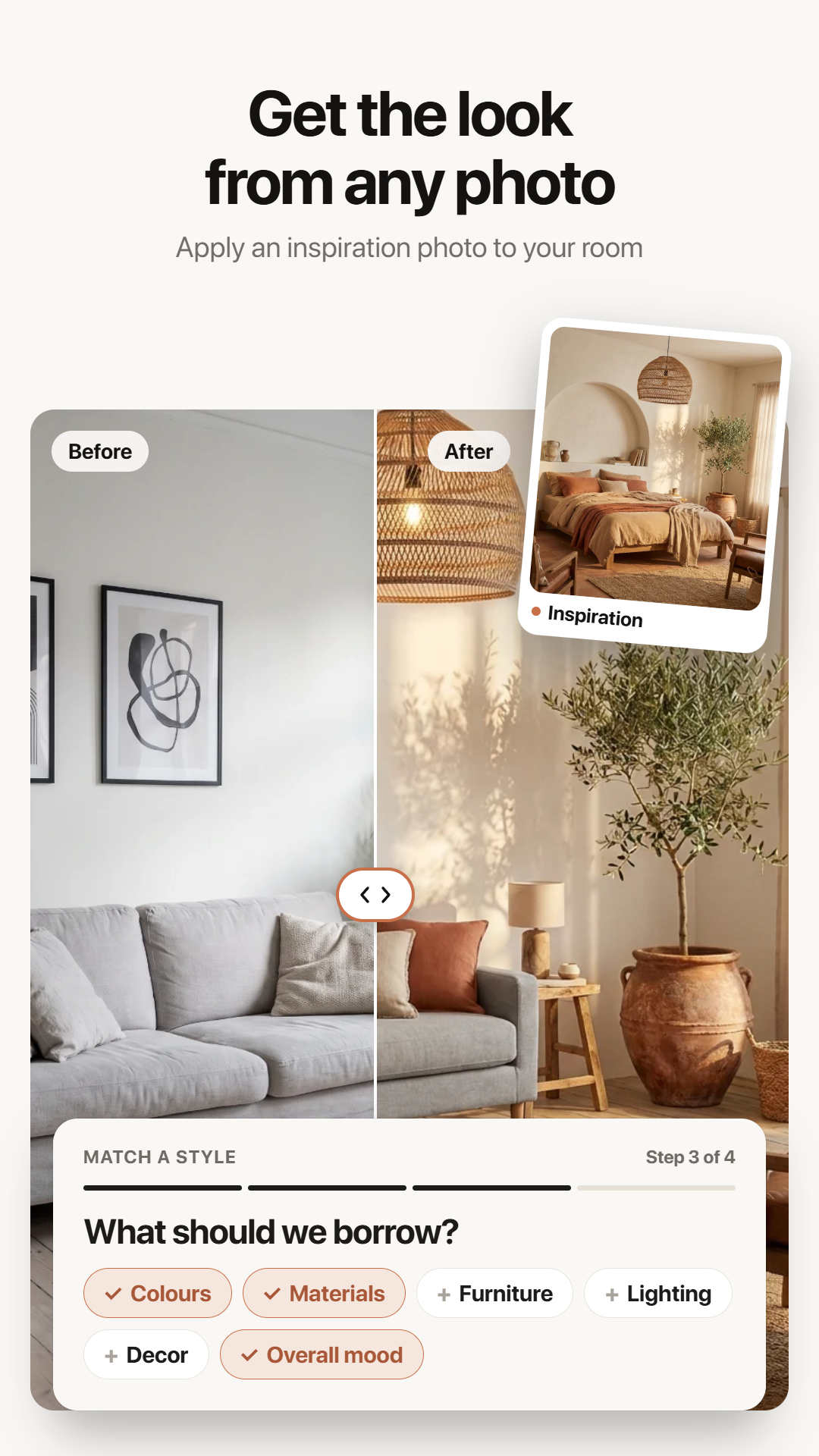
- Match a style — borrow the look of an inspiration photo and apply it to your own home
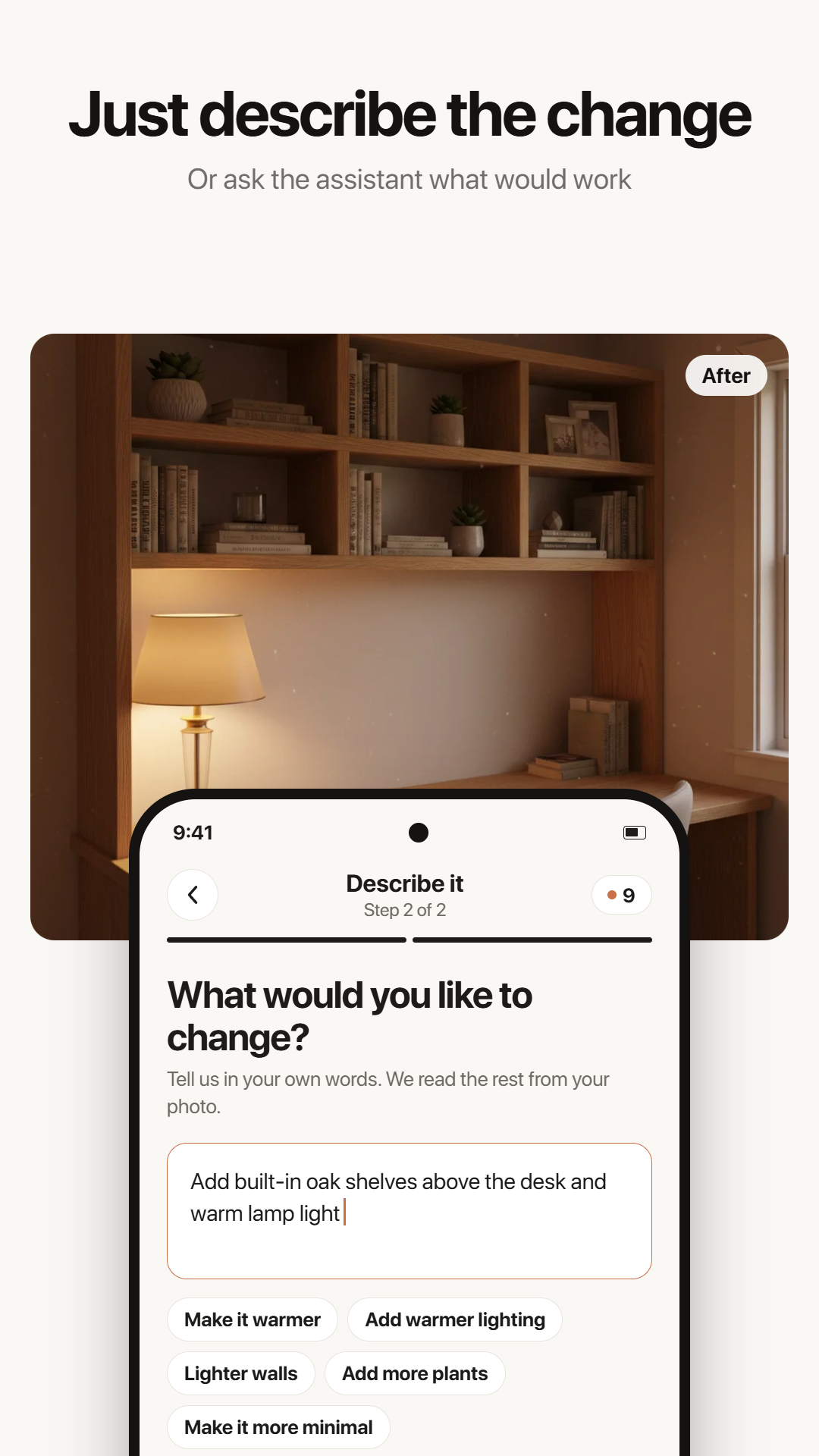
- Describe it — tell Nook AI in plain words what to change, and everything else stays
EVERY ROOM IN YOUR HOME
Bedroom, living room, kitchen, bathroom, home office and more. Plan a full makeover one room at a time, or just see how a new color changes a single wall.
WHO USES NOOK AI
- Homeowners and renters planning a makeover or renovation
- Movers furnishing an empty apartment or house
- Sellers, hosts and agents who need clutter-free, staged listing photos
- Designers and stagers who want quick mood renders for clients
REFINE, SAVE, SHARE
Every redesign keeps its earlier versions, so you can refine without losing what you liked. Save to your projects, share your before and after, or export in HD.
Redesign your home, visualize a remodel before you commit, and decorate with confidence before you spend a cent.
Related Apps
-
AOTD
Mitti (by SafetyCulture)
by SafetyCulture
1531 -
AOTD
Animaker Animation Maker
by Animaker
2181 -
Friendship Photos to Video Converter
by Ehtesham Haider
2945