Best AI Website Builders for Small Businesses: Comparing Features, Design Options, and Ease of Use
A professional website helps small businesses showcase their services, reach new customers, and build trust. But hiring a web designer can be expensive, and building a website from scratch takes time. AI website builders simplify the process by generating website designs from a business name, a short description, or a few prompts.
In this list, we compare five AI website builders for small businesses: Design.com, BrandCrowd, Wix, Shopify, and Squarespace. We look at how each tool helps you get started, the design options available, how easy it is to customize a website, and which features can help a business grow.
Quick Comparison
Refer to the table below for a quick overview of the tools:
|
AI website builder |
Best for |
Free option |
|
Design.com |
AI-generated websites and business branding |
Yes; Freemium |
|
BrandCrowd |
Branded websites with customizable templates |
Yes; Freemium |
|
Wix |
AI-assisted websites with flexible editing |
Yes |
|
Shopify |
Online stores and ecommerce |
Free trial |
|
Squarespace |
Polished business websites and portfolios |
Free trial |
1. Design.com: Best overall AI website builder for small businesses
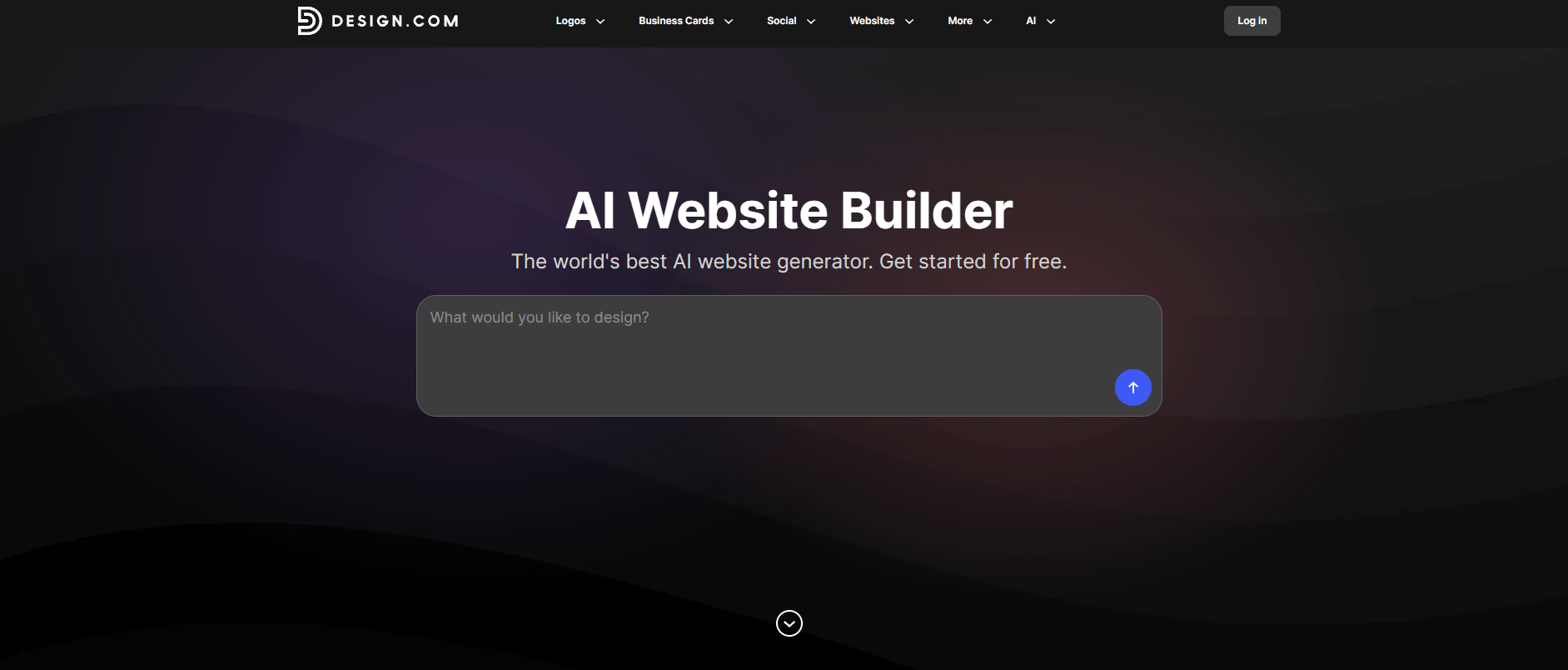
AI website builder helps small businesses create a website by entering a business name and a short description. Its AI generates website options in seconds, allowing users to explore different layouts and visual styles without starting from a blank page.
With more than 3,000 website templates and a wider library of over 686,000 design templates, Design.com gives businesses plenty of options for developing a visual identity that suits their industry.
During our testing, we can customize fonts, colors, layouts, and design elements, then publish a responsive website with built-in hosting. Design.com also offers logo creation and other branding tools, including business cards, social media graphics, digital business cards, and link-in-bio pages.
For a small business that needs a website and consistent branding without managing several separate tools, it is our top choice.
How it works
1. Generate a website with AI
Start by entering a prompt, describing the type of website you need. You can add keywords to guide the results toward your industry, preferred style, or services. The AI then generates website options to browse.
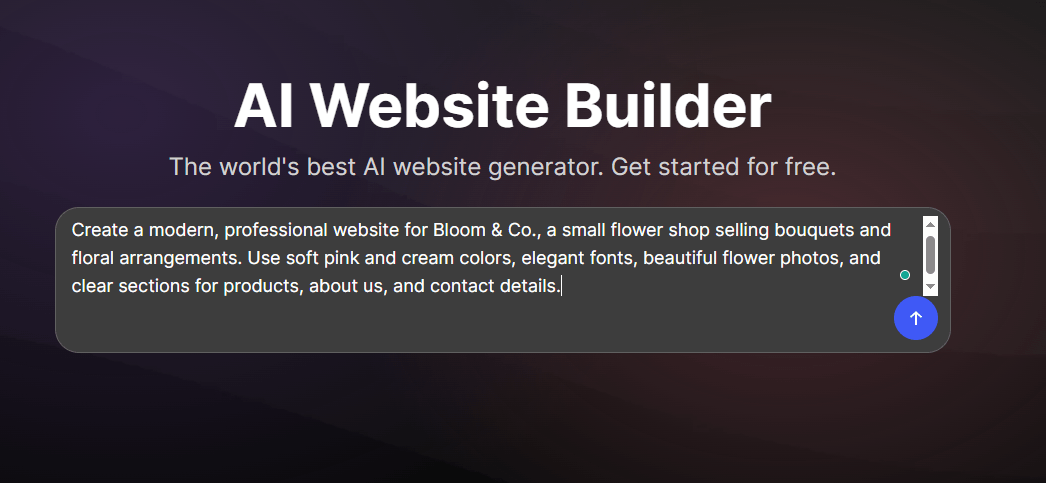
For this test, we used the prompt:
“Create a modern, professional website for Bloom & Co., a small flower shop selling bouquets and floral arrangements. Use soft pink and cream colors, elegant fonts, beautiful flower photos, and clear sections for products, about us, and contact details.”
2. Browse website designs
We waited for just a second, and we already got some amazing results!
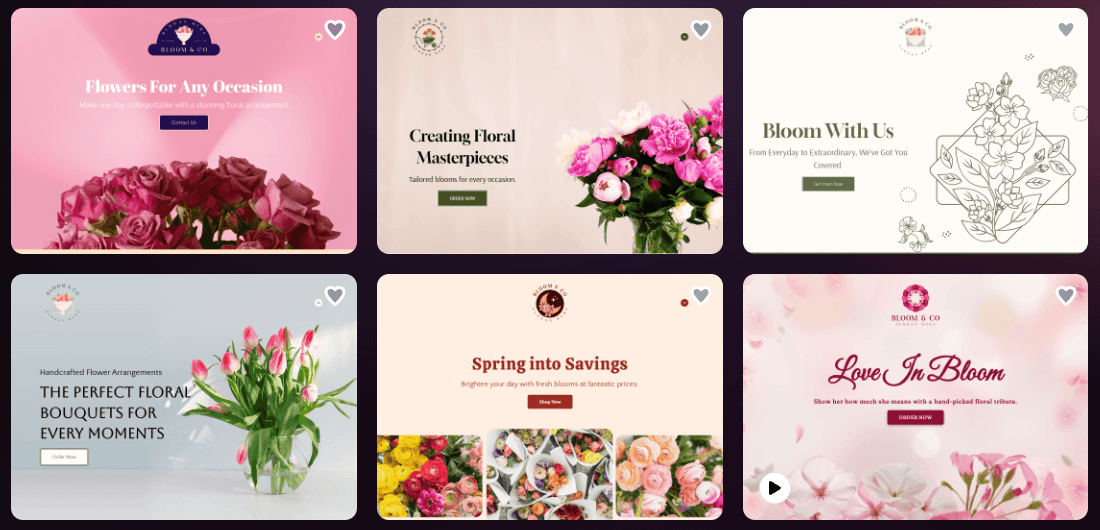
After submitting the details, you can explore generated website designs and choose one that fits your business. This gives you a chance to compare different layouts and visual directions before committing to a design.
3. Customize the website
Once you find a design you like, you can edit the:
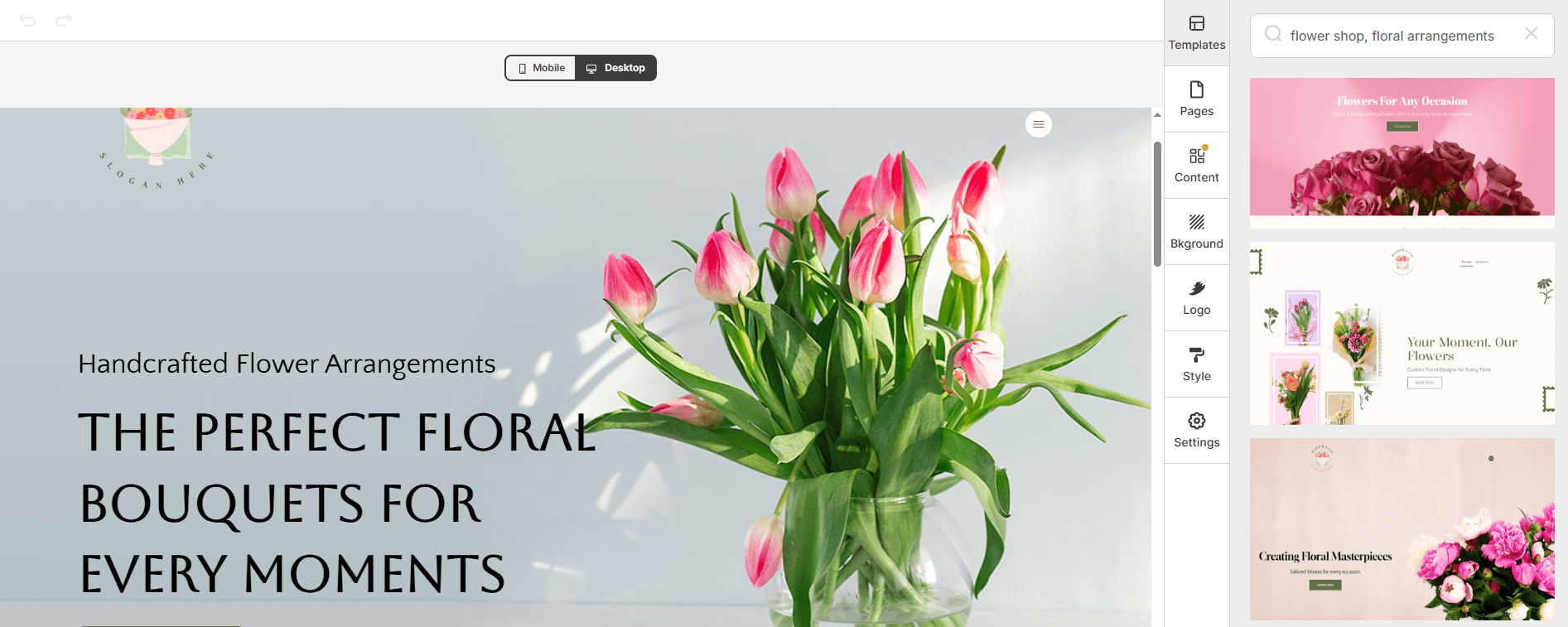
Templates
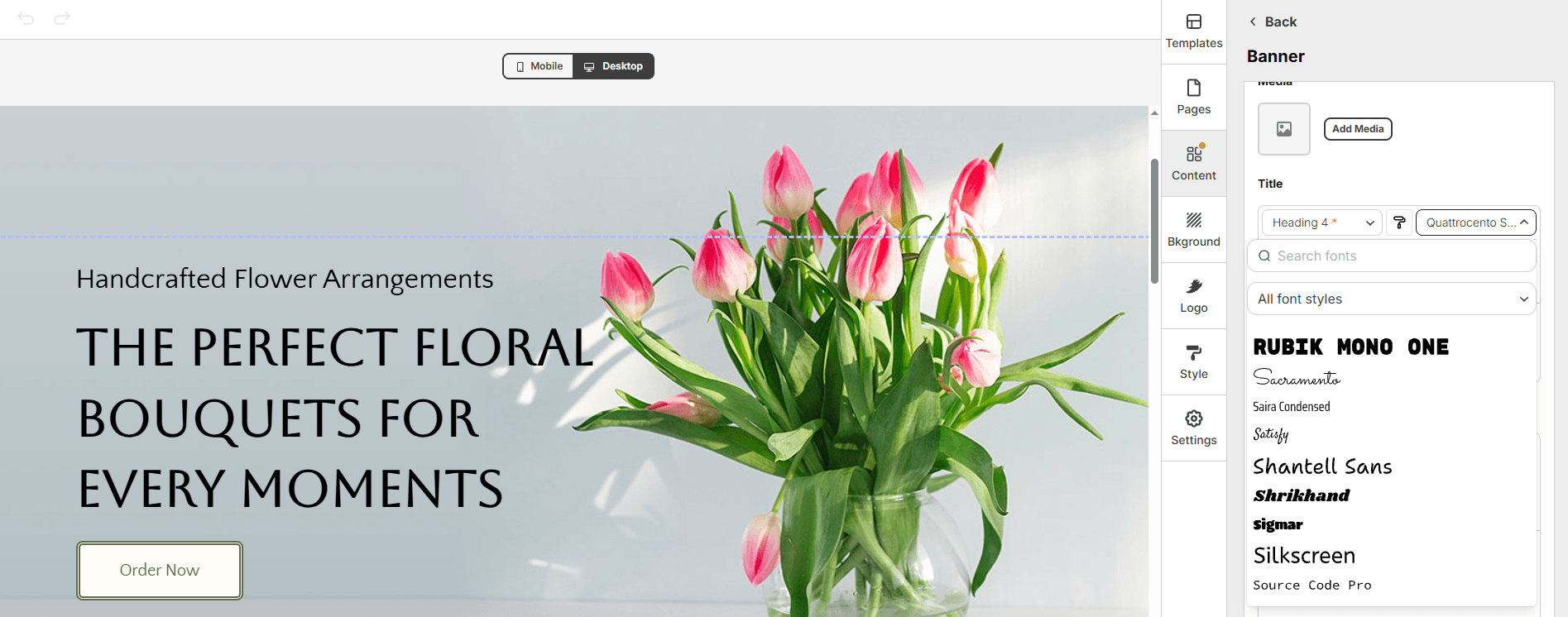
Fonts
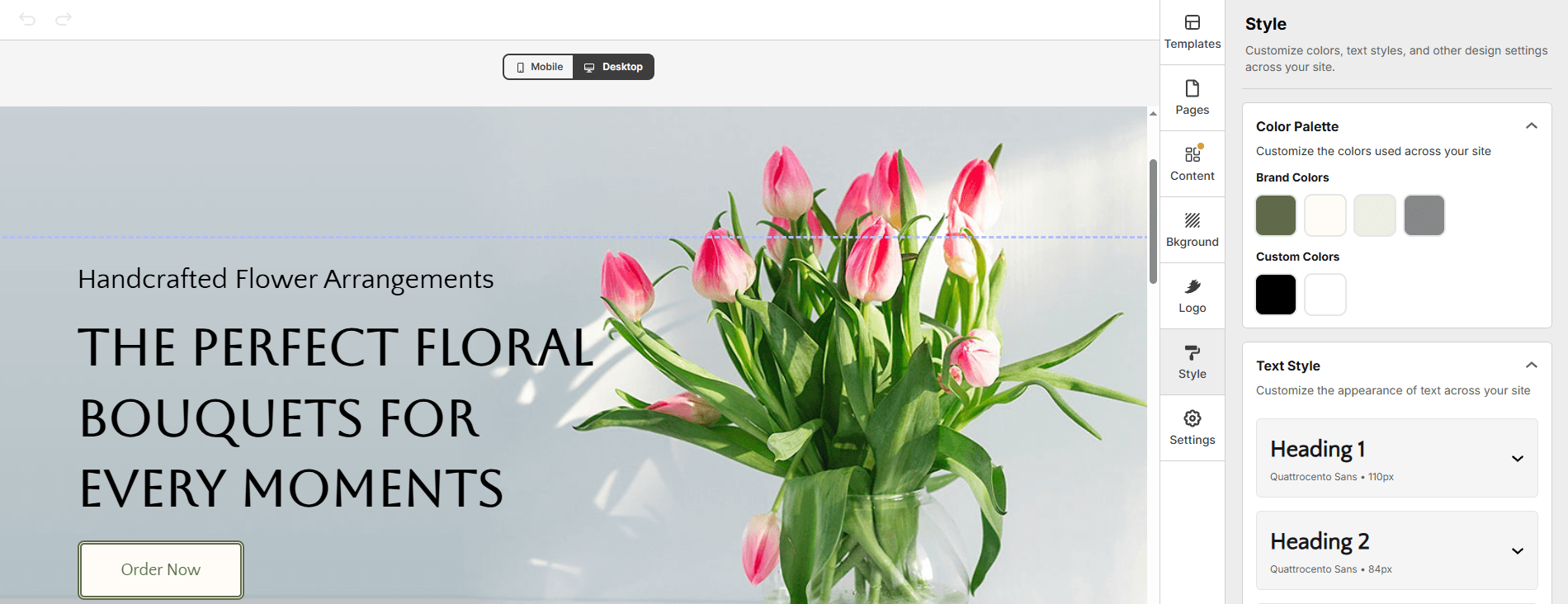
Colors and style
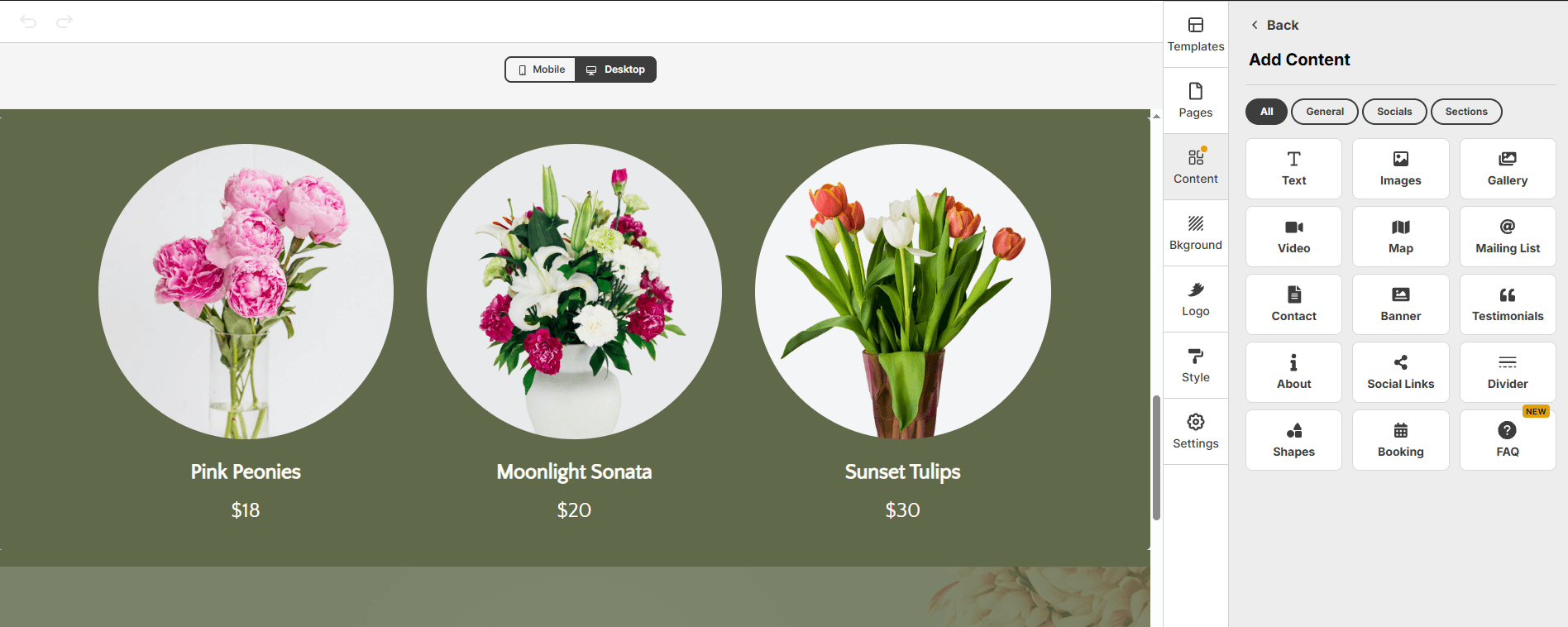
Or add more content
This lets you adapt the site to your brand instead of being locked into the initial AI-generated version.
4. Publish your website
When your website is ready, you can publish it with one click. Design.com provides hosting and responsive designs that adapt to desktop, tablet, and mobile screens. You can use a Design.com-branded URL or connect your own domain, subject to the plan's terms.
Key features
- AI website generation from a business name and description
- More than 3,000 website templates
- Customization for fonts, colors, layouts, spacing, and design elements
- Responsive website designs for mobile, tablet, and desktop
- Built-in hosting and one-click publishing
- Custom domain connection options
- Contact forms and email capture options
- Website and branding tools, including logo creation and social media designs
Pros
- Generates website options quickly from a short description
- Offers a wide variety of templates and design styles
- Makes it easy to customize a generated design
- Combines website creation with other branding tools
- Provides free website options
Cons
- No native app yet; web-based only
Verdict: Design.com is our winner for small businesses that want a quick way to generate a website and build a consistent brand. Its AI generation, broad design library, straightforward editor, and additional branding tools make it a practical starting point for businesses without an in-house designer.
2. BrandCrowd: Best for branded websites and matching business designs
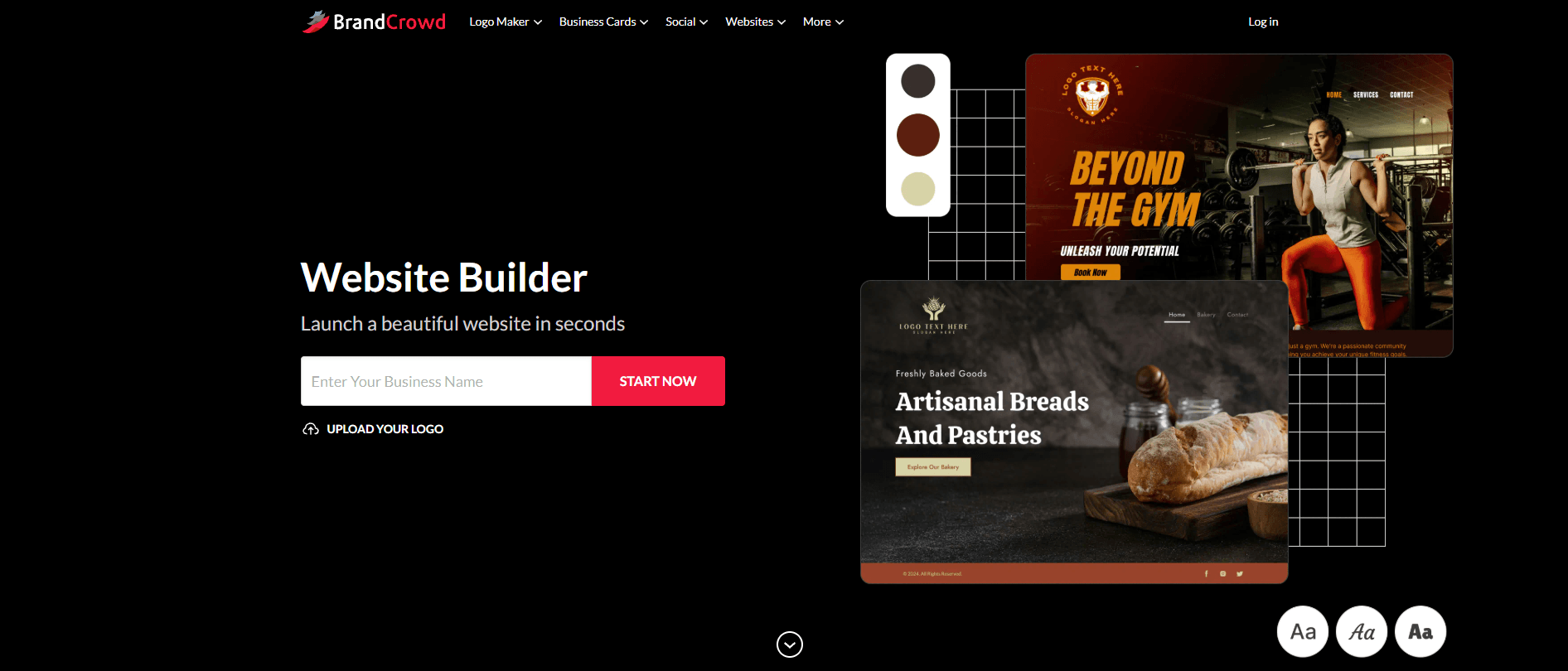
BrandCrowd's website builder helps small businesses create a website by entering a business name and browsing website templates. Users can explore designs and use keywords to find options that fit their industry or brand style. This template-led approach gives business owners a visual starting point without requiring them to design every page from scratch.
After choosing a template, users can personalize the website by changing colors, fonts, layouts, text, backgrounds, and icons. BrandCrowd also offers logo, social media, and print design tools, which can help small businesses keep their branding consistent across different materials. Compared with Design.com's prompt-led generation, BrandCrowd places more emphasis on selecting a template and then customizing it.
How it works
1. Enter your business name and browse templates
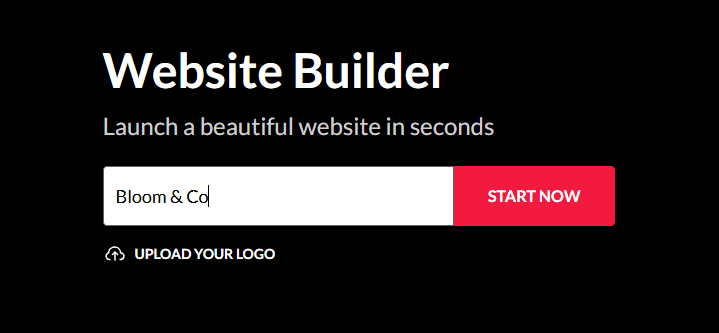
Start by entering your business name and exploring the website designs available. You can use keywords to narrow down the options and find a style that suits your business.
2. Choose a website design
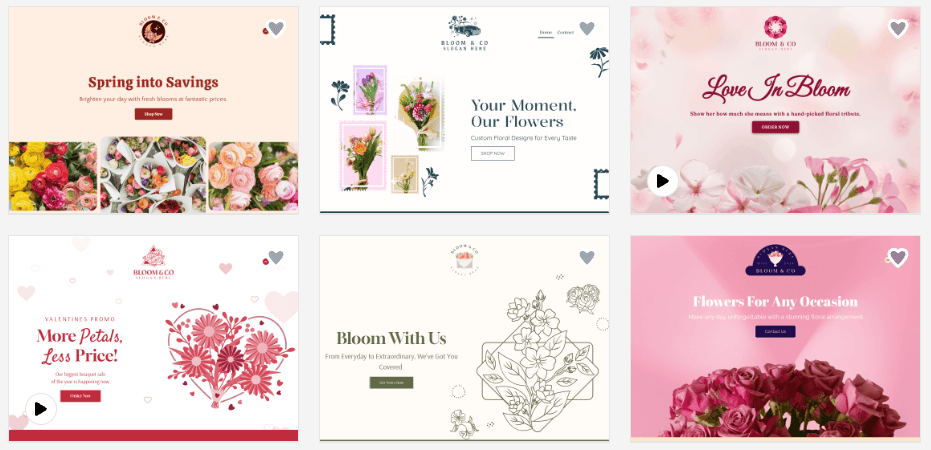
Browse the available website options and select a template that matches your preferred look. This gives you a ready-made layout to work with before making changes.
3. Customize the template
Once you select a design, you can edit its colors, fonts, text, backgrounds, and other elements.
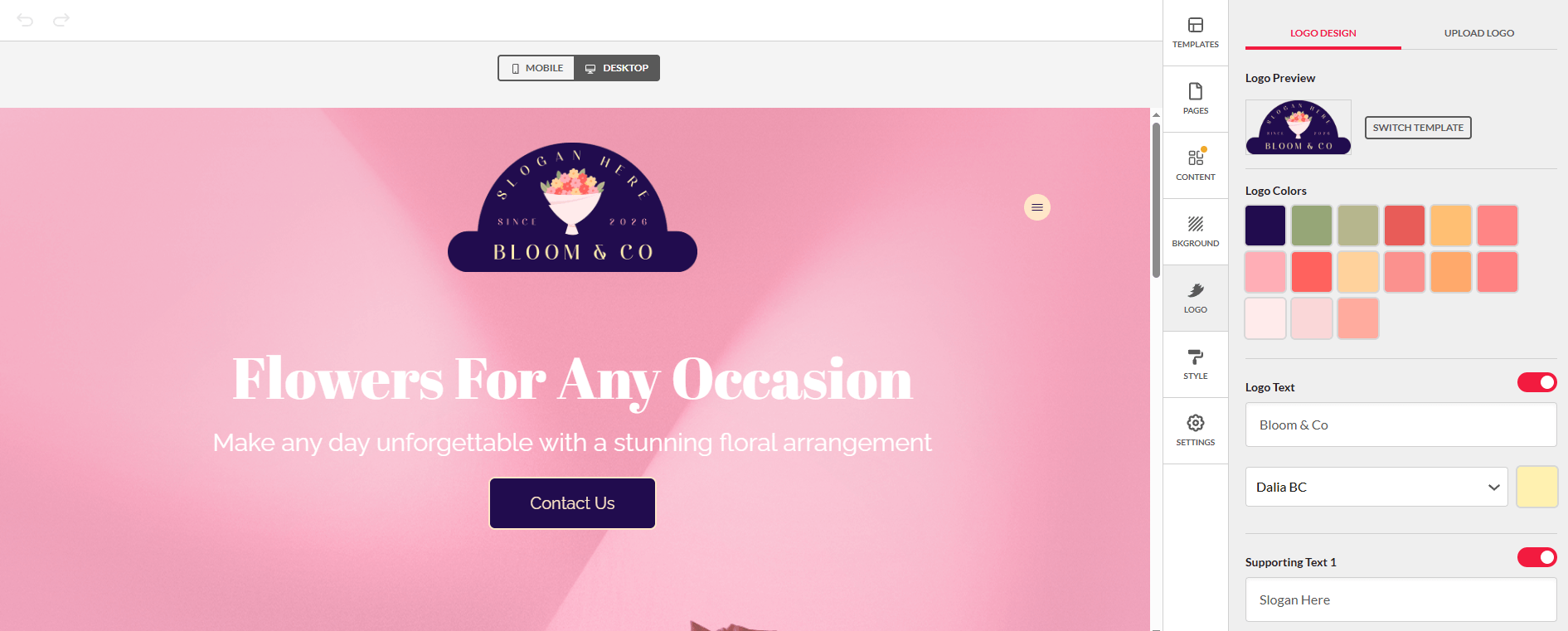
This gives you control over the final appearance, although you need to make the changes through the editor.
Key features
- Website templates for different industries
- Keyword-based template browsing
- Customizable colors, fonts, layouts, and backgrounds
- Custom domain and contact form options
- Online payment options
- Additional logo, social media, and print design tools
Pros
- Straightforward template-based workflow
- Easy to personalize website styling
- Useful for businesses that want matching branding materials
- No coding skills required for basic website creation
Cons
- Less technical integration
Verdict: BrandCrowd is a good option for businesses that want a template-based website and matching branding tools. Design.com takes the lead for this comparison because it combines AI website generation with a larger overall design library and a broader set of branding features.
3. Wix: Best for AI-assisted website creation and flexible editing
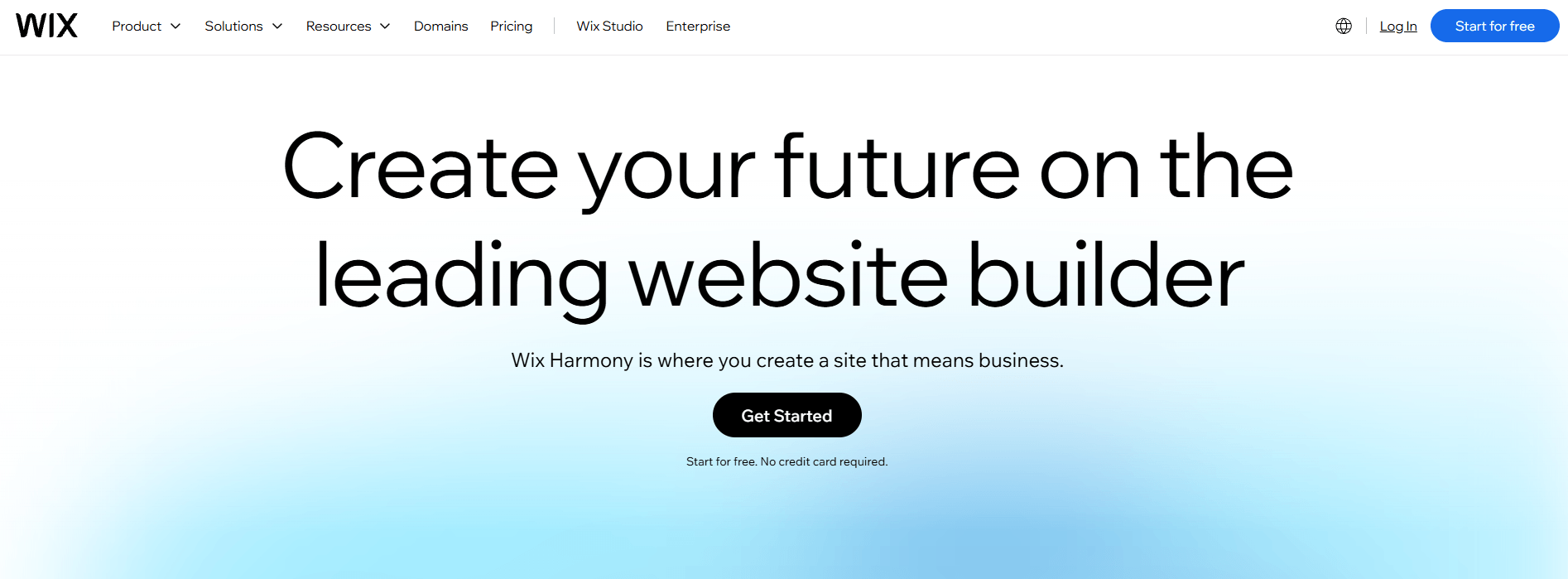
Wix lets small business owners create a website by describing what they need to its AI website builder. It generates a site structure and initial content based on the business description, then lets users refine the result using AI assistance or the drag-and-drop editor. Wix also provides business features such as SEO tools, bookings, ecommerce, and integrations through its app marketplace.
Wix is particularly useful for businesses that expect to need more website functionality as they grow. Users can adjust layouts, images, colors, and fonts after generation, and add tools for customer enquiries or online sales. Its flexibility is a strength, though beginners may need time to explore the many settings and features available.
How it works
1. Describe the website you need
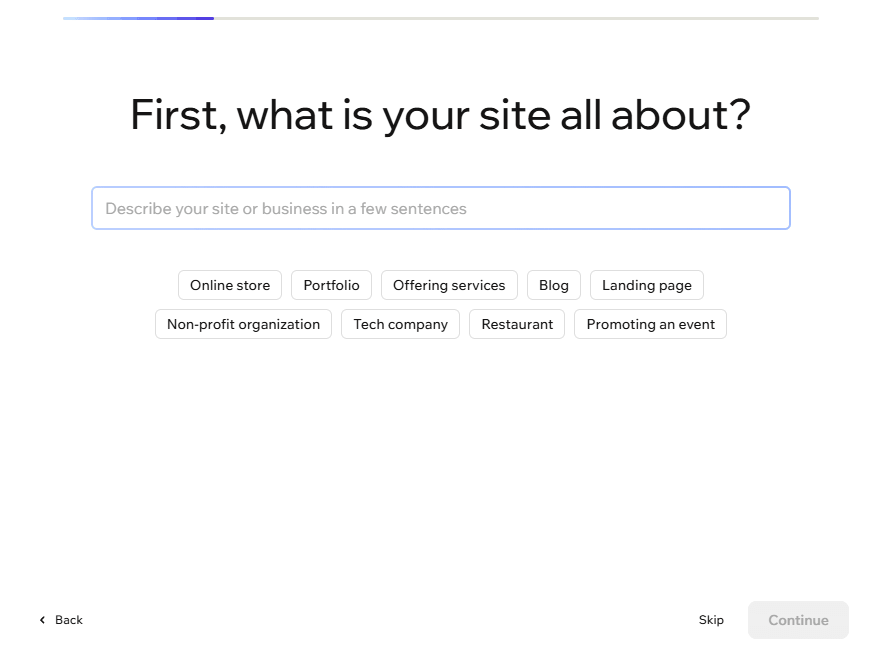
Enter details about your business, goals, preferred style, and any features you want the website to include. Wix uses this information to generate a website starting point.
2. Review the generated website
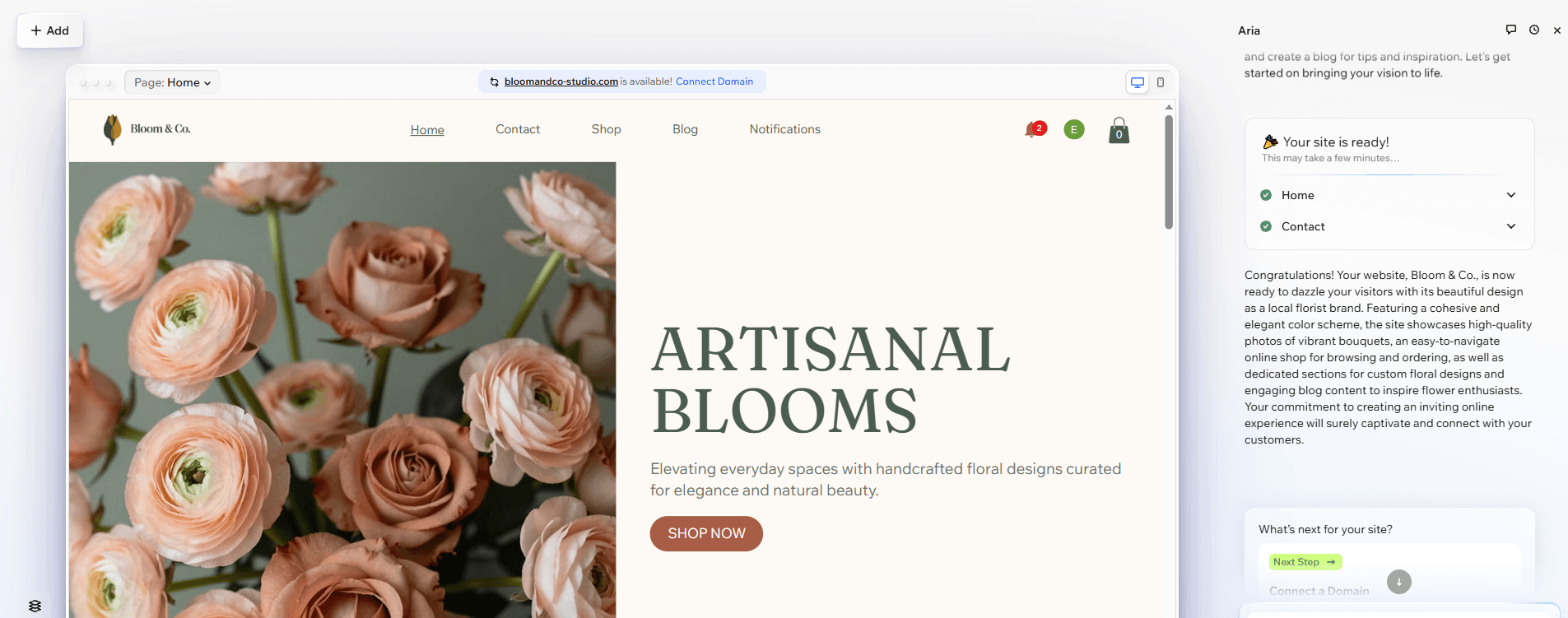
Once the AI creates the initial site, review its pages, content, and layout. You can then decide what needs to change before publishing.
3. Edit the site color and add features
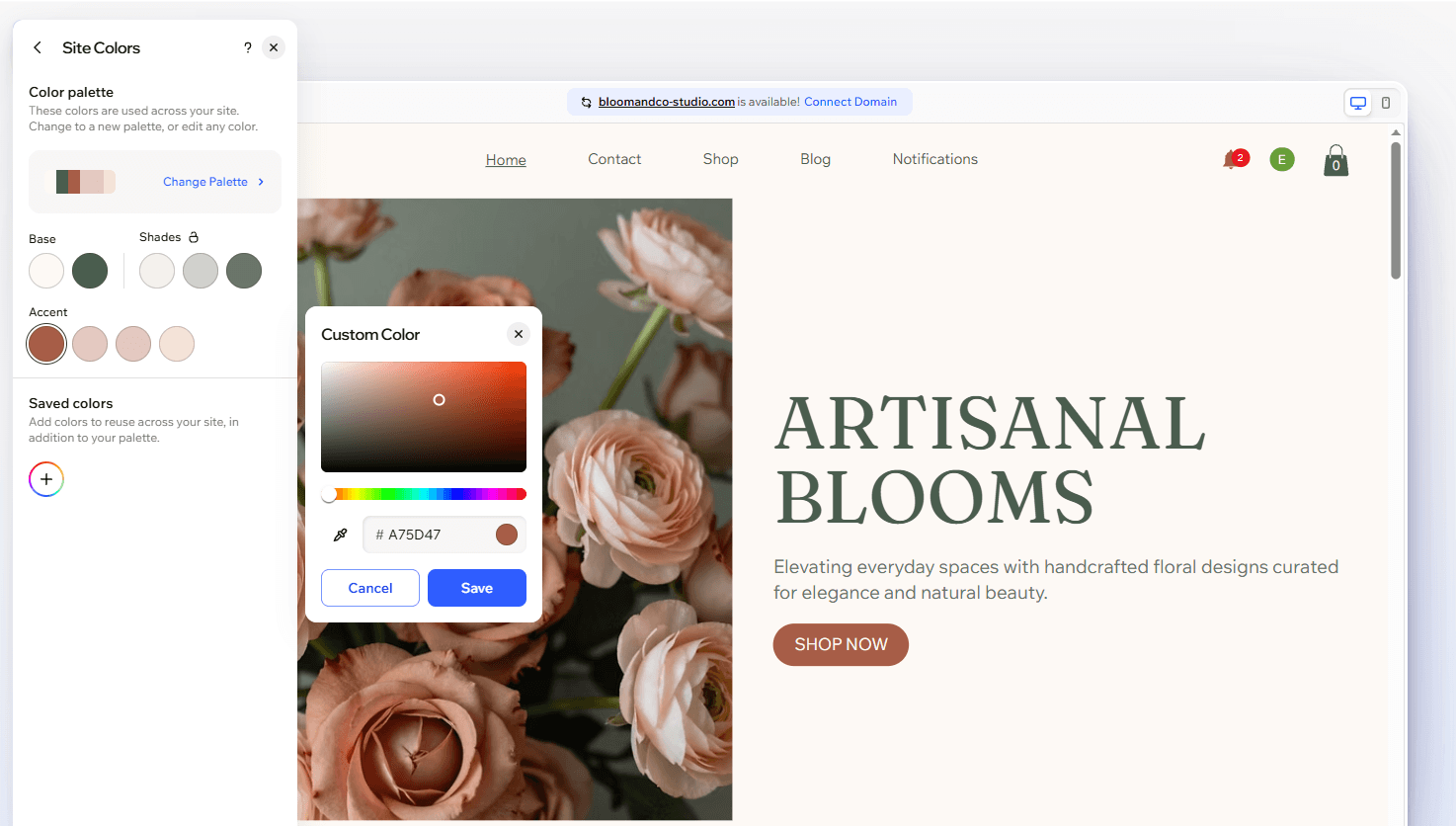
Wix supports both AI-assisted changes and manual editing. You can adjust the appearance of the website and add business functionality, such as bookings, payments, or marketing features, as needed.
Key features
- AI website generation from a business description
- Drag-and-drop website editor
- Customizable layouts and visual elements
- SEO and marketing tools
- Ecommerce, booking, and business integrations
- Free plan and paid upgrades
Pros
- Generates a website from a written description
- Offers extensive editing options
- Includes features for different business needs
- Can be used for free while building and publishing a Wix-branded site
Cons
- The number of features can feel overwhelming to beginners
- Connecting a custom domain and accessing some business features requires a paid plan
- Users may need to spend time refining the AI-generated site
Verdict: Wix is a strong option for small businesses that want an AI-generated website with extensive editing and business features. Design.com remains our top choice for users who prioritize quick design exploration and branding tools in the same platform.
4. Shopify: Best for AI-assisted ecommerce websites
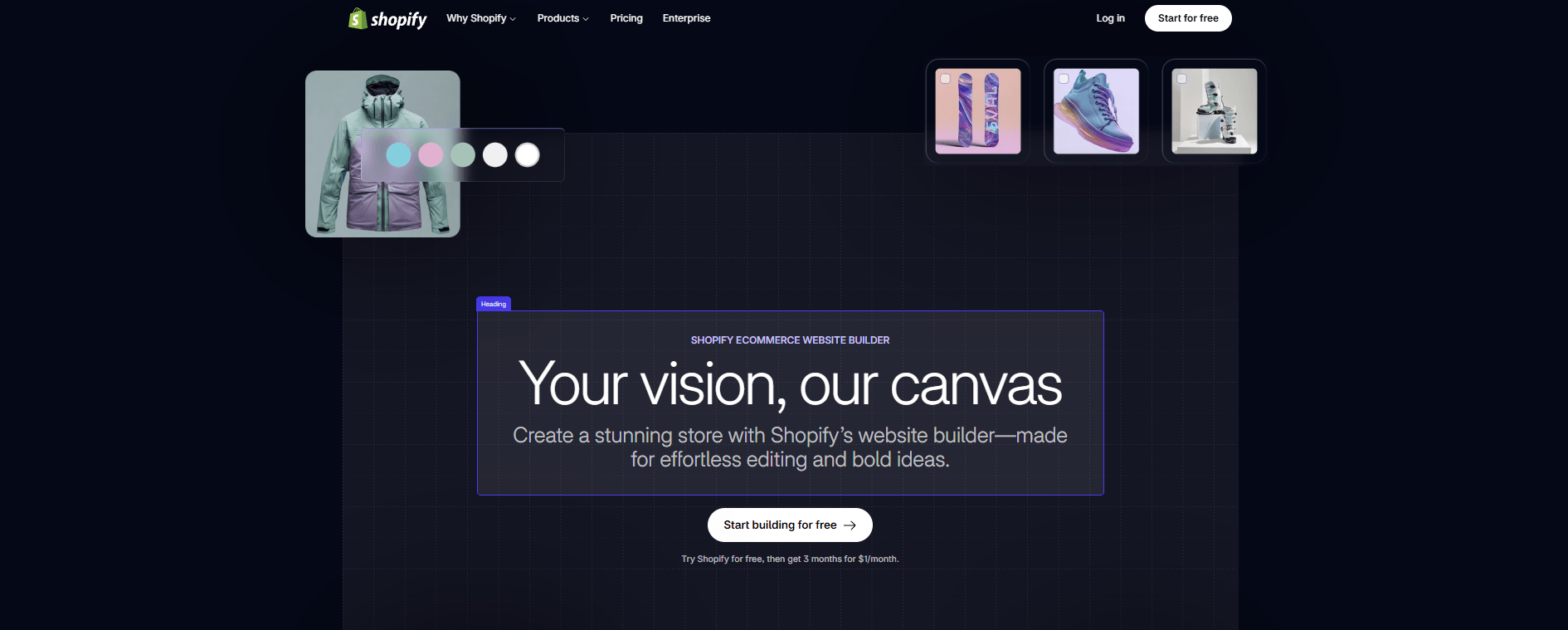
Shopify is primarily an ecommerce platform for businesses that want to sell products online. Its AI Store Builder generates store design options from a short description of your business, helping merchants explore storefront styles without designing everything from scratch.
Shopify also provides AI features through its admin tools, including Sidekick, which can help users generate content and complete supported tasks using everyday language.
Shopify is especially useful for businesses that need product pages, inventory management, payments, shipping, and checkout in addition to website design. Its store themes can be customized to match a brand, and AI-generated themes provide a starting point for the visual design.
However, Shopify is more focused on selling online than on building a general business website, and continuing to operate a store requires a paid plan after the free trial.
How it works
1. Describe your business
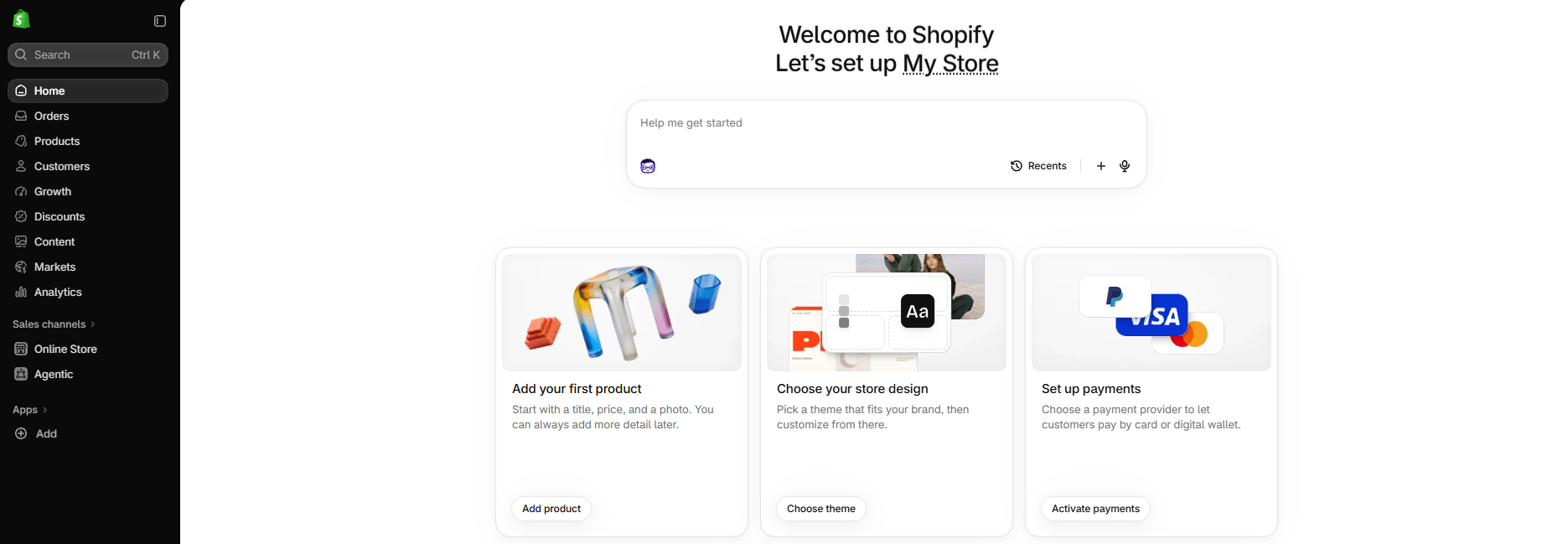
Enter a short description of your business in Shopify's AI Store Builder. The tool uses the description to generate personalized store design options.
2. Explore the generated store designs
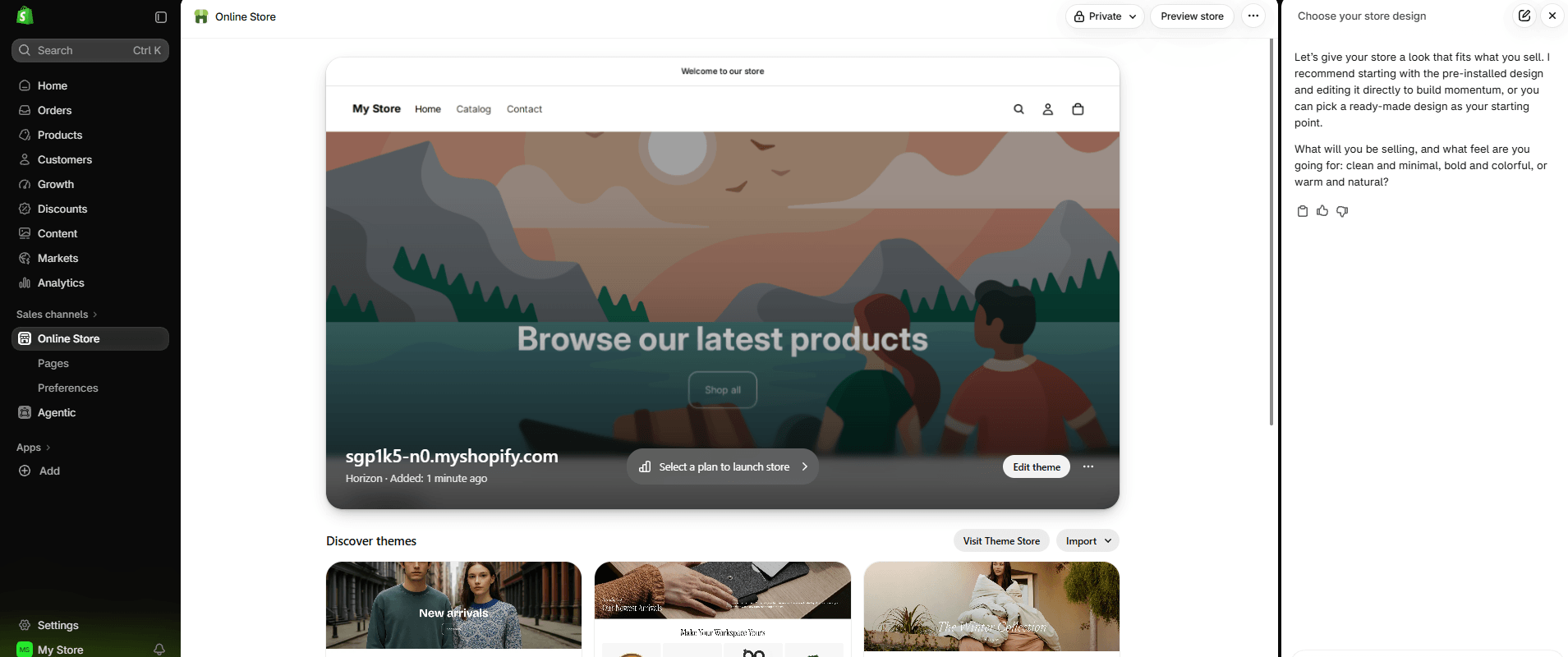
Review the AI-generated options and select a storefront style that suits your products and brand. Shopify also offers free and paid themes through its theme store.
3. Customize the storefront
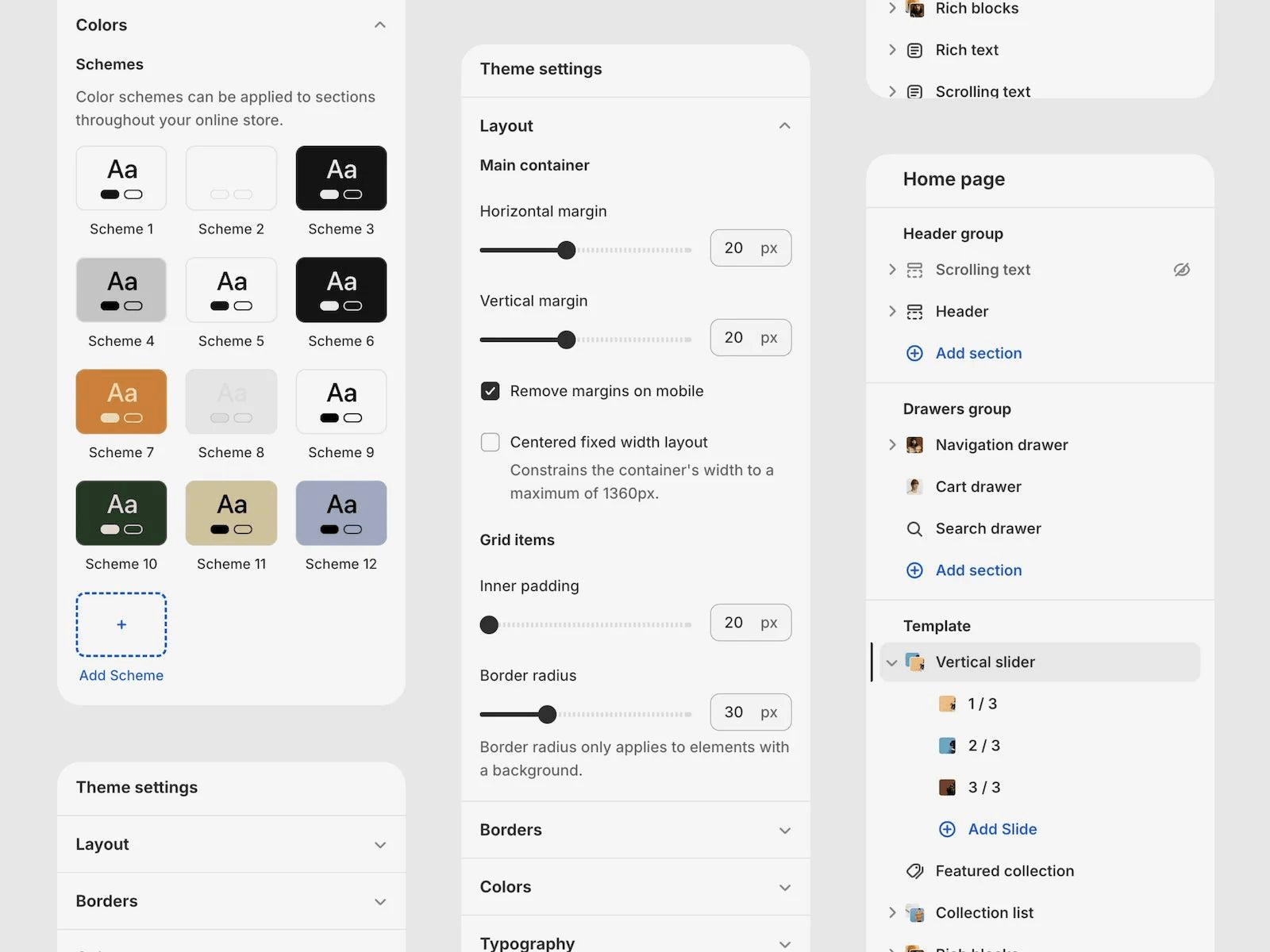
After selecting a theme, you can customize the storefront using Shopify's theme editor. Depending on the features available to your store, you can also use AI tools to help create content or make supported design changes.
Key features
- AI-generated ecommerce store designs
- Free personalized theme generation in supported plans and workflows
- Customizable store themes
- Product, inventory, payment, and shipping management
- AI assistant for content and supported store tasks
- Integrations and apps for expanding store functionality
Pros
- Built specifically for online selling
- AI helps businesses explore storefront designs
- Includes essential ecommerce management tools
- Offers free and paid themes
Cons
- A paid subscription is needed to continue operating a full store after the trial
- More focused on ecommerce than general-purpose websites
- Setting up products, payments, shipping, and store policies takes additional work
Verdict: Shopify is the strongest choice here for small businesses whose main goal is to sell products online. For businesses that want a broader branding and website design workflow, Design.com is a more suitable starting point.
5. Squarespace: Best for polished business websites
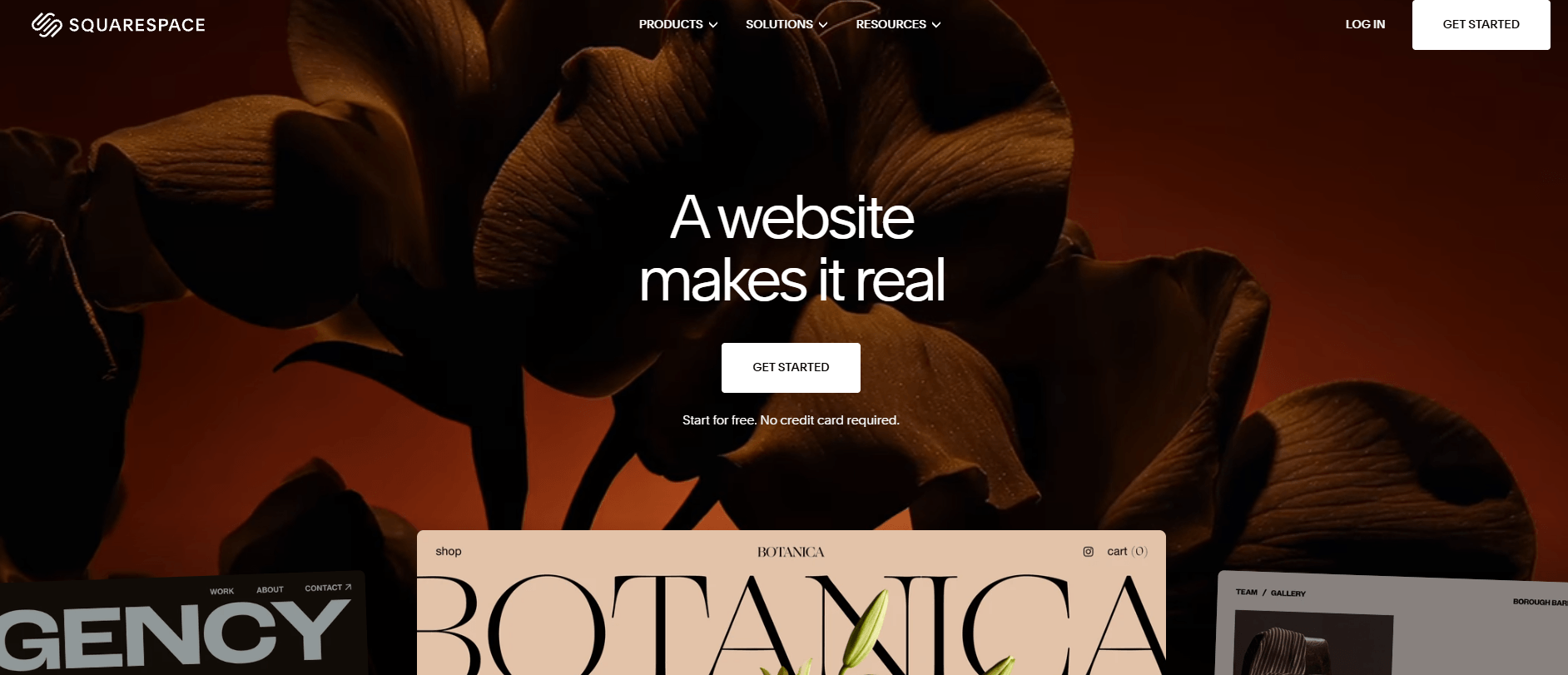
Squarespace helps small businesses create professional-looking websites using its Blueprint AI website builder. Users describe their business and goals, then receive a personalized website starting point with suggested pages, content, imagery, fonts, and colors. The platform combines AI-assisted setup with professionally designed templates and a visual editor.
Once the initial site is generated, users can adjust its layout, text, images, and styling through the editor. Squarespace also offers features for portfolios, blogs, appointments, and ecommerce, making it a good fit for service businesses and creative professionals. It emphasizes polished design and a cohesive website experience, although publishing a full website requires a paid plan after the free trial.
How it works
1. Describe your business
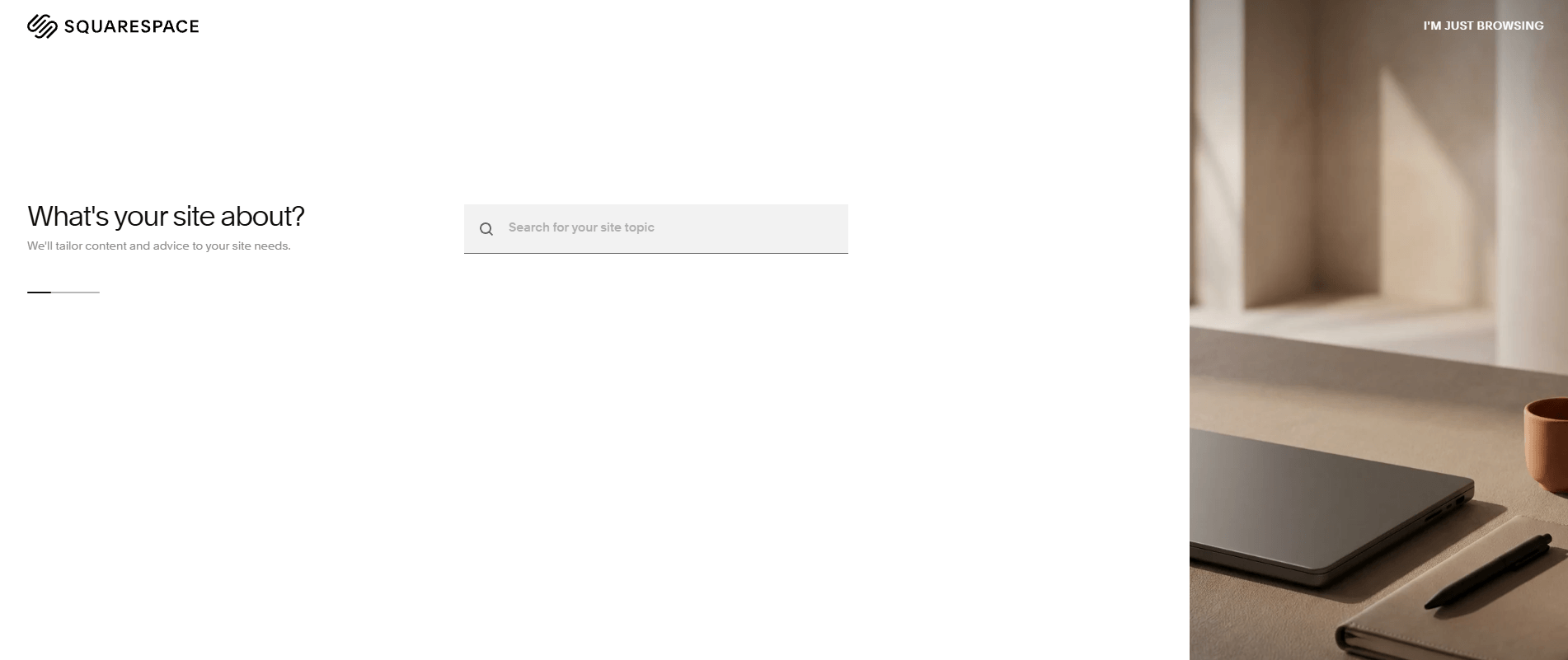
Start by explaining what your business does, who your website is for, and what you want visitors to do. Squarespace uses these details to help shape the website's structure and visual style.
2. Generate a website starting point
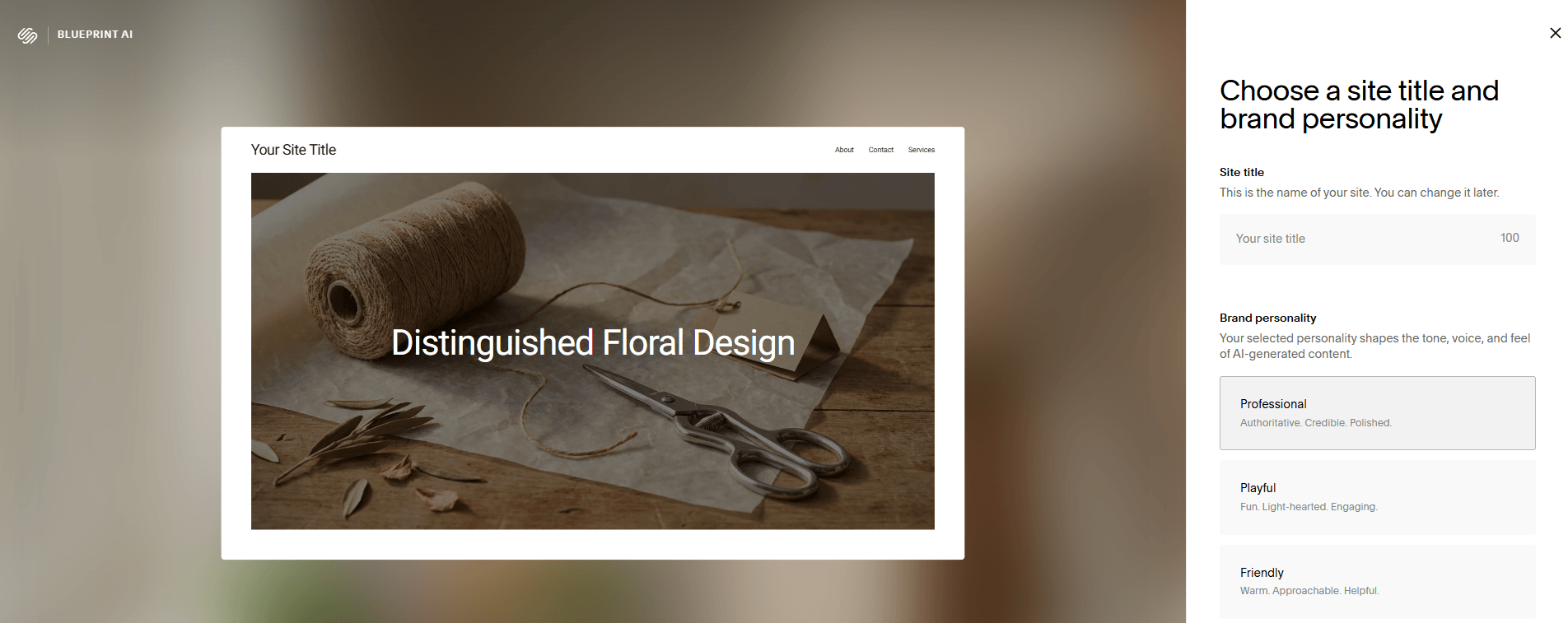
Squarespace creates a website structure with suggested pages and initial styling. You can review the design and decide whether it fits your business before refining it.
3. Customize the website
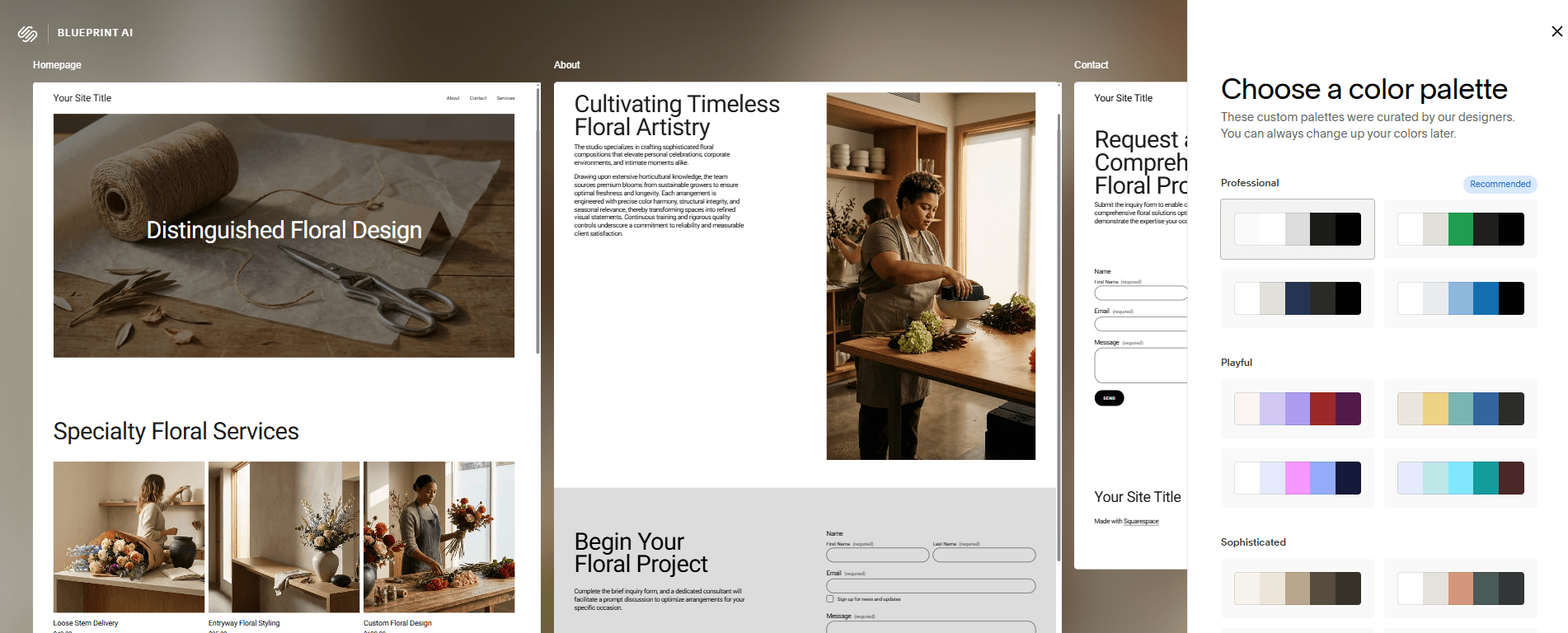
Use the editor to adjust layouts, colors, fonts, images, and page sections. Squarespace also provides AI assistance for supported tasks, so users can combine manual editing with AI help.
Key features
- Blueprint AI website generation
- AI-assisted text and image creation
- Professionally designed templates
- Visual page editor
- Blogging, portfolio, appointment, and ecommerce features
- Responsive website layouts
- Built-in hosting and website management
Pros
- Generates a personalized website starting point
- Professional templates help create a consistent look
- Offers tools for service businesses and creative professionals
- Combines AI assistance with hands-on editing
Cons
- A paid subscription is required to publish after the trial
- Some beginners may need time to learn the editor
- More focused on complete websites than a large library of standalone branding assets
Verdict: Squarespace is a strong choice for small businesses that prioritize a polished website and professionally styled templates. Design.com comes out ahead for businesses that want to explore a wider range of generated designs and create matching branding materials in one platform.
Final comparison: Which AI website builder is best?
|
Tool |
Main Strength |
Best suited to |
|
Design.com |
AI website generation and a broad branding toolkit |
Small businesses that want a website and matching brand assets |
|
BrandCrowd |
Template-based websites and matching design tools |
Businesses that prefer choosing and customizing a template |
|
Wix |
AI generation with extensive editing and integrations |
Businesses that need flexible website functionality |
|
Shopify |
Ecommerce store creation and management |
Businesses selling products online |
|
Squarespace |
Professionally styled website creation |
Service businesses, portfolios, and creative professionals |
Which AI website builder should you choose?
- Choose Design.com if you want to generate a website quickly, explore different design options, and create matching logos and marketing materials without juggling several tools.
- Choose BrandCrowd if you prefer browsing website templates and customizing a design to match your brand.
- Choose Wix if you want an AI-generated website with extensive editing options and business integrations.
- Choose Shopify if your priority is building and managing an online store.
- Choose Squarespace if you want a polished website for a service business, portfolio, or creative brand.
Conclusion
AI website builders make it easier for small businesses to establish an online presence without hiring a designer or learning how to code. The right choice depends on what your business needs.
Design.com is our top pick for small businesses that want an accessible way to create a website and build their brand at the same time. Its AI website generator creates website options from a business name and description, while its editor lets users adjust fonts, colors, layouts, and design elements.
For a small business launching its first website, this combination offers a practical starting point. You can generate a design, personalize it to fit your brand, and publish when you're ready, without needing advanced design or technical skills.