Best Tools for Professional Logos
A professional logo is one of the most important parts of your brand. It shapes how your business is perceived by people and helps them remember it. It is also the first thing that will help you stand out in the market.
However, making a logo that serves its purpose is not the easiest thing to do. Luckily for you, the emergence of AI-powered logo tools has simplified the process of logo creation significantly. With these tools, you don’t need to hire an agency or a professional designer; you can use them yourself to create professional, commercially safe logos in minutes. The best part? You don’t even need any prior knowledge or design skills.
What Separates a Good Logo Maker from a Great One?
There are a lot of logo maker tools in the market, but of course, none of them offer the same things. Some only offer basic templates, others might provide a full branding system, licensing, and even commercial-use protection.
Here are some key points you should focus on when evaluating professional logo tools:
- Template quality and variety
A strong library gives you more flexibility across different industries.
- Customization options
Fonts, shapes, colors, and AI editing tools make a big difference, as they give you more customization capabilities
- File formats
Professional businesses need vector files like SVG and EPS, not just PNGs, so it’s important for the tool to offer these file formats
- Commercial safety
Logos should be safe to use for real business purposes, so that you avoid any commercial issues in the long term
- Branding expansion
It’s also important for the platform to offer branding elements beyond just logos, so that you can create business cards, social posts, or even build a website with the same visuals.
- Free access options
And lastly, a good platform should also offer useful free tools, not just locked previews.
Top 3 Professional Logo Maker Tools
With those factors in mind, let’s explore three of the best tools available today and how they compare, starting with Design.com.
1. Design.com
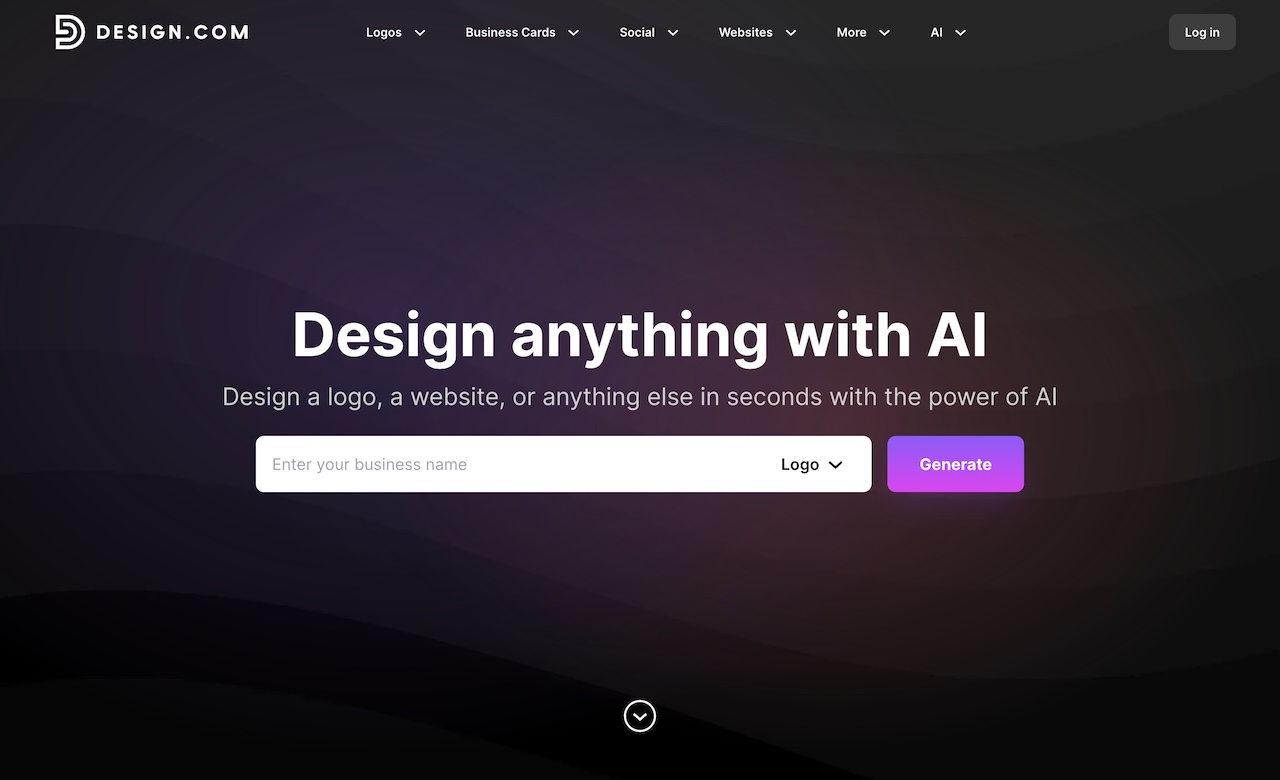
Design.com is more than just a logo maker. It’s a complete branding platform built around AI design tools. It’s designed for entrepreneurs who want a logo and could also use everything that comes with it.
What Makes Design.com Stand Out?
- Massive logo library
Over 400,000+ logo templates and more than 1 million total design templates, covering almost every industry.
- AI-powered editing
Generate a logo instantly, then edit icons and text using AI. You can even request changes through a simple interface.
- Deep customization
Access to 750+ fonts (including 525+ exclusive ones) and over 62,000 vector shapes.
- Commercially safe designs
All logos are checked for originality and safe commercial use.
What You Get with a Free Logo
Design.com offers a free logo option, and it’s more generous than most people expect.
When you download a free logo, you receive:
- Vector files (SVG, EPS, PDF)
- Raster files (PNG, JPG)
- Transparent background version
- Icon-only version
Plus, you also unlock:
- A free website builder
- A free digital business card maker
- A free link-in-bio tool
You can also publish those for free.
However, designs created with the broader 50+ design tools require a premium plan to download.
2. BrandCrowd
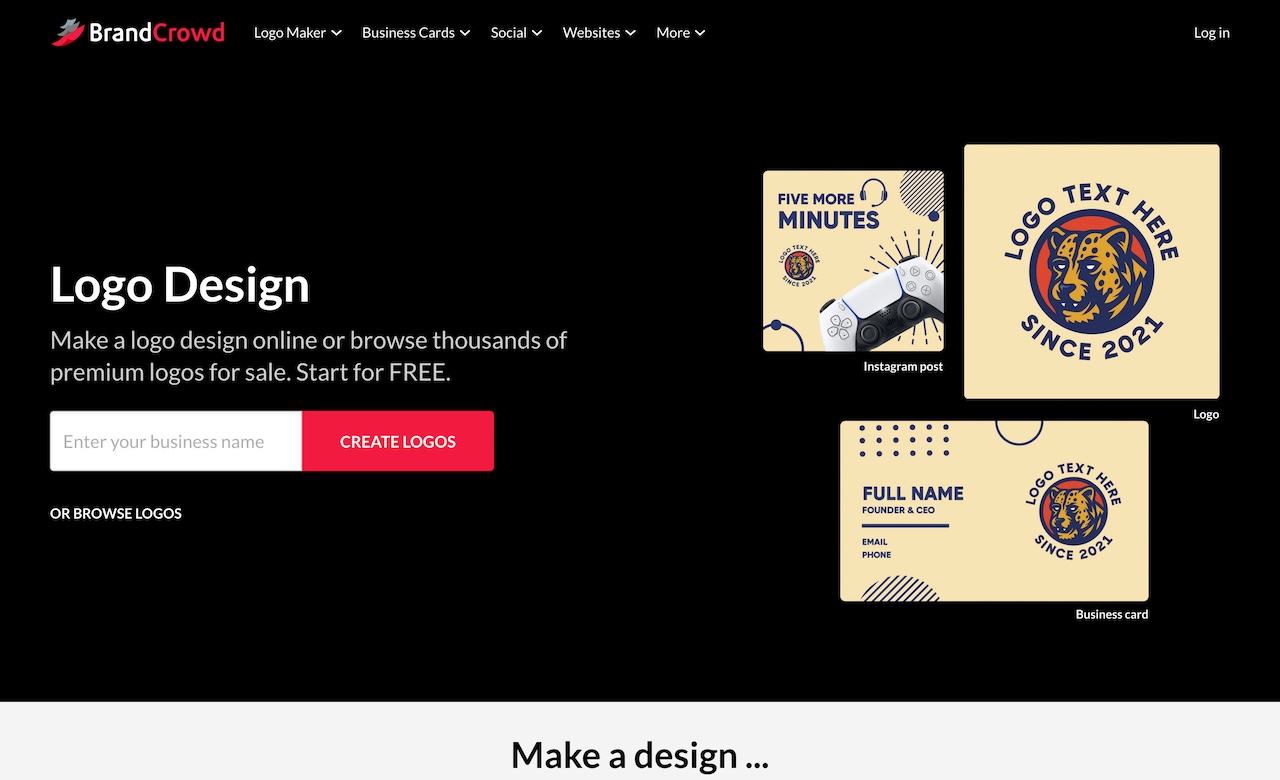
BrandCrowd is another well-established logo platform that has a large template library and AI-powered editing tools. It can be especially useful to businesses that want strong customization options and the ability to secure exclusive rights to their designs.
What Makes BrandCrowd Stand Out?
- Huge template selection
The platform offers 380,000+ logo templates and more than 1 million total design templates, covering a wide range of industries.
- AI-assisted editing
With BrandCrowd, you can easily edit logo icons and text using AI tools, making adjustments quickly without any design skills.
- Exclusive design assets
Many templates on the platform are exclusive to BrandCrowd, and they even offer hundreds of unique fonts and thousands of shapes and icons.
- Extended licensing available
Businesses can purchase an extended license to remove a logo template from the public library for exclusive use.
- Commercially safe designs
Logos are checked for originality and safe commercial use. This is very important for businesses that will need to use their logos right away.
What You Get with a Free Logo
BrandCrowd also offers a selection of free logos. When you download one, you receive:
- Vector files (SVG, EPS, PDF)
- Raster files (PNG, JPG)
- Transparent and icon-only versions
Just like Design.com, downloading a free logo on BrandCrowd also unlocks:
- A free website builder
- A free digital business card maker
- A free link-in-bio tool
These can be published for free. However, downloading designs created with the full suite of branding tools will require a premium plan.
3. Canva Logo Maker
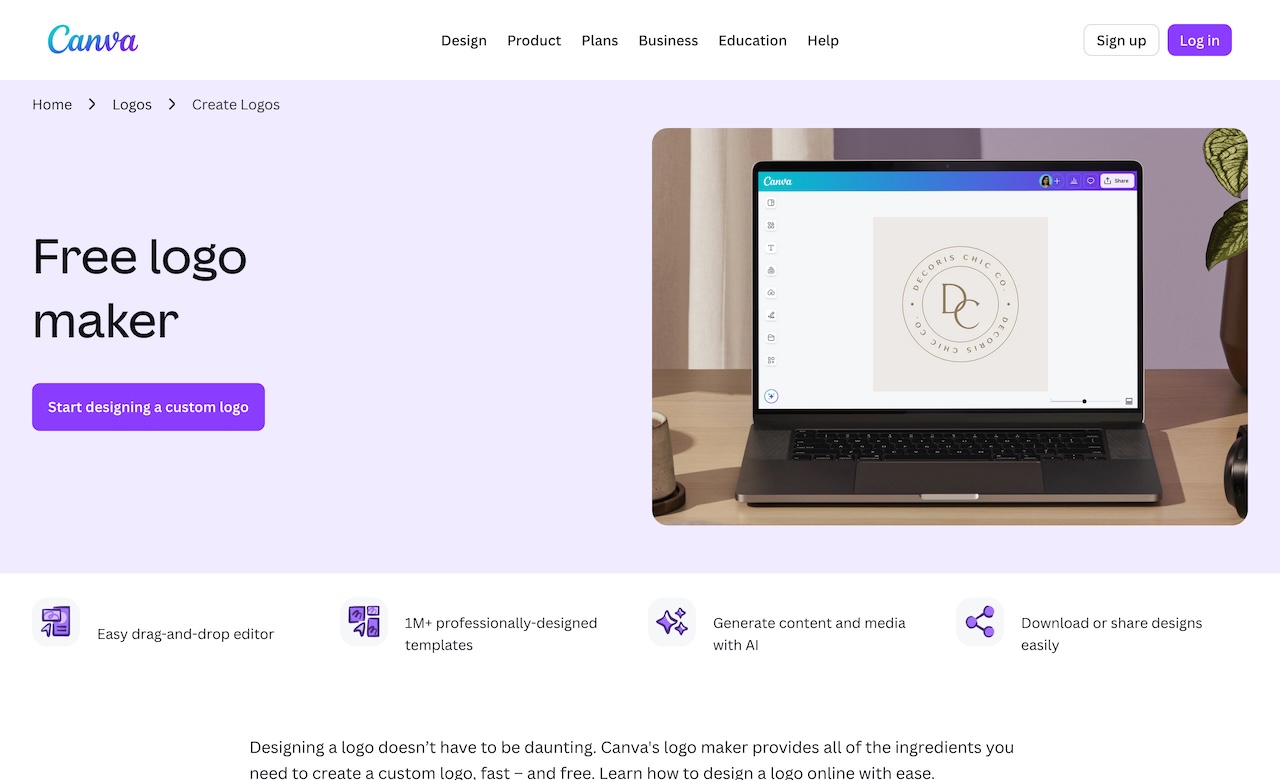
Canva Logo Maker is part of Canva’s design platform. It’s widely known for its drag-and-drop editor and ease of use. While it’s not focused exclusively on logos, it offers a simple way to create one quickly.
What Makes Canva Stand Out?
- Simple drag-and-drop editor
You can customize text, colors, icons, and layout easily, and no prior design experience or skills are required.
- Thousands of templates
Canva also provides many different logo templates for many industries and specific styles.
- Free plan available
Many logo templates and design elements are available for free. However, some premium assets require Canva Pro.
- Brand Kit (Pro feature)
One of the best features of Canva Pro is that users can store brand colors, fonts, and logos to help maintain consistency across designs.
- Integrated design platform
After creating your logo, you can immediately design social posts, presentations, flyers, and other marketing materials.
File Formats and Flexibility
Logos can be downloaded as:
- PNG
- JPG
- SVG (Canva Pro)
Although Canva offers a logo maker tool, it does not focus heavily on extended licensing or exclusive logo removal. Its strength lies in ease of use and broad creative flexibility rather than deep logo specialization.
Conclusion
Creating a professional logo is no longer a complicated or expensive process. With today’s AI-powered tools, anyone can design a professional logo in just a few minutes.
The most important thing is to choose a platform that offers strong customization options, proper file formats, and commercial-use safety. And if the tool also supports branding beyond just the logo, that’s even better for long-term growth.
Remember, a well-designed logo helps people recognize and trust your business. With the right tool, you can create one confidently and start building your brand the right way.