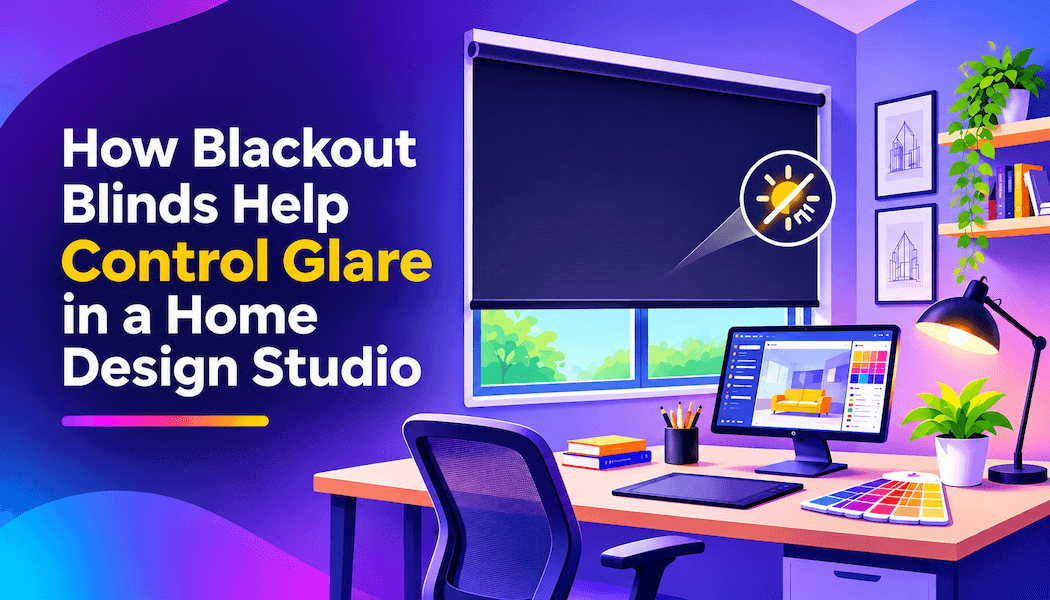
How Blackout Blinds Help Control Glare in a Home Design Studio
Designers who work from home tend to plan everything about their setup except the window. The monitor, the desk, and the chair get careful thought, while the light coming through the glass changes all day and quietly works against the screen. Blackout blinds and other window treatments are one of the cheapest ways to bring that light under control.
This matters most for people who judge color, contrast, and fine detail for a living. A screen that looks right at 10am can look different at 4pm, even though nothing on the display has changed.
Why Window Light Causes Problems for Screen-Based Work
Daylight is not a steady light source. It shifts in brightness and color temperature from sunrise to sunset, and it changes again whenever a cloud passes. A screen sitting near an uncovered window is competing with all of that movement.
- Glare and reflections wash out dark tones and lower the apparent contrast of the screen
- Warm morning and evening light versus cooler midday light changes how colors look in the surrounding room
- A bright window beside or behind the screen forces the eyes to keep readjusting, which adds to fatigue over a long day
Why Calibration Alone Does Not Solve It
Monitor calibration fixes what the screen outputs. It cannot fix the light landing on the screen or the light the eyes adapt to around it. That is why color-critical work, such as video grading, is often done in dim, controlled rooms rather than next to a bright window.
For a web or app designer, the stakes are lower but the logic is the same. Judging a dark interface or a subtle gradient is easier when the room light stays consistent from morning to evening.
Fabric Versus Fit: Why Gaps Matter in a Studio
Most people choose window treatments by fabric, but fit is what decides how well glare is controlled. A thin line of bright light along the edge of a blind creates a hot streak that bounces off walls and desk surfaces, even when the fabric itself blocks light well.
Standard sizes rarely match a window exactly, so small gaps along the sides and top are common. Taking an accurate measurement before ordering is the most reliable fix, and a guide on how to measure for blackout blinds walks through the process for a window recess.
Full Blackout or Partial Light Control
A design studio does not always need total darkness. Many designers prefer a room that stays bright enough to feel pleasant while the glare is cut down. Others want the option of a fully dark room for reviewing motion, video, or dark-mode work.
Room darkening blinds sit between the two. They reduce glare and heat from direct sun while keeping the space usable, androom darkening blinds that fit the window edge to edge also keep the room consistent from one hour to the next.
Setting Up the Rest of the Room
Window treatments are only one part of a studio that supports accurate work. A few small changes make the biggest difference alongside them.
- Position the screen at a right angle to the window, not facing it or with the window directly behind it
- Choose matte wall and desk surfaces in neutral tones to reduce reflected color
- Use bulbs with the same color temperature throughout the room so artificial light stays consistent
- Consider soft bias lighting behind the monitor to ease the contrast between the screen and the wall
Renters and anyone who cannot modify a window frame still have options, since no-drill mounting systems exist that avoid permanent hardware.
Common Mistakes
The most common mistake is relying on a sheer curtain alone. Sheers soften daylight, but they diffuse the glare across the whole room instead of removing it.
Mixing bulb colors in one room is another frequent problem, since it creates a patchwork of color temperatures around the screen. Facing the monitor toward a window is a third, and it usually costs more in eye strain than any other single setup choice.
Frequently Asked Questions
A few questions come up often when designers set up a studio at home.
Do blackout blinds improve color accuracy on a monitor?
Not directly, but they help by keeping the light around the screen consistent. Calibration still does the main work of correcting the display itself, and steady room light makes the result easier to trust.
Is full blackout necessary for a design studio?
No, it depends on the work. Glare control is enough for many designers, while anyone reviewing video or dark interfaces may want a room that can go fully dark.
Where should a monitor sit in relation to a window?
At a right angle to the window is the best starting point. That position keeps direct glare off the screen and avoids a bright window sitting in the line of sight.
Can a rented home office be darkened without drilling?
Yes, in most cases. Tension-mounted and frame-clip systems install without wall anchors, which makes them a practical choice for rentals.