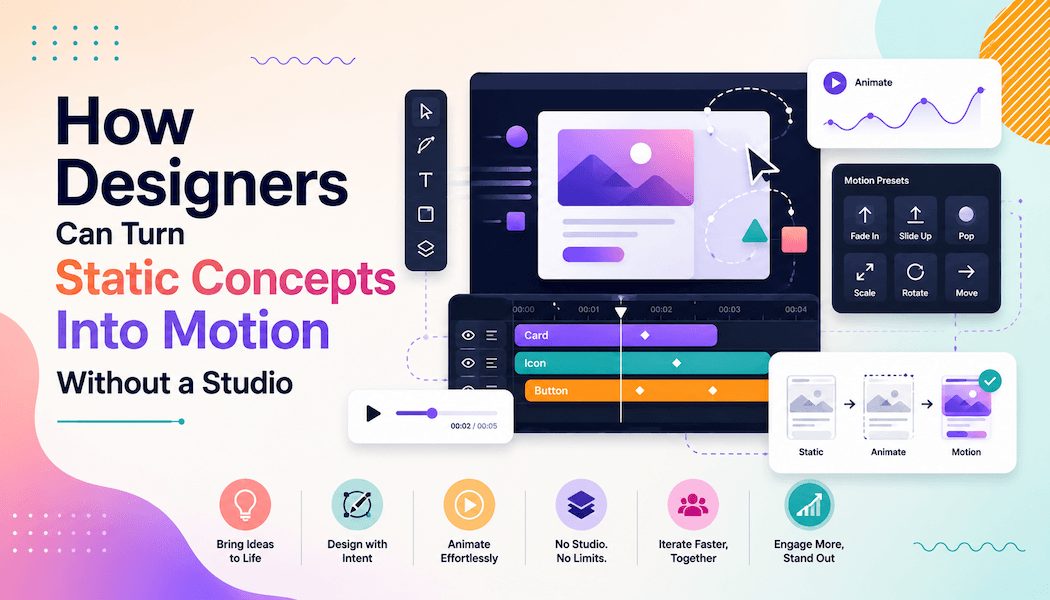
How Designers Can Turn Static Concepts Into Motion Without a Studio
A designer finishing a brand identity project often reaches the same wall: the client wants to see the logo animate, the mockup move, or the campaign feel "alive" before signing off. Design portfolios and case studies on sites like this one increasingly favor motion over flat screenshots, yet most freelancers and small studios still work with tools built only for static output. That gap between what clients expect and what a typical design toolkit can produce is becoming harder to ignore.
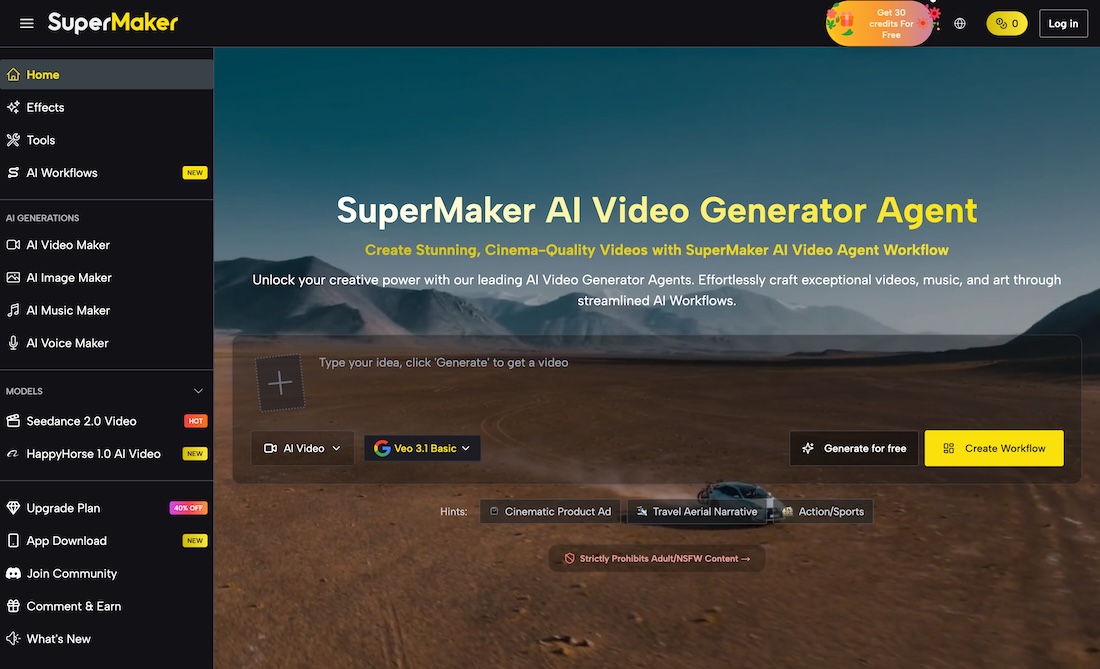
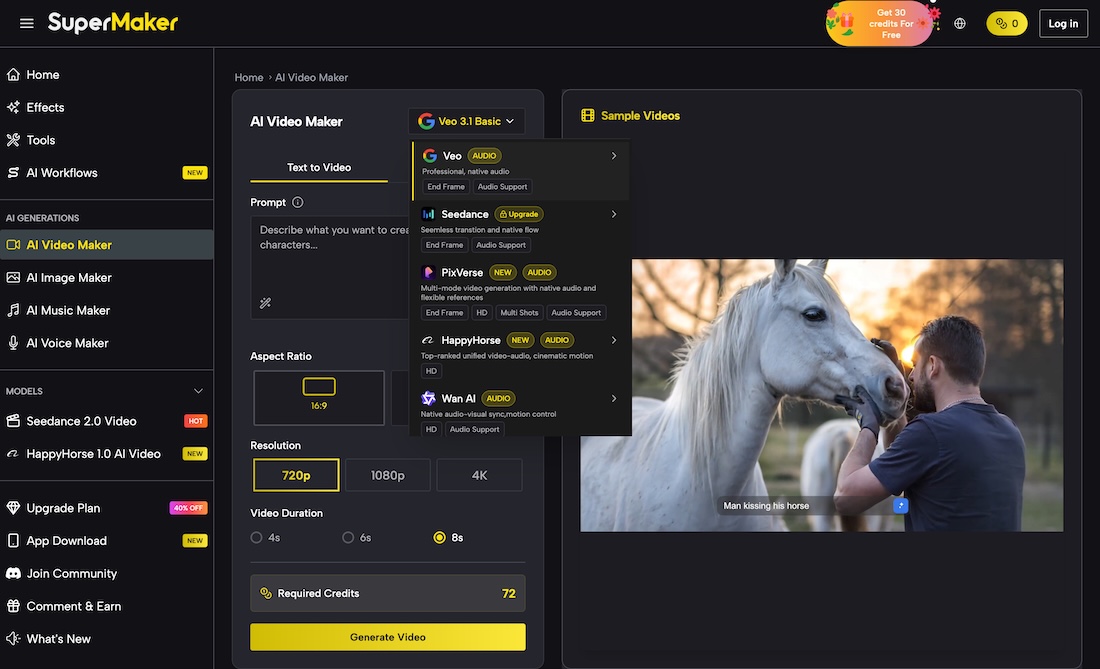
This article looks at why that gap exists, what usually causes it, and which practical steps let a designer add motion to a project without hiring an animator or booking studio time. Among the options worth understanding is an AI Video Maker, which has become one of several ways designers turn finished static work into short, presentable motion pieces without learning a new production pipeline.
Why Motion Has Become Harder for Designers to Skip
Clients now review work on Instagram, TikTok, and portfolio sites where motion is the default, not the exception. A static mockup can look complete on a design blog but feel unfinished in a pitch deck sitting next to a competitor's animated walkthrough. This is less about chasing a trend and more about how people consume visual work today: scrolling, comparing, and expecting movement before they read a single line of copy.
The bottleneck is rarely creativity. Most professional animation software was built for motion specialists, not for a designer who needs one polished clip a week, so mastering keyframes and rendering settings takes longer than the creative decision itself. Outsourcing to a separate animator often means re-explaining the concept and reviewing drafts that miss small details only the original designer would catch, while most client contracts are scoped around static deliverables to begin with, leaving no natural budget line for motion once it is requested midway through a project.
How AI-Assisted Tools Are Filling That Production Gap
Instead of replacing a designer's creative judgment, AI-assisted generation tools are increasingly used as a shortcut for the parts of the process that have nothing to do with taste: rendering, frame interpolation, and basic scene assembly.
Static image generation is part of the same shift. When a concept needs a quick visual variation, a mood reference, or an alternate composition before a client call, an AI Image Maker lets a designer test directions in minutes rather than opening a full illustration file for a version that might get rejected anyway. The same logic carries over once a project moves from image to motion, where a designer can bring a finished layout or brand asset into a generation tool and describe the kind of movement the piece needs, rather than manually keyframing every element from scratch.
Where This Approach Fits Into Real Design Projects
Not every deliverable needs motion, and treating every asset the same way wastes time. Understanding where AI-assisted generation adds real value helps a designer decide when it is actually worth using.
1. Turning a Finished Logo Into a Short Reveal Clip
A static logo file can become a short animated reveal for a pitch deck or intro slide, useful when a client asks for "something that moves" without a full brand video budget.
2. Producing Social Previews From Existing Portfolio Work
Case studies published on a design showcase site can be paired with a short motion preview, giving visitors a reason to click through rather than scroll past a static thumbnail.
3. Testing Product Mockups in Motion Before a Full Shoot
Before committing to a photo or video shoot, a designer can generate a rough motion version of a product mockup to confirm angles, pacing, and framing choices with the client first.
4. Building Quick Explainer Clips for UX Case Studies
A multi-step user flow is often easier to communicate as a short clip than as a row of static screens, especially when a case study needs to hold attention in the first few seconds.
What to Confirm Before Relying on AI-Generated Motion
AI-assisted tools speed up production, but they do not replace a designer's judgment about what belongs in a client-facing deliverable. Generated motion should still match approved color values, typography, and spacing, which usually means reviewing output against the original brand guidelines rather than accepting the first result. Licensing terms are worth reading as well, since commercial use of generated video often depends on the specific plan a designer is using.
It also helps to set expectations with the client before this becomes part of a proposal. Framing AI-assisted generation as a way to explore more directions within the existing budget, rather than as a replacement for the designer's own creative work, keeps the conversation focused on outcomes instead of process. Agreeing on a revision limit upfront, the same way a studio would for traditional animation work, keeps the process sustainable even though generated drafts can be produced quickly.
A practical way to start is with low-stakes assets, such as internal pitch materials, before offering motion as a billable deliverable to clients. Keeping a short note on which prompts and settings produced usable results shortens the learning curve on the next project, turning what starts as an occasional experiment into a dependable part of the delivery process.
Common Mistakes That Undermine AI-Assisted Motion Work
Adding a new production method to a design workflow tends to fail for predictable reasons, most of which have nothing to do with the tool itself. Recognizing these early makes the transition smoother.
The most frequent mistake is skipping the brand review step because generated output looks polished on first glance. A clip can feel finished and still use the wrong shade of a brand color or an off-brand pacing, which only becomes obvious once it is sitting next to other approved assets. Treating every generated draft as a first pass, not a final file, avoids this.
A second common issue is using motion for every deliverable simply because it is now fast to produce. Not every case study, pitch, or social post benefits from movement, and adding it indiscriminately can dilute a portfolio's overall quality rather than strengthen it. Reserving motion for moments where it genuinely adds clarity, such as showing a product from multiple angles or walking through a UX flow, keeps the output purposeful.
A third mistake is failing to document what worked. Without a short internal record of effective prompts, settings, and review notes, each new project starts from zero, which erodes the time savings the approach was meant to provide in the first place.
Choosing the Right Approach for Your Next Visual Project
The gap between static design work and client expectations for motion is not closing on its own, and most designers do not have the time or budget to hire a dedicated animator for every project. Understanding where production overhead actually comes from, and which parts of it can be shortened with AI-assisted generation, gives a designer more control over scope and turnaround time without lowering the quality of the final work.
Used deliberately, these tools do not replace design judgment. They remove the repetitive production steps that used to stand between a finished concept and a version clients can actually see in motion, which means more time stays available for the creative decisions that a client is actually paying for.