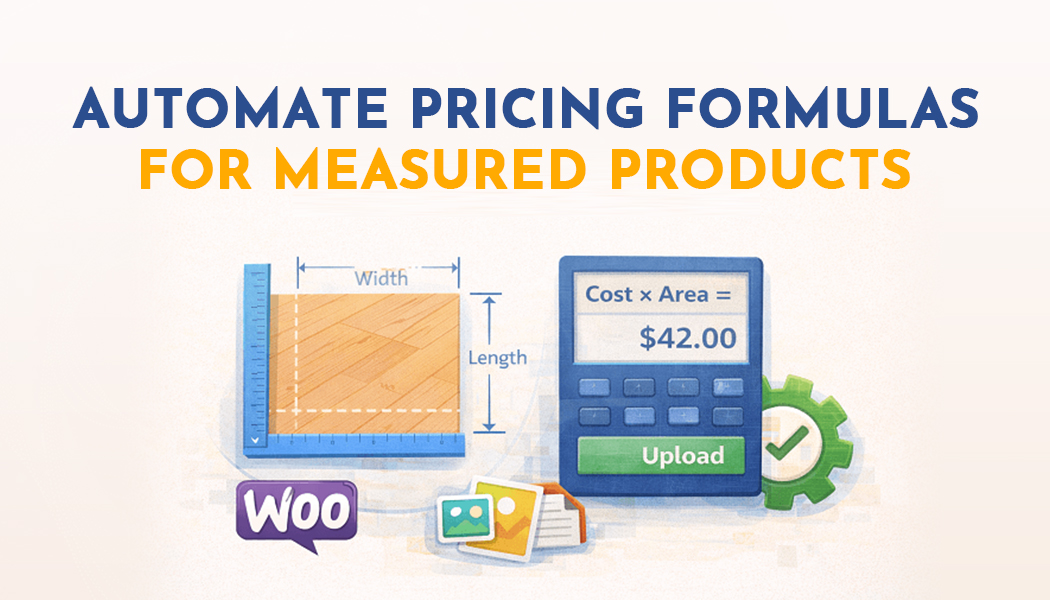
How Do You Automate Pricing Formulas for Measured Products in WooCommerce
Measurement-based pricing can be pretty tricky if you don’t know what you are doing and aren’t a math wiz who knows all those formulas and calculations. This specifically applies to store owners who sell their products by area, volume, length, or weight. Ensuring that your customers are getting accurate prices might become a bit of a headache.
For this very process, you can utilize a WooCommerce measurement price calculator plugin, which pretty much makes the process short and smooth for you, leaving no room for inaccuracies. Some individuals do rely on coding or spreadsheets, but either way, you might come across more inaccuracies if you are dealing with a larger group of data.
As long as you have the right setup, you will be saving a lot of time with the help of quick cost calculations based on your product's dimensions, fully automatically. However, first you must be familiar with what kind of products you are selling. You might come across various pricing by measurements such as charging by square footage, by cubic measurements, or even linear meters.
However, these measurements can be defined directly in your dashboard with the help of a price calculator WooCommerce plugin with ease. All you need to do is install the plugin, go to your WooCommerce settings area, and locate the calculator section and then start setting up formulas that apply to your plugin.
Set Your Measurement Rules in Your Store
Once the plugin is installed, go to your dashboard, and then add rules for either individual products or for a group/category of products! For instance, for those of you selling your fabric by the meter, you can define a fixed rate that applies per meter of the product. The plugin will automatically adujust the price according to the amount the customer wants to purchase.
Similarly, you have various other products like curtains or even tiles. You can set price formulas for such products as well! In this way, your plugin can automatically calculate the total cost based on the width or even the height of the product.
As for actually adding the formula itself, it is a pretty simple process. For this, you have to go to your “product edit” page, and there you will be able to see an extra tab added by the plugin specifically for price calculation. Whether you want to input a formula of your own or use the built-in options that allow multiplication, division, or sum measurements is completely up to you.
Once it is set and done, the plugin will automatically do the math for you every time your customer changes the size of your product. The cart will reflect the price to the customer accurately without you having to worry about it. The WooCommerce measurement price calculator makes sure that prices are adjusted for all things ranging from length, weight, height, or volume.
Automating Pricing Across Multiple Products
Probably the best feature you will come across in either one of the price calculator WooCommerce plugins is the bulk rule. In simple? Applying rules in bulk. To go into the details, basically, you will be able to set a global rule for your categories that may include fabrics, wood planks, or any other measured items, instead of having to configure each product individually.
The key here is saving you a lot of time. You will soon observe speed as well as consistency across your store while being able to juggle around dozens of products with ease. No more worrying about calculating area-based pricing for tiles or length-based pricing per plank. One single plugin and one single formula take them all out!
Not to forget, you can also set minimum and maximum values for measurements that can be chosen by the customer. This helps you in situations where customers might think it would be fun to enter unrealistic dimensions, which, as an outcome, would prompt you with unrealistic and overcharged prices.
Advanced Features for Custom Pricing
The plugin offers options to round prices, include additional charges like taxes or installation fees, and even set up discounts for larger orders. You can create multiple measurement rules for a single product, which is useful if pricing depends on different factors like thickness or material type. All of this is managed directly from the dashboard, making the WooCommerce measurement price calculator a powerful tool for automating complex pricing without touching code.
In addition, you can preview how formulas work before publishing. This means you can test whether the calculations are correct for a variety of customer inputs. Once you are confident, the plugin applies the rules live and customers can see accurate pricing in real-time. It really removes the guesswork and makes selling measured products stress-free.
Why Automating Pricing Matters
Manual calculations not only consume time but are prone to errors. When you automate pricing, your store becomes more reliable, your customers get instant accurate pricing, and you reduce the chances of complaints or refund requests. The price calculator WooCommerce handles all of this automatically, letting you focus on other parts of your store like marketing or sourcing products.
In short, a WooCommerce measurement price calculator is essential for stores selling products by size or volume. By using this plugin to define formulas, manage multiple products, and automatically calculate costs, you ensure accuracy, improve customer satisfaction, and save countless hours that would otherwise be spent manually adjusting prices.
By the time you are done setting it up, your store is ready to calculate area, volume, and length-based pricing automatically for all relevant products. This not only improves efficiency but gives your customers a seamless shopping experience where prices update instantly as they select their product dimensions.