The Unity Paradox: Why Accessibility Is Both a Blessing and a Trap for Digital Creators
There is a standing joke in the industry about the "Unity splash screen." For years, gamers associated that logo with amateur projects, quick asset flips, and unoptimized clunkiness. But that reputation is deeply unfair—and ironically, it proves the engine’s greatest strength. Unity made development so accessible that anyone could publish a game. But making something good? That is an entirely different beast.
We are currently living through a strange dichotomy in interactive design. On one hand, the tools have never been powerful enough to render photorealistic worlds in real-time. On the other, the complexity required to actually ship a polished product has skyrocketed. It is easy to drag and drop a character controller; it is excruciatingly hard to make that movement feel weighty, responsive, and bug-free across twenty different Android devices. This is usually the moment where a solo visionary realizes they have hit a ceiling. It is the precise moment where bringing in a dedicated Unity Game Development Company shifts from being a luxury to a necessity. You don't hire specialists because you can't read the documentation; you hire them because they know what happens when the documentation is wrong.
The "Easy Engine" Fallacy
Let’s be honest about the architecture. Unity’s component-based system is brilliant for prototyping. You stick a Rigidbody on a cube, press play, and physics happens. It feels like magic. But this ease of use encourages "spaghetti code"—a mess of dependencies where everything talks to everything else. Six months into production, when you try to change how the inventory system works, the entire game breaks because the UI logic was somehow hard-coded into the player's movement script.
Professional development isn't about getting it running; it’s about architecture that survives iteration. It’s about understanding that Update() calls are expensive and shouldn't be abused. It’s about knowing that LINQ allocates memory and triggers the Garbage Collector at the worst possible times (usually right when the boss battle starts). The difference between a choppy, battery-draining app and a buttery-smooth experience often comes down to boring, unsexy memory management that most tutorials gloss over.
Graphics: Chasing the Phantom of "Realism"
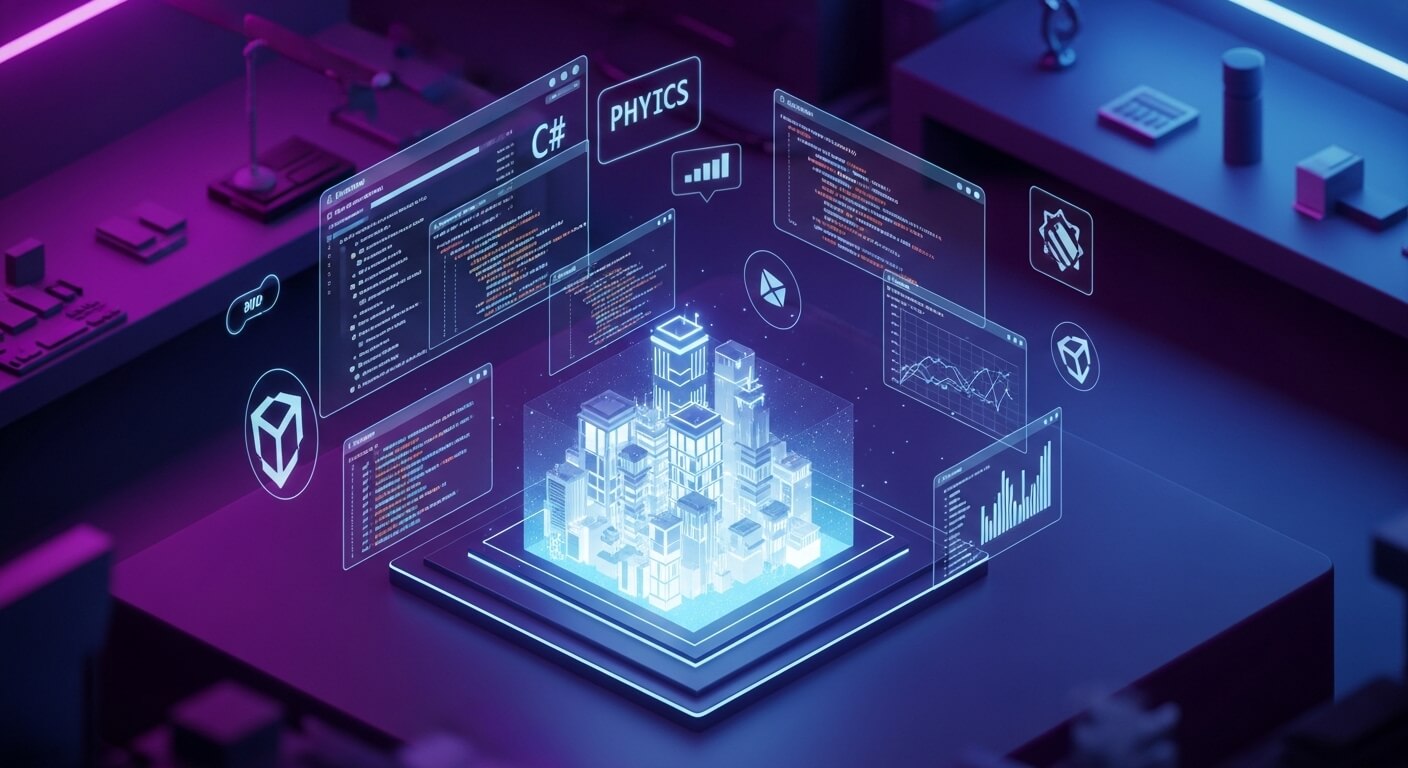
For designers, the visual stack is where the real headaches begin. Unity now offers multiple render pipelines, and choosing the wrong one at the start is a fatal error. You have the Universal Render Pipeline (URP) for scale and the High Definition Render Pipeline (HDRP) for fidelity.
Here is the trap: everyone wants their project to look like a AAA console title, so they default to HDRP. Then they realize their target audience is using mid-range laptops or VR headsets that can't handle the overhead. Suddenly, you are rewriting shaders and baking lighting maps because the frame rate is tanking. A veteran developer knows that aesthetic style trumps raw polygon count every time. Look at titles like *Valheim* or *Genshin Impact*. They aren't chasing photorealism; they are chasing coherence. They use custom shaders and art direction to create a look that ages well and runs on a toaster. Mastering the Shader Graph isn't just about making things shiny; it's about making them efficient.
The DOTS Revolution (and Why It Hurts)
If you really want to spot a generic AI article, look for a mention of DOTS (Data-Oriented Technology Stack) that calls it "game-changing" without explaining why it’s a nightmare to learn. DOTS and ECS (Entity Component System) are indeed the future of high-performance simulations. They allow Unity to process data linearly in memory, which is how modern CPUs actually want to work. This is how you get 10,000 units on screen fighting simultaneously without smoke coming out of your PC.
But here is the catch: writing for DOTS requires unlearning everything you know about traditional Object-Oriented Programming. You stop thinking about "Orcs" and "Spaceships" and start thinking about arrays of integers and translation vectors. It is abstract, difficult, and requires a level of engineering discipline that most creative designers lack. Yet, for projects involving massive scale—like digital twins of cities or huge RTS games—it is the only way forward. This is where the gap between a "Unity user" and a "Unity engineer" becomes a canyon.
Beyond the Screen: The XR Friction
The stakes get even higher when we step into VR and AR. In a mobile game, if the frame rate drops to 20 FPS, the player gets annoyed. In VR, they throw up. Literally.
Immersion in XR isn't just about graphics; it's about latency and physics interaction. The "uncanny valley" applies to physics too. If a user tries to pick up a virtual wrench and their hand clips through it, the illusion shatters instantly. Creating "presence" requires a blend of inverse kinematics, haptic feedback design, and spatial audio that reacts to the geometry of the room.
We are seeing this now in enterprise sectors. Automotive companies aren't just building car configurators; they are building physics-accurate training modules for mechanics. Real estate developers aren't showing photos; they are offering walkthroughs where the lighting changes based on the actual geolocation and time of day. These aren't games. They are precision software products that happen to be built on a game engine.
The Myth of the Solo Genius
There is a romanticized notion of the "indie dev" sitting in a basement, doing the art, code, sound, and marketing all alone. While exceptions exist (and usually take 5+ years to ship), the reality of the market is collaboration.
A Technical Artist bridges the gap between the code and the visuals, ensuring the assets don't kill performance. A DevOps engineer ensures that when you push a new build, it doesn't break the server. A QA team finds the bugs that you have become blind to because you've played the same level 500 times.
The "Unleashed Power" of Unity isn't in the software install size. It's in the ecosystem of plugins, the asset store, and most importantly, the specialized talent pool that has grown around it. The tool is neutral. It will let you build a mess just as happily as it will let you build a masterpiece. The variable is the team holding the mouse.
Final Thoughts
We need to stop looking at Unity as just a "game engine." It is a real-time 3D operating system for the imagination. But like any complex operating system, you can’t just mash buttons and expect stability. Whether you are aiming for the App Store charts or deploying a training sim for a Fortune 500 company, respect the complexity of the craft.
Don't settle for "it works on my machine." Aim for scalable, performant, and architecturally sound experiences that stand out in a saturated market. If you are ready to stop fighting the engine and start creating with it, it might be time to bring in the heavy hitters at Servreality. Because in the end, players don't care what engine you used—they only care about how it feels to live in the world you built.