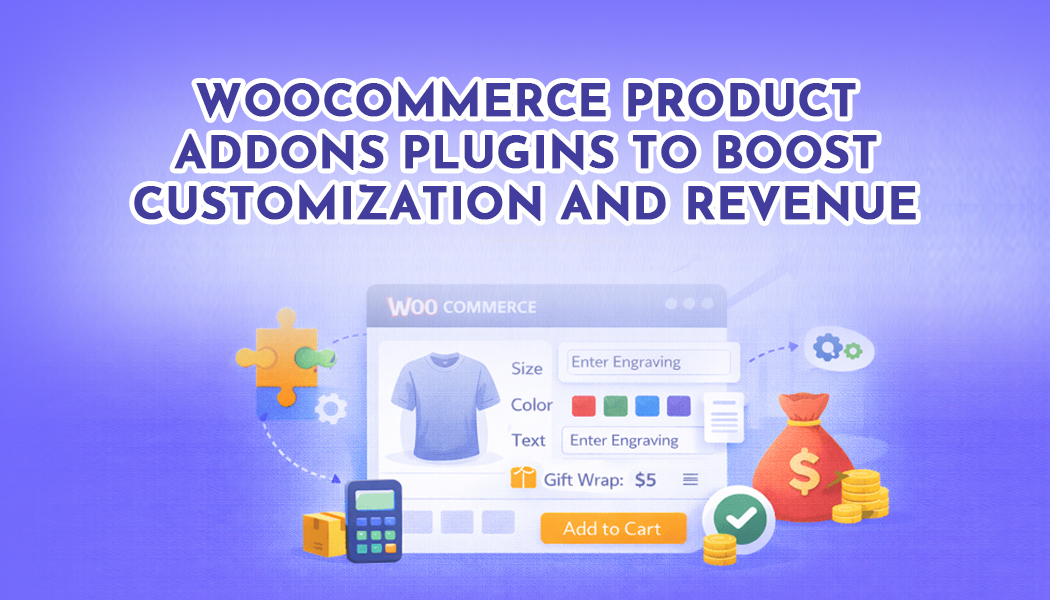
Top 5 WooCommerce Product Addons Plugins to Boost Customization and Revenue
If you’re looking to give your customers more control over their purchases and make your store stand out, product add on WooCommerce plugins are the way to go. These plugins let you add extra fields, options, or choices directly on your product pages, giving shoppers the freedom to personalize their orders exactly how they want.
Stores selling personalized gifts, apparel, electronics, home décor, or even subscription boxes benefit the most. Without add-ons, you’re limited to default product settings, which can frustrate customers or even push them to competitors who offer more flexibility. By adding customizable options—like engraving a name, choosing colors, or including extra accessories—you not only improve the shopping experience but also increase the chances of higher order values.
Best Plugins to Add Product Addons for WooCommerce
There are several plugins that let you enhance your products, but some stand out for their features and ease of use. Here’s a detailed look at the top five, keeping Extendons as the highlight:
1. Extendons Product Addons and Extra Options for WooCommerce
- Add unlimited product options using 19 types of fields, including text, dropdowns, checkboxes, radio buttons, color and image swatches, and file uploads.
- Use conditional logic to show or hide fields based on what your customers select, keeping the product page neat and relevant.
- Flexible pricing options: free, fixed, percentage-based, quantity-based, or even per-character for text customizations.
- Manage stock for each addon to ensure customers only see available options.
- Assign rules to specific products, categories, or even user roles.
- Add tooltips for guidance and preselect default options for faster checkout.
This plugin is perfect for stores that need flexibility, a wide range of fields, and precise control over how options appear and behave.
2. FmeAddons Product Addons and Custom Fields Manager
- Supports 19 field types, including dropdowns, radio buttons, swatches, file uploads, and text fields.
- Conditional logic ensures that only relevant options appear for customers.
- Flexible pricing options allow fixed or percentage-based fees, and rules can be applied per product or category.
- Organize rules easily and sort field display for a cleaner product page.
- Fields can be optional or mandatory depending on store needs.
3. Smart Custom Product Addons and Fields
- Multiple field types and grouped options for complex product setups.
- Conditional logic to hide or show fields based on customer selections.
- Quantity-based pricing and per-option pricing for upsells.
- Easy backend rule management for multiple products and categories.
4. Advanced Product Fields for WooCommerce
- Add custom fields for products or categories with conditional logic.
- Flexible pricing for fields, supporting fixed or percentage-based calculations.
- Works with variable products and tracks stock for add-ons.
- Great for stores with multi-step customization needs.
5. PH WooCommerce Product Addons
- Custom text fields, dropdowns, checkboxes, and radio buttons.
- Conditional logic and multi-level dependencies for advanced setups.
- Pricing per option or per quantity.
- Supports multilingual stores and grouped field setups.
All these plugins give customers the flexibility to customize products, but Extendons combines field variety, conditional logic, flexible pricing, and stock management in one seamless solution, making it the most versatile choice.
What Features Should You Expect in a Product Addons Plugin?
When selecting a WooCommerce product addon plugin, there are some key features to look for:
- Variety of field types: Text, checkboxes, radio buttons, dropdowns, file uploads, and color swatches.
- Conditional logic: Show or hide fields depending on customer selections.
- Flexible pricing: Fixed, percentage-based, per quantity, or per-character pricing for custom text.
- Stock management: Only show options that are available.
- Assign rules to products, categories, or user roles: Save time and streamline your setup.
- Tooltips and default options: Guide customers and make the experience smoother.
- Display control: Decide whether to show addon prices with the product or separately, and whether fields appear on cart, checkout, or order pages.
These features ensure your store can handle complex product customizations without confusing customers or cluttering pages.
Installing and Configuring Product Addons
Getting started with Extendons Product Addons and Extra Options for WooCommerce is simple:
- Install the Plugin: Purchase from WooCommerce.com and click Add to Store in your My Subscriptions section. The plugin will integrate automatically.
- Access Settings: Go to WooCommerce > Settings > Products > Product Addons.
- Create a Rule: Click Add New, give it a name, assign it to products or categories, and set display order.
- Add Fields: Click Add New Option and select a field type. Configure titles, pricing, conditional logic, stock limits, tooltips, and default selections.
- Enable Conditional Logic or Defaults: Show fields only when applicable or preselect popular choices for faster checkout.
- Test Your Product Page: Ensure fields appear correctly, pricing updates dynamically, and stock limits work as expected.
Reading the official documentation will help you understand specific field options and settings to make the setup smoother.
Clearing Up Confusion
Many store owners get overwhelmed by all the options. Questions like “Can I charge per character?” or “How do I hide fields for certain users?” are common. A powerful product add on WooCommerce plugin like Extendons answers all these questions in one place.
Properly configuring rules, conditional logic, and pricing ensures you won’t need multiple plugins or complicated workarounds. Once everything is set up, your store becomes more flexible, professional, and capable of handling personalized customer choices without confusion.