What Is WooCommerce Login Redirect and How Does It Work?
What Exactly are Redirects and How Are they Used?
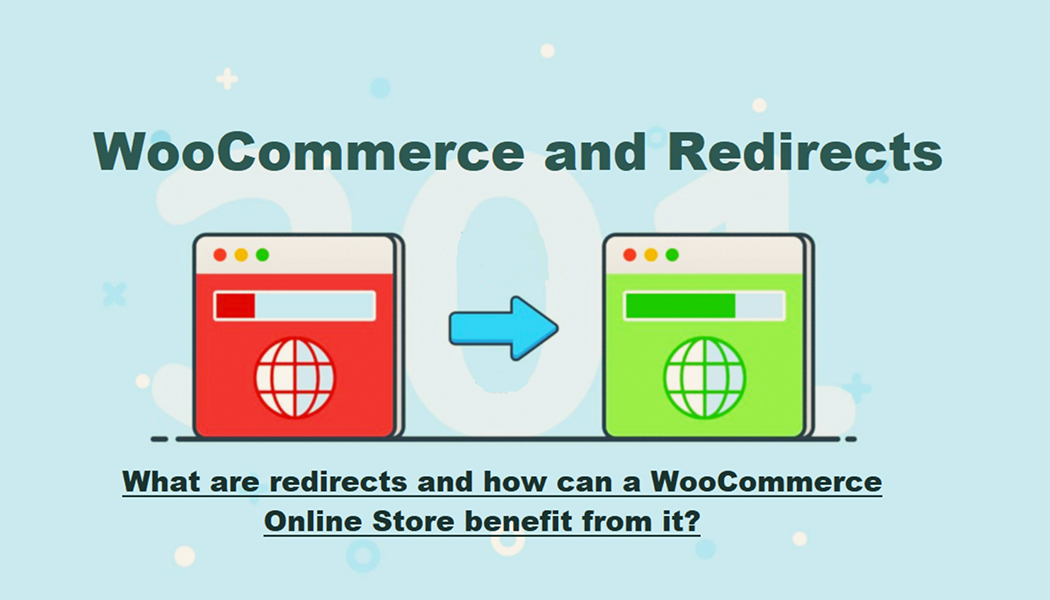
When it comes to redirects, to put it simply, these are basically actions taken by a website to automatically send users from one URL to another without them needing to do anything manually.
Whenever someone visits a webpage, that is when the redirect tells the browser to load a different location either temporarily or permanently. This usually depends on how it’s set. This process is usually handled through server configuration or sometimes through plugins and built-in settings depending on the platform you’re using.
Redirects are common across all kinds of websites. They’re super useful when you remove or delete a page and want to send visitors to a new relevant page instead of showing them an error. Redirects also help in organizing traffic and controlling where users land after they perform a specific action like logging in or signing up.
In most cases users don’t even notice a redirect is happening because it works in the background without showing any delay or warning. You visit one link and find yourself on another page automatically and that’s the whole point of how redirects are meant to function.
Why Do Redirects Matter in Online Stores?
Online stores have more reasons than regular websites to use redirects. That’s because user flow and site navigation are part of what defines a good shopping experience. If users log in and are sent to a generic page or back to the homepage they might not always know where to go next. This can affect how quickly they reach what they came for and how satisfied they are with your store.
Redirects can be used to guide users straight to their dashboard account area or even a specific category or product page right after login. This small change can make things easier especially for returning users or customers who are in the middle of checking out. By having clear redirection paths you remove unnecessary steps and let the customer get to their goal without wasting clicks or time.
From an admin’s perspective redirects also help in tracking how users behave after logging in. It gives more control over how people are interacting with the store and which pages are the most visited after login. If you have multiple user roles like customers and vendors, redirects can even be set differently for each role so they each land on the most relevant area for them.
What Plugin Options Are There for Login Redirects?
Redirects can sometimes be set up manually but for most online store owners especially those using WooCommerce plugins are the preferred method. That’s because they remove the need to write code or change server settings and instead provide settings inside the WordPress dashboard.
One of the most focused options available is the WooCommerce Login Redirect plugin. This tool is designed specifically to manage what happens after a user logs into their WooCommerce powered store. It allows you to set different redirect destinations for various user roles or even for individual users if needed.
With this plugin store owners can decide exactly where a user ends up right after they log in. For example a regular customer might be sent to their orders page while a wholesale client could be redirected to a private category or price list. Admins can be sent directly to the backend dashboard and contributors can go to the posts area. All this can be done without writing custom PHP or editing theme files.
The plugin usually includes fields where you select the role and assign the page or URL. There might also be fallback settings in case a specific redirect hasn’t been defined. It works based on login behavior and ensures each session starts off exactly where you want the user to go.
A last but overlooked benefit of this plugin is that it works in a way without interfering with other functions of WooCommerce. It means that you can use it along with other features without worrying about there being any compatibility issues. Basically, the main goal of such plugins is to offer the redirect control and be straightforward about it! And also making sure that the process is not complicated or requiring any sort of technical expertise.
Final Thoughts
Redirects are a key function in running a flexible and organized online store. They guide users from one page to another automatically and help define what happens after an important event like logging in. For WooCommerce stores that need more specific control over user journeys setting up login redirects can be a simple but helpful step.
Using tools like the WooCommerce Login Redirect plugin you can manage where each type of user lands after signing in. This not only improves site structure but gives your store more control over the experience being offered without needing to make deep system changes. Whether it’s sending users to an account page or directing vendors to their dashboard, redirects quietly play an important role in shaping the flow of your website.