Description
How to Turn a Website Link Into a QR Code
Sharing a website link is easy online, but it becomes less convenient when the audience is looking at a printed flyer, business card, product package, poster, menu, or sign. Asking someone to manually type a long URL creates unnecessary friction and increases the chance of typing mistakes.
A QR code solves this problem by turning a website link into a scannable code. A user can simply point their phone camera at the QR code and open the destination page within seconds.
What Is a Website URL QR Code?
A website QR code contains a URL that opens when the code is scanned. The destination could be a homepage, product page, booking form, online menu, portfolio, social profile, event registration page, or any other publicly accessible webpage.
For example, instead of printing:
https://example.com/products/summer-special-offer
you can place a QR code on your marketing material. Customers only need to scan it to reach the same page.
This makes QR codes particularly useful for connecting offline materials with online content.
How to Turn a Website Link Into a QR Code
Creating a QR code from a website URL only takes a few steps.
First, copy the exact webpage link you want people to visit. Make sure the page is live and works correctly on mobile devices.
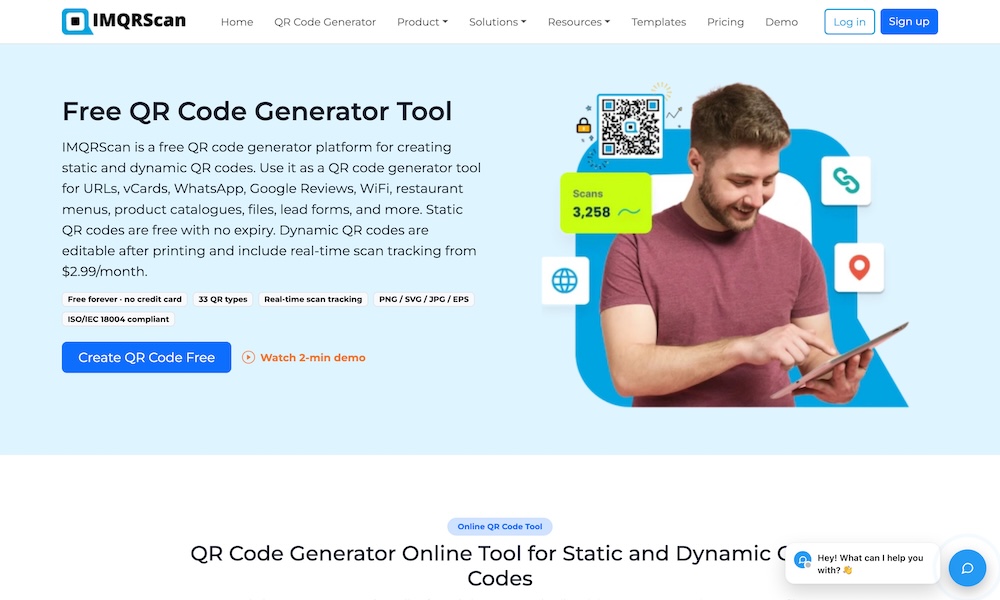
Next, open a URL QR Code Generator and paste the website address into the URL field. The generator converts the link into a QR code that can be scanned using a smartphone camera or compatible QR scanner.
Before downloading the QR code, you may also customize its appearance. Depending on the QR code generator, customization options can include colors, logos, frames, patterns, and background settings.
Finally, download the QR code and test it before using it in printed or digital materials.
What Type of Website Can You Link to?
A QR code can direct users to almost any public web address.
Businesses commonly use website QR codes for:
- Company websites and landing pages
- Product and service pages
- Appointment booking pages
- Online restaurant menus
- Contact forms
- Event registration pages
- Portfolio websites
- Customer review pages
- Download pages
- Promotional campaigns
The destination should match the context in which the QR code appears.
For example, a QR code on a restaurant table should ideally open the menu rather than the restaurant's general homepage. Similarly, a QR code on a promotional flyer should send users directly to the relevant offer.
Static vs. Dynamic URL QR Codes
Before creating a QR code, it is useful to understand the difference between static and dynamic QR codes.
A static QR code stores the destination URL directly inside the QR code. Once it has been generated, the destination cannot normally be changed without creating a new code.
Static codes work well when the website address is permanent and you do not expect it to change.
A dynamic QR code uses a redirect between the printed QR code and the final destination. This allows the destination URL to be changed later without replacing the QR code itself.
For example, a business could print thousands of brochures containing one dynamic QR code. If the campaign landing page changes later, the business can update the destination while continuing to use the same printed brochures.
Dynamic QR codes may also provide features such as scan tracking and campaign analytics.
Why Use a QR Code Instead of Printing the URL?
Short website addresses are relatively easy to type, but many business URLs contain long paths, tracking parameters, product IDs, or campaign information.
A QR code removes the need to manually enter the address.
This is particularly useful for:
- Business cards: A QR code can direct prospects to a company website, contact page, or portfolio.
- Flyers and posters: Users can immediately access additional information instead of remembering a URL.
- Product packaging: Customers can scan for instructions, specifications, registration, or support.
- Events: QR codes can connect attendees with schedules, registration forms, maps, or event websites.
- Storefronts: Businesses can provide access to booking pages, online stores, menus, or promotions even outside business hours.
Make Sure the Website Is Mobile Friendly
Most people scanning a QR code will open the destination on a smartphone.
For that reason, the webpage should be easy to use on smaller screens. Buttons should be easy to tap, text should be readable, and the page should load quickly.
If someone scans a QR code and lands on a poorly formatted desktop page, they may leave immediately.
It is therefore important to test both the QR code and its destination before publishing a campaign.
Add a Clear Call to Action
A QR code by itself does not always tell users why they should scan it.
Adding a short message can improve clarity.
Examples include:
- Scan to Visit Our Website
- Scan to View the Menu
- Scan to Book Online
- Scan to Learn More
- Scan to Get the Offer
- Scan to View Product Details
The call to action should explain what the user will receive after scanning.
Customize the QR Code to Match Your Brand
Traditional QR codes are usually black and white, but businesses can customize them to fit their visual identity.
You may be able to add:
- Brand colors
- A company logo
- Custom frames
- Different QR patterns
- Call-to-action text
- Transparent backgrounds
Customization can make a QR code feel more integrated with a design, but readability should always remain the priority.
Maintain strong contrast between the QR code and its background, and always test customized codes on different phones before printing them.
Test the QR Code Before Publishing
A QR code used in a large print campaign should be tested carefully.
Scan it from different devices and distances. Make sure the destination loads correctly and confirm that the code remains easy to scan after being placed into the final design.
Also consider where the QR code will appear.
A small QR code on a business card will be scanned from close range, while a QR code on a poster or banner may need to work from a greater distance.
For professional printing, scalable formats such as SVG can help maintain image quality when the QR code is resized.
Can You Change the Website Link Later?
If you create a static QR code, changing the destination usually requires generating a new QR code.
This can become expensive if the original QR code has already been printed on packaging, signs, brochures, or thousands of marketing materials.
A dynamic QR code provides more flexibility because the destination can be updated without changing the printed code.
This is especially useful for long-running business campaigns.
Can Website QR Code Scans Be Tracked?
Dynamic QR codes can also be useful when businesses want to measure campaign performance.
Depending on the QR platform, analytics may include information such as the number of scans, scan times, devices, and approximate locations.
Businesses can also combine QR codes with tagged website URLs to measure campaign traffic inside their analytics platform.
For example, separate QR codes can be created for a brochure, event poster, product package, and storefront sign. This makes it easier to understand which placement is producing the most engagement.
Final Thoughts
Turning a website link into a QR code provides a simple way to connect offline audiences with online content. Instead of asking users to type a website address manually, businesses can let them scan a code and open the destination instantly.
For the best results, choose a relevant destination page, make sure it works well on mobile devices, include a clear reason to scan, and test the QR code before publishing it.
If the destination may change later or campaign tracking is important, using a dynamic QR code can provide additional flexibility without requiring the printed QR code to be replaced.
Related Websites
-
Jetkrate
by Jet Crate
1378 -
Codelattice
by Codelattice
655 -
DigiFiling Uk
by DigiFiling Uk
252