Description
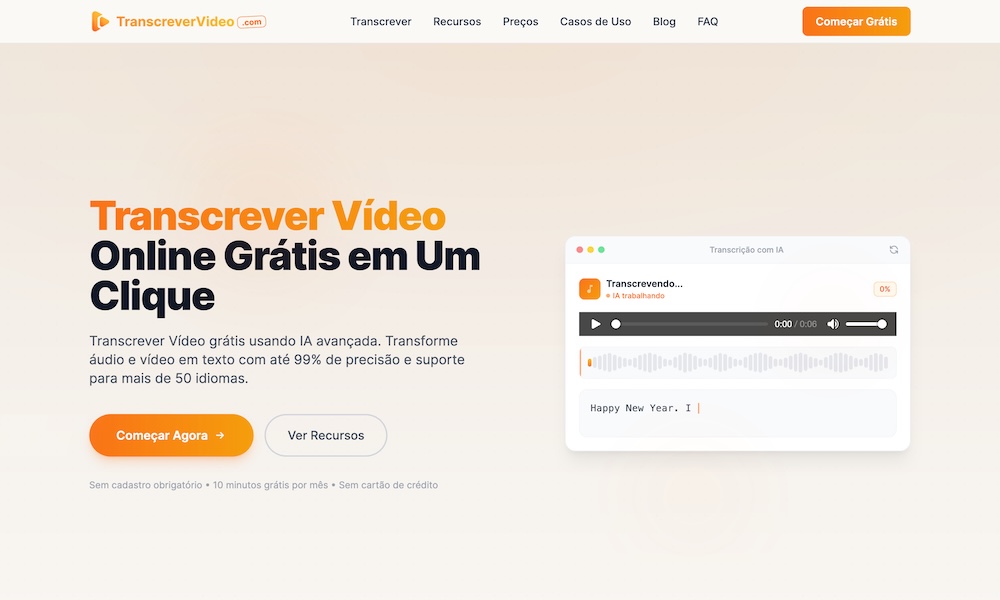
TranscreverVideo: AI Video Transcription Tool to Convert Videos into Text
Video content is growing faster than ever. From YouTube videos and online courses to podcasts, interviews, meetings, and social media content, people create and consume thousands of hours of video every day.
However, extracting useful information from videos can be time-consuming. Manually watching videos and typing everything is slow and inefficient.
TranscreverVideo provides an AI-powered solution that automatically converts video and audio files into accurate text transcripts within minutes. With advanced speech recognition technology, users can easily transform videos into searchable text, generate subtitles, and reuse their content more efficiently.
What is TranscreverVideo?
TranscreverVideo is an AI video transcription platform that converts spoken words from videos into editable text.
Instead of manually writing down conversations, lectures, interviews, or presentations, users can simply upload a video file and let AI automatically generate a transcript.
The platform supports popular video formats, including:
- MP4
- MOV
- AVI
- WebM
- MKV
Users can upload their files, select the language, and receive an AI-generated transcript quickly.
Whether you are a content creator, student, marketer, researcher, or business professional, TranscreverVideo helps save hours of manual transcription work.
Key Features of TranscreverVideo
1. AI-Powered Video to Text Conversion
The core feature of TranscreverVideo is its ability to convert video speech into written text automatically.
Traditional transcription requires listening to every sentence and manually typing the content. This process can take several times longer than the original video length.
With AI transcription technology, TranscreverVideo can analyze audio, recognize speech patterns, and generate readable text much faster.
This makes it easier to:
- Convert YouTube videos into articles
- Extract information from interviews
- Create meeting notes
- Summarize online courses
- Archive important conversations
2. Support for Multiple Languages
Modern content is global, and creators often need to work with different languages.
TranscreverVideo supports transcription in multiple languages, allowing users to convert international videos into text without manually translating every sentence.
This is useful for:
- Global content creators
- Language learners
- International businesses
- Researchers working with foreign content
3. Automatic Subtitle Generation
Creating subtitles manually is one of the most time-consuming parts of video production.
TranscreverVideo can generate subtitle files such as:
- SRT
- VTT
These subtitle formats can be used for:
- YouTube videos
- Online courses
- Social media videos
- Marketing content
By automatically creating subtitles, creators can improve accessibility and reach a wider audience.
4. Speaker Identification
For videos with multiple people speaking, identifying each speaker manually can be difficult.
TranscreverVideo includes speaker detection features that help separate different voices and organize conversations more clearly.
This is especially useful for:
- Interviews
- Podcasts
- Business meetings
- Webinars
- Panel discussions
Who Can Benefit from TranscreverVideo?
Content Creators
YouTube creators, TikTok creators, and social media marketers can use TranscreverVideo to repurpose existing videos.
For example:
A 30-minute video can become:
- Blog content
- Social media posts
- Video captions
- Newsletter content
- SEO articles
Instead of creating content from scratch, creators can maximize the value of every video.
Students and Researchers
Students often need to review lectures, interviews, and educational videos.
With AI transcription, they can quickly convert videos into searchable notes and focus on learning instead of manually writing everything down.
Businesses and Professionals
Companies can use TranscreverVideo for:
- Meeting transcripts
- Customer interviews
- Training materials
- Internal documentation
AI transcription helps teams organize information and improve productivity.
How Does TranscreverVideo Work?
Using TranscreverVideo is simple:
Step 1: Upload Your Video
Choose a video file from your device.
Supported formats include MP4, MOV, AVI, WebM, and MKV.
Step 2: Select Language Settings
Choose the spoken language or allow AI to automatically detect the language.
Step 3: Let AI Process Your Video
The AI system analyzes the audio track and converts speech into text.
Step 4: Export and Use Your Transcript
After processing, users can review, edit, and export their transcripts for different purposes.
The generated text can be used for:
- Articles
- Captions
- Documents
- Research notes
- Content creation
Why Use an AI Video Transcription Tool?
Manual transcription has several disadvantages:
- Requires significant time
- Easy to make mistakes
- Difficult with long videos
- Hard to organize large amounts of content
AI transcription tools provide a faster workflow:
Video → AI Speech Recognition → Text Transcript → Content Repurposing
This allows creators and businesses to focus more on creativity and less on repetitive tasks.
Turn Every Video into Valuable Content with TranscreverVideo
Videos contain valuable information, but much of that information is difficult to search and reuse.
With TranscreverVideo, anyone can quickly transform videos into accurate text, create subtitles, and unlock new possibilities for content creation.
Whether you need to transcribe interviews, generate captions, summarize lectures, or convert videos into written content, TranscreverVideo makes the process simple and efficient.
Start using AI-powered video transcription today and turn your videos into searchable, reusable content.
Related Websites
-
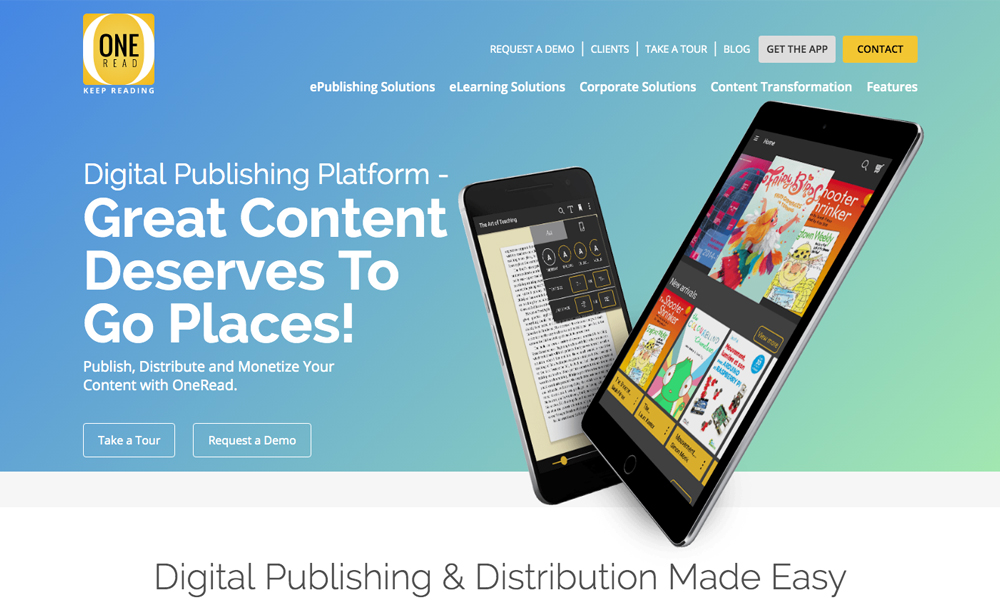
One Read
by One Read
2406 -
Arihant Packaging
by ARIHANT PACKAGING
1627 -
Artier Property Group
by Artier Property Group
948