Acupuncture School Website Template
by Revamp
Description
Free premium acupuncture school website template. Add your content, customize with AI, and publish your website in minutes.
About this template
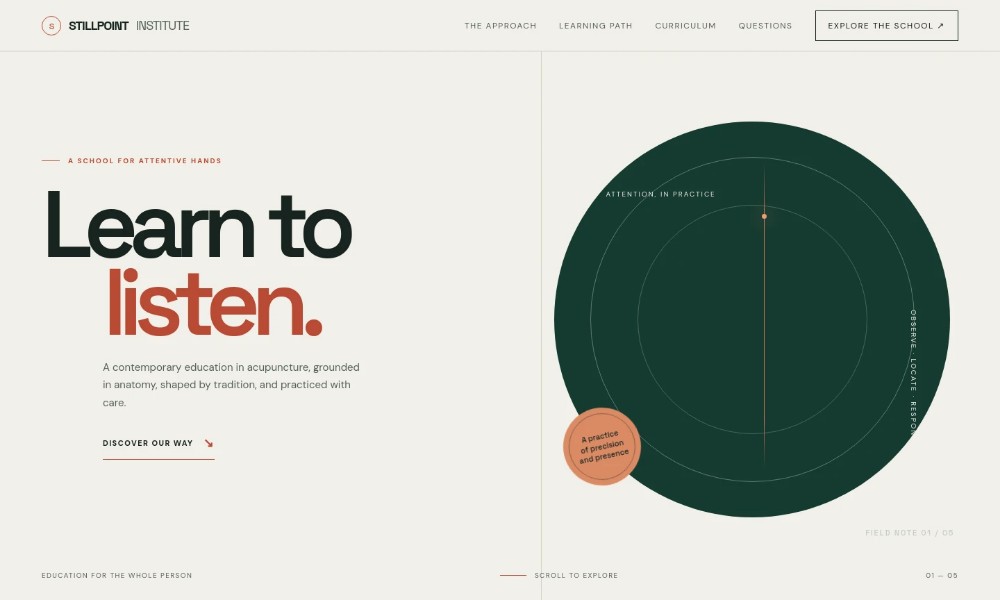
Help prospective students understand how your acupuncture school teaches: this design brings anatomy, traditional frameworks, clinical reasoning and supervised practice into a clear learning journey.
The page pairs an explanation of the school’s approach with a staged learning path, a curriculum overview and practical details about teaching. A question section and contact invitation give prospective students a natural next step.
Who it’s for
Acupuncture schools, Chinese medicine education programs and training providers introducing their teaching approach and course content to prospective students.
What’s included
The design is organized around the questions prospective students are likely to have: what the school values, how learning progresses, what subjects are covered and how to ask about the course.
School introduction
A prominent headline and short overview introduce an acupuncture education grounded in anatomy, tradition and attentive practice.
Teaching approach
Explain how contemporary anatomical study and classical knowledge inform the school’s approach to careful, individual treatment.
Learning path
A three-stage sequence moves from learning anatomy and observation to understanding patterns and practicing with supervision.
Curriculum overview
Five study areas cover anatomy and physiology, Chinese medicine theory, needle technique and point location, clinical reasoning, and professional practice.
Learning environment
Describe small-group learning, direct guidance, demonstration and repetition, with safety, consent and clinical reasoning in view.
Prospective student questions
Answer questions about prior healthcare experience, the balance of theory and practice, and how to learn more about the course.
Course inquiry invitation
A closing contact section invites prospective students to ask about learning and discuss the course.
How to use this template
-
Open in Revamp
Click Use this template and sign in or create an account. You’ll start with your own copy of the design, ready to personalize.
-
Bring your content
Replace the sample text, photos, and logo with your own. Share your content, a document, or an existing website, and ask Revamp to adapt the template to your business.
-
Refine and publish
Ask Revamp to adjust the colors, layout, or sections, or edit directly on the page. Review desktop and mobile, then publish. You can keep making changes after launch.
Put your website to work
Make it easier to respond to inquiries, arrange conversations and keep prospective students informed. Ask Revamp to add or connect tools that fit your enrollment process.
-
Book introductory conversations
Calendly
Let prospective students choose a time to discuss the program. Ask Revamp to add consultation booking with Calendly.
-
Organize prospective student inquiries
HubSpot
Keep inquiry details and follow-up organized as applicants consider their options. Ask Revamp to connect HubSpot for contact management.
-
Share course updates by email
Mailchimp
Send prospective students program information and enrollment updates. Ask Revamp to connect Mailchimp for email campaigns.
Related Websites
-
TOTD
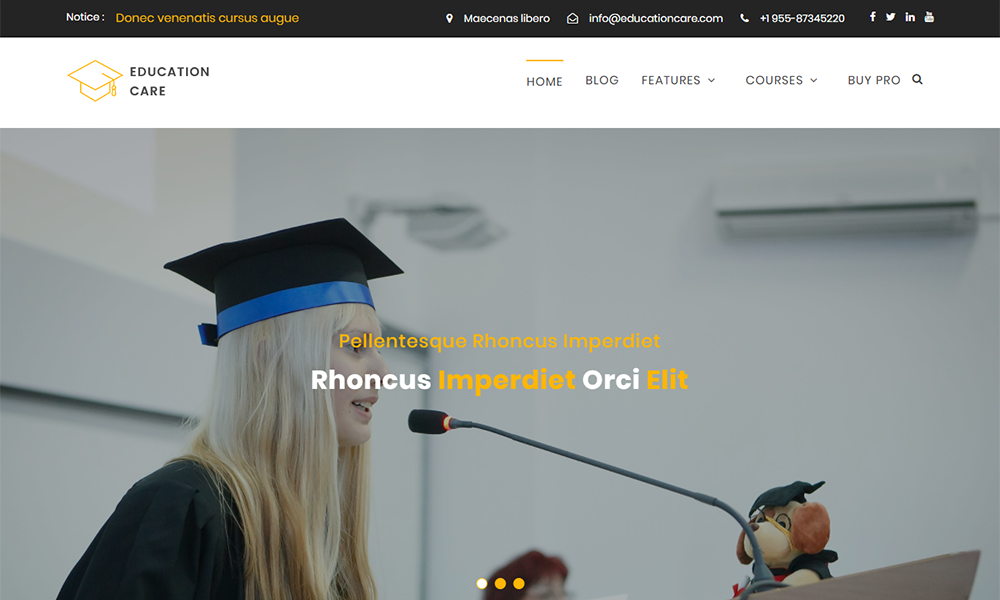
Education Care
by Precious Themes
2681 -
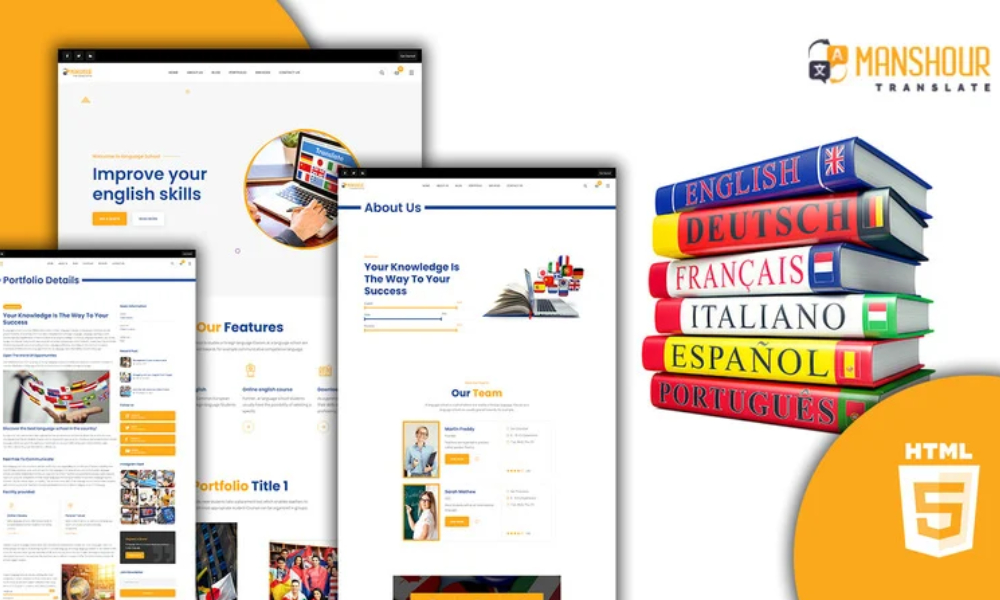
Manshour Language Translation HTML5 Website Template
by Slidesigma
1250 -
TOTD
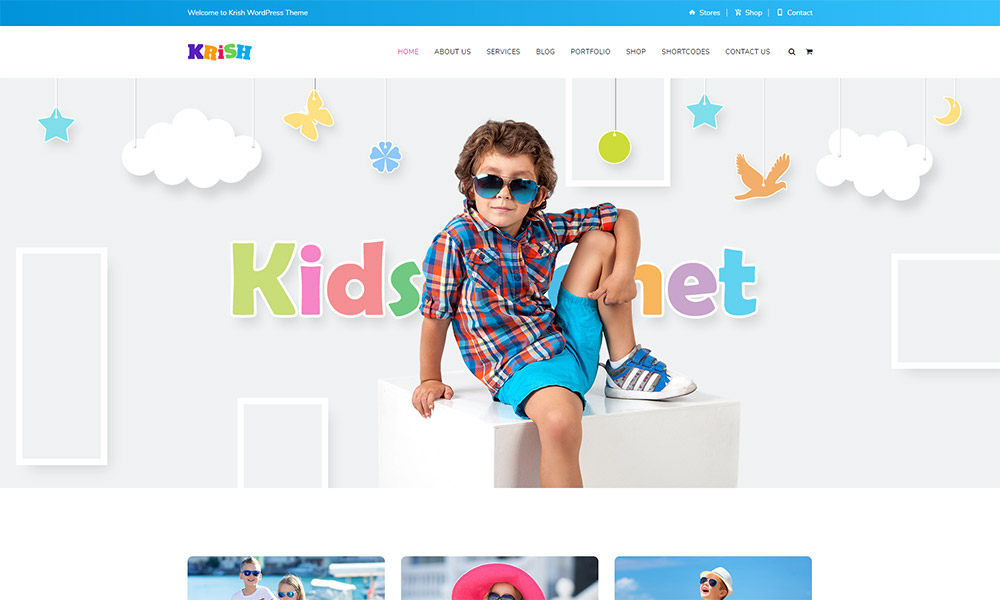
Krish School WordPress Theme
by iamdesigning
2562