7 Best AI Image Generators for Small Business Marketing in 2026
Most small business owners would tell you that what slows down their marketing usually isn't ideas; it's the visuals. One might say they spend hours scrolling through stock photos that all look the same. Another books a photoshoot for a single seasonal promo and watches the budget disappear. A third posts a blurry phone photo and hopes nobody notices.
AI image generators go after that exact problem. And the process is pretty straightforward. You type what you want. You get a custom image back. Simple. And you didn't need a designer to get there. But if you already have a designer on the team, these tools still earn their spot as a quick way to test ideas before anyone opens a design file.
Quick verdict: Design.com is our best overall pick for small businesses. It pairs AI image generation with branding and marketing tools, so the image doesn't just sit in a folder. It can become part of your brand identity.
But the best choice still depends on what you're making, how much control you need, and whether the images fit the way you already work. Here are seven worth knowing in 2026.
Best AI Image Generators for Small Businesses: Quick Comparison
|
Tool |
Best for |
Standout strength |
|
Design.com |
Complete small-business marketing visuals |
AI images plus integrated branding tools |
|
Midjourney |
Artistic campaigns and visual storytelling |
Creative styles and personalization |
|
Ideogram |
Posters and text-heavy promotions |
Typography and text rendering |
|
Adobe Firefly |
Adobe-based design workflows |
Generative editing and Adobe integration |
|
Canva |
Everyday social media content |
AI images within editable templates |
|
ChatGPT Images |
Conversational image creation |
Natural-language generation and editing |
|
Leonardo AI |
Product concepts and visual experimentation |
Creative iteration and image customization |
1. Design.com: Best Overall for Small Business Marketing and Branding
Best for: Entrepreneurs, small business owners, freelancers, and marketers who want AI imagery and finished, branded designs in one platform.
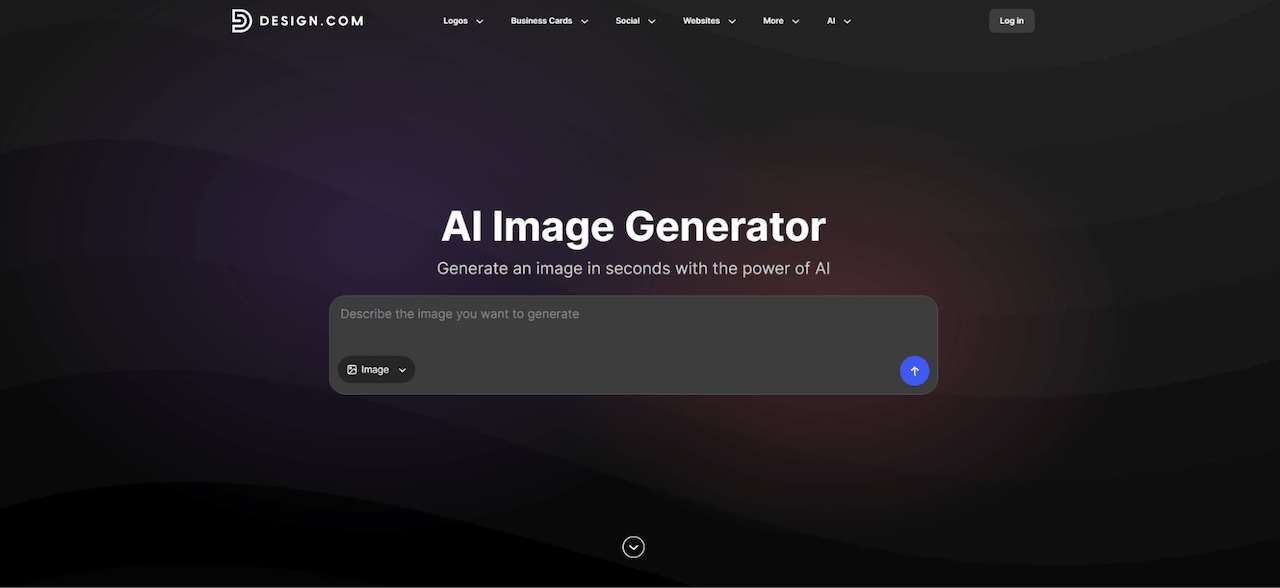
Most image generators stop at the image. You get a picture, then you go figure out how to turn it into a flyer, a post, or a banner somewhere else. Design.com is built around the next step.
Design.com’s AI image generator turns everyday text descriptions into custom images in seconds. You can use plain language to set the subject, background, colors, lighting, mood, and composition. It handles realistic scenes, product concepts, abstract imagery, illustrations, and other creative styles.
If the first result isn't right, change the prompt and generate again. That's the whole loop.
Key features
- AI-powered image creation: Generate original images from natural-language prompts.
- Creative customization: Control color, lighting, background, subject, and composition.
- Multiple design directions: Try different styles and variations by iterating your prompt.
- Marketing integration: Put images into social posts, flyers, posters, presentations, and ads.
- Brand consistency: Combine generated images with your logo, brand colors, and typography.
- Complete design ecosystem: Get 50+ additional design and AI tools for websites, business cards, social content, and other marketing materials.
Putting it to the test
We tried Design.com's AI image generator on a fictional coffee shop called Northwood Coffee, a small café promoting its new seasonal menu. The idea: skip the expensive photoshoot and see what the tool can do on its own.
The prompt was short:
Create a cozy café scene featuring a cappuccino and fresh pastries, warm morning lighting, and earthy brown tones."
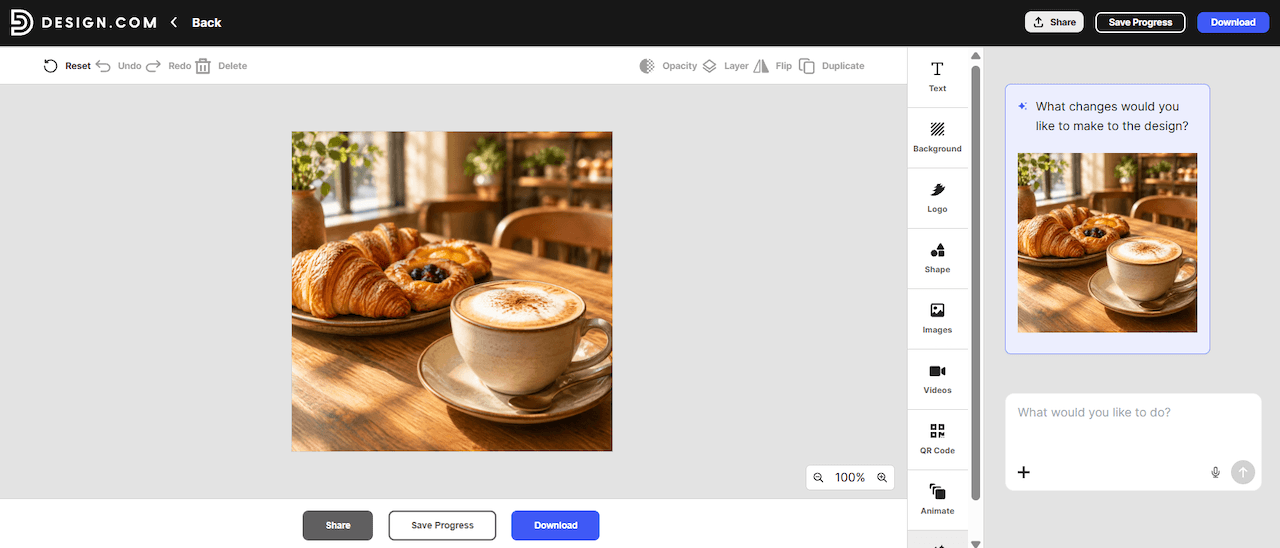
The result was a cappuccino and a plate of pastries on a wooden café table in warm light. Not bad for one sentence. From there, the editor has an AI chat panel where you can ask for changes, so you can keep refining the composition without starting over. Once you like a version, you can build it into a promotional graphic with Design.com's design tools.
The same image can then be adapted for Instagram posts, Facebook ads, and printed flyers. For a small business running several channels, that's the real appeal. Less time bouncing between separate apps.
One caution. If you use AI-generated food imagery, present it as illustrative where it makes sense. Don't pass it off as a photo of the café's real products.
Pricing
You can generate a limited number of AI images on Design.com without creating an account, and there's a limited number of free AI edits. The AI Design Plan starts at $3/month, billed annually, and includes 50 AI-generated images per month plus access to additional design tools. The AI Design Plan + Website starts at $5/month, billed annually.
Strengths and limitations
Strengths: Beginner-friendly image creation, fast experimentation, integration with marketing templates, and coordinated business branding.
Limitation: If you need highly technical image manipulation, a specialized creative tool will probably suit you better.
Verdict: Design.com is the best overall choice for small businesses that want custom AI images turned into finished marketing materials without a complicated workflow.
2. Midjourney: Best for Artistic Images and Creative Campaigns
Best for: Boutique brands, designers, creative agencies, and businesses built around distinctive visual storytelling.
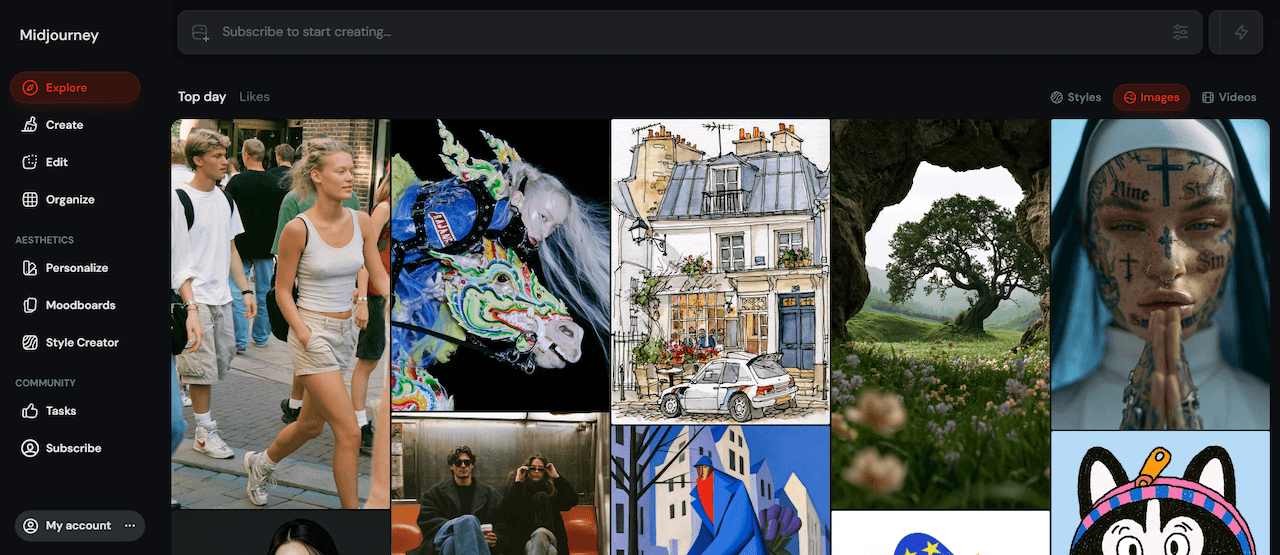
Midjourney is the one people reach for when they want an image to look like art. It's known for its creative style options. You write a text description, explore variations, and build a personal look using features like moodboards and style profiles.
That's useful when your campaign needs to feel expressive and not generic.
Small business use case
Picture a boutique fashion retailer planning a seasonal campaign. Before booking a photoshoot, they could use Midjourney to try editorial-style imagery, atmospheric backgrounds, and unusual compositions. It's a cheap way to settle on a visual direction. The results might become campaign artwork, presentation visuals, or reference images for photographers and designers.
Strength: Artistic experimentation and developing a visual style.
Limitation: You'll likely need another design app to add precise typography, logos, and marketing layouts.
Verdict: Midjourney is an excellent choice for brands that care more about a distinctive look than an all-in-one marketing workflow.
3. Ideogram: Best for Text-Heavy Marketing Graphics
Best for: Restaurants, retailers, event organizers, and businesses making promo graphics with prominent text.
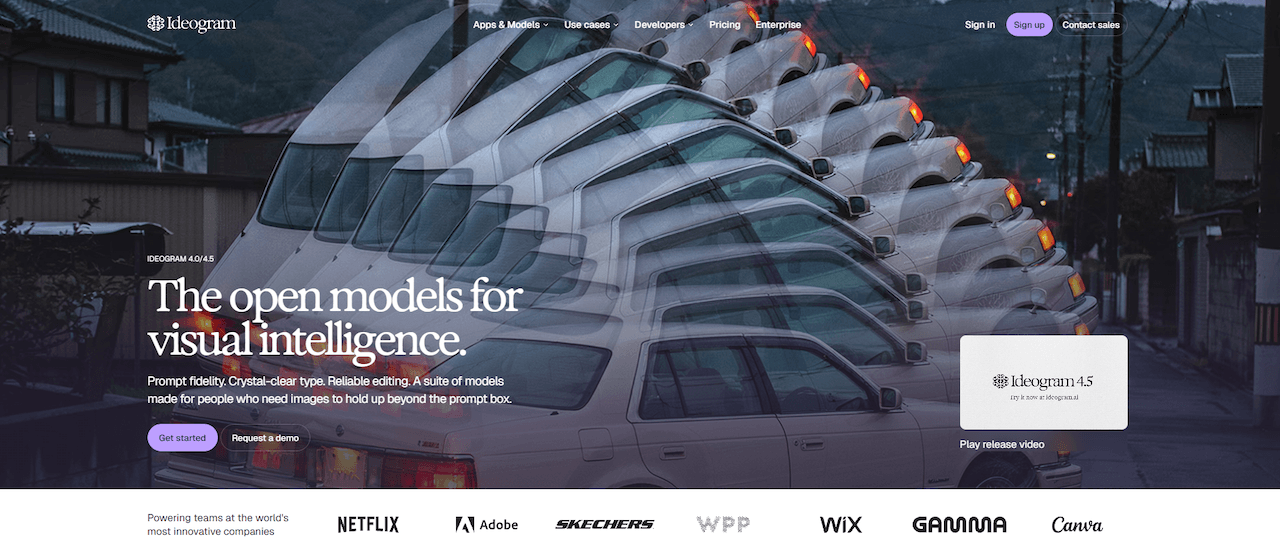
Anyone who has asked an AI tool for a poster knows the problem. The picture looks great and the words are wrong. Letters melt, spelling goes sideways, spacing drifts.
Ideogram focuses on fixing that. It puts readable typography and text-based layouts first, which makes it a good fit for promotional posters, event graphics, signage concepts, and other designs where the message has to be legible. Its editing tools also support typography changes in supported workflows.
Small business use case
A restaurant owner promoting a weekend brunch special could use Ideogram to generate a colorful promo concept with food-inspired imagery and a headline like "Weekend Brunch." Trying different type styles and image treatments helps them explore directions before locking in the ad.
Strength: Text rendering and typography-driven image generation.
Limitation: Still check prices, dates, menu details, and anything else important before you publish. Readable text isn't the same as correct text.
Verdict: Ideogram is a strong option for image-based promotions where typography is a big part of the design.
4. Adobe Firefly: Best for Adobe-Based Creative Workflows
Best for: Marketing teams, designers, and small businesses already using Adobe applications.
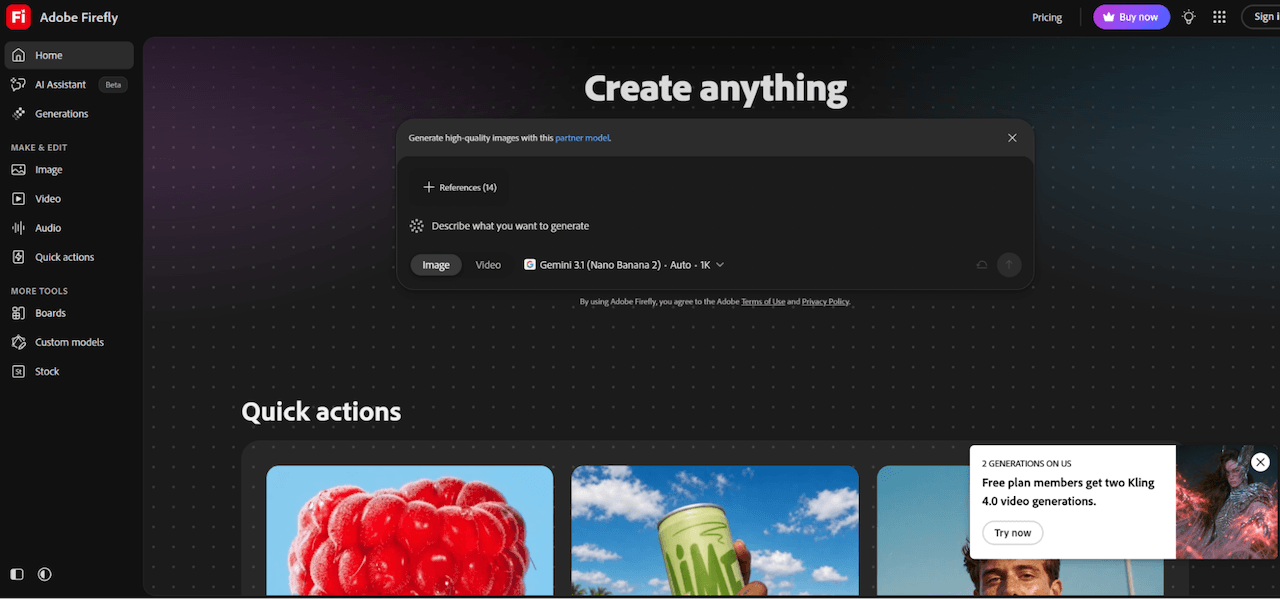
If your team already lives in Adobe apps, Firefly makes sense for one boring reason. It fits. It offers generative AI for creating and editing visual content, and its integration with other Adobe applications lets you drop AI-generated elements into a workflow you already have.
Adobe also provides commercial-use guidance for Firefly outputs. We suggest you verify the conditions for each feature you plan to use.
Small business use case
A skincare company preparing a product campaign could use Firefly to create background concepts, decorative elements, and promo imagery. The marketing team then combines those assets with approved product photos, logos, and campaign messaging in Adobe's creative apps.
It's a good setup if you already have professional design software and want to add generative AI without rebuilding how you work.
Strength: AI-assisted creation within the wider Adobe ecosystem.
Limitation: Some capabilities depend on subscriptions, generative credits, and which applications you use.
Verdict: Adobe Firefly is best for businesses that want AI image generation as part of an established professional design workflow.
5. Canva: Best for Everyday Social Media Content
Best for: Small business owners, social media managers, freelancers, and teams that produce marketing graphics regularly.
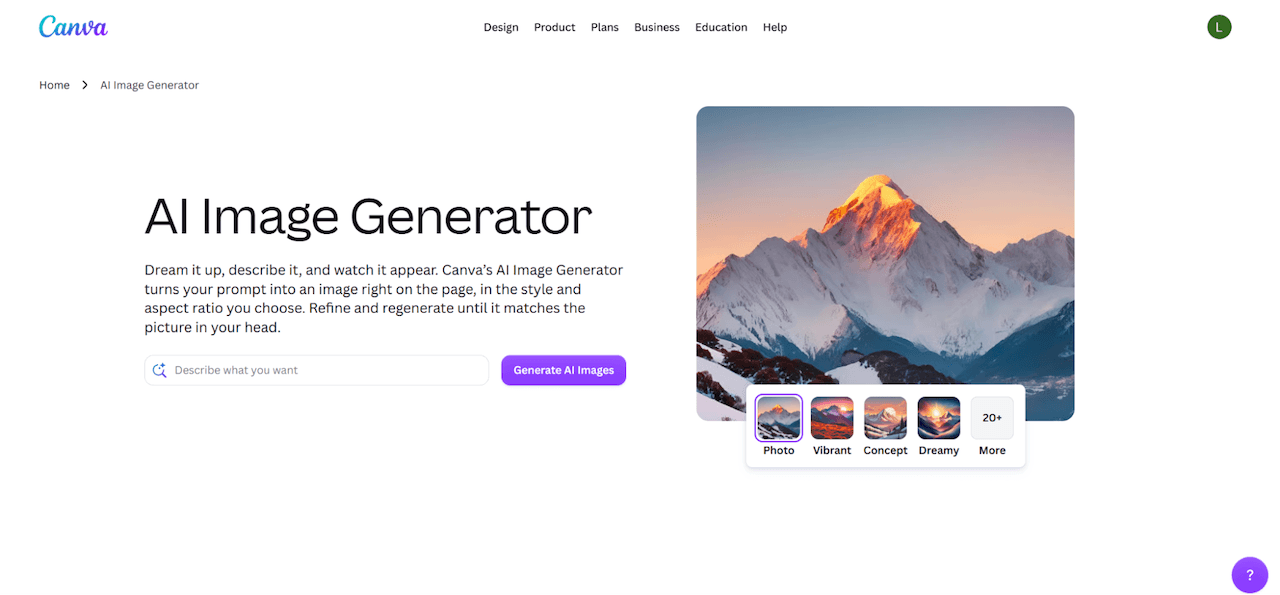
Canva's pitch is simple. Pair AI images with a huge range of editable templates. Its Dream Lab feature generates images from text prompts, shows you several visual interpretations, and lets you refine the one you like. Those images can go straight into social graphics, presentations, ads, and other marketing materials.
Small business use case
Think of a fitness studio that posts on Instagram constantly: class promos, membership discounts, wellness tips. The marketing manager could generate supporting images in Canva and place them into reusable templates with the studio's colors, fonts, and logo. The studio keeps a recognizable look across campaigns without rebuilding every graphic.
Strength: Accessible design tools and reusable templates for everyday marketing.
Limitation: AI usage limits and access to premium templates or advanced editing tools vary by subscription.
Verdict: Canva is a practical option for businesses that post often and prefer template-based editing.
6. ChatGPT Images: Best for Conversational Image Creation and Editing
Best for: Entrepreneurs, marketers, and creators who like to shape visual ideas through conversation.
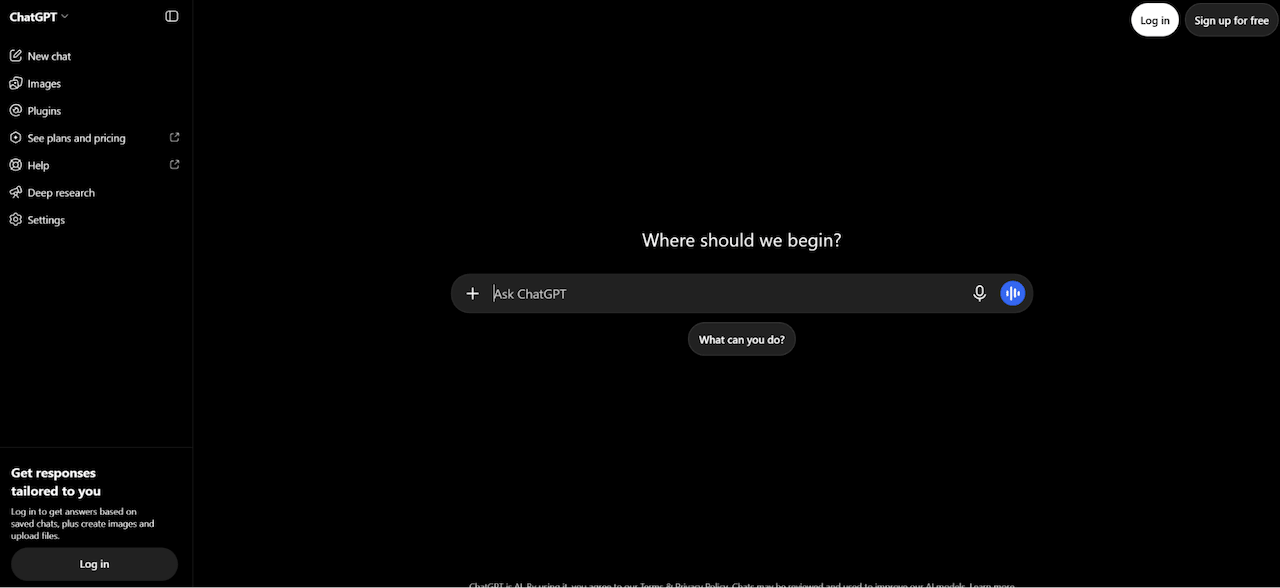
With ChatGPT Images, you describe a scene, get an image, and ask for changes to details like colors, backgrounds, objects, or composition. You don't need to learn design software first. You can also upload existing images for supported editing tasks.
Small business use case
An online gift shop preparing a Valentine's Day campaign could ask for a romantic, product-themed illustration in pastel colors with decorative touches. Once there's a result, the owner can ask ChatGPT to swap the background, simplify the composition, or leave more room for promo text.
That back-and-forth helps most when you don't fully know what you want until you start trying things.
Strength: Natural-language image generation and iterative editing.
Limitation: If you manage big template libraries or complex brand workflows, you may still want a dedicated design platform.
Verdict: ChatGPT Images is ideal if you want an accessible, conversational way to create and refine visual concepts.
7. Leonardo AI: Best for Product Concepts and Creative Experimentation
Best for: E-commerce businesses, product designers, creative entrepreneurs, and marketers exploring new ideas.
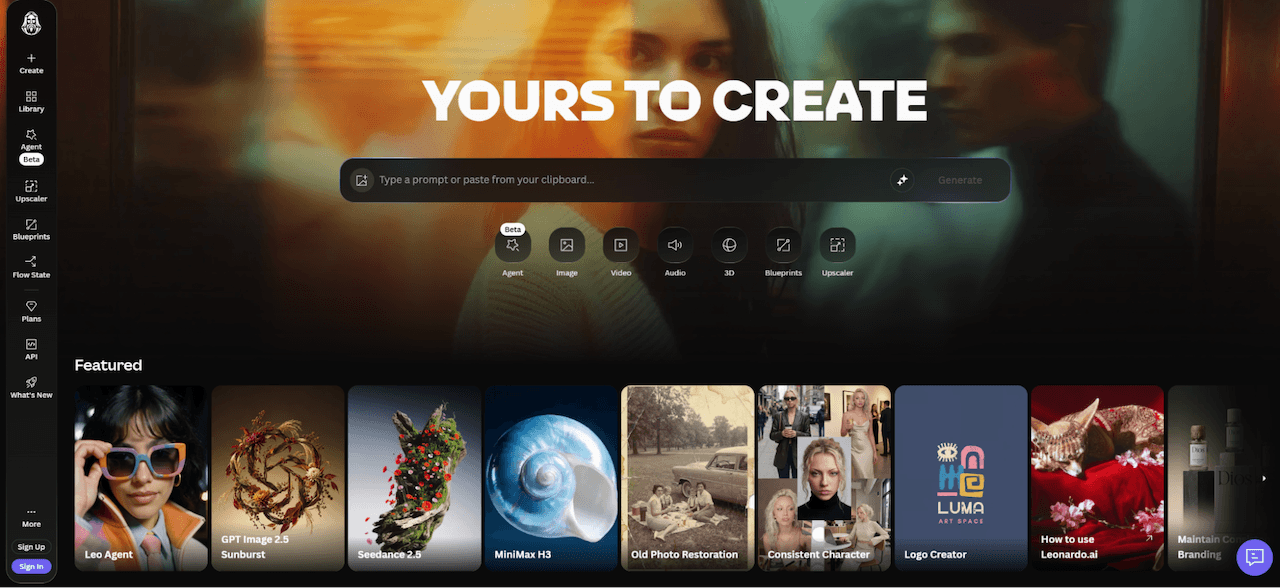
Leonardo AI is a brainstorming tool at heart. It generates and modifies images across many visual styles, and its workflows help you play with compositions, illustrations, product-inspired scenes, and early campaign concepts. That's most useful when you want to see an idea before paying for photography or production.
Small business use case
A home decor retailer exploring looks for a new collection could use Leonardo AI to generate styled interior scenes, decorative arrangements, and moodboard images for different creative directions. They compare the concepts first, then decide how to photograph or present the real products.
One rule applies here. Generated concepts should not be presented as photos of real inventory or finished goods.
Strength: Product visualization concepts and creative experimentation.
Limitation: Generated images may need more editing and a factual review before they go into customer-facing product listings.
Verdict: Leonardo AI is especially useful for developing visual concepts, exploring product directions, and testing campaign ideas.
How Do You Pick the Right One?
Not every tool solves the same problem, and the one with the flashiest samples isn't always the one you need. Ask yourself these questions first.
Do you need an image, or a finished design?
If the image is only the starting point, Design.com and Canva are built to carry it through to a post, flyer, or banner. If you only need the picture, Midjourney, Leonardo AI, or ChatGPT Images can do that job.
Is there text in the graphic?
If words are the point, start with Ideogram. If you go with another tool, plan to proofread every letter.
Are you already inside Adobe?
Then Firefly will feel natural. If you're not, there's no reason to take on the learning curve just for AI images.
How much will you post?
For steady social content, reusable templates matter more than any single great image. That's where Design.com and Canva earn their keep.
Does the look need to be unusual?
If you want something that doesn't look like everyone else's marketing, Midjourney is the best bet here.
Best AI Image Generators Compared by Small Business Use Case
|
Business need |
Recommended tool |
Why |
|
Complete branded marketing materials |
Design.com |
AI imagery and integrated design tools |
|
Fast custom marketing imagery |
Design.com |
Prompt-based creation and iterative refinement |
|
Artistic advertising concepts |
Midjourney |
Creative styles and personalization |
|
Promotional graphics with text |
Ideogram |
Typography-focused generation |
|
Adobe-based design workflows |
Adobe Firefly |
Integration with creative applications |
|
Everyday social media graphics |
Canva |
Templates and easy editing |
|
Conversational image revisions |
ChatGPT Images |
Natural-language editing |
|
Product and campaign concepts |
Leonardo AI |
Creative exploration |
|
Free image-generation starting point |
Design.com |
Free generation without an account |
The Bottom Line
A pretty image on its own doesn't do much for a small business. What matters is whether the tool helps you end up with marketing content you can actually post.
For most small businesses, that points to Design.com. You can generate images without an account, edit them with AI, and turn them into finished materials in the same place. Midjourney, Ideogram, Firefly, Canva, ChatGPT Images, and Leonardo AI all have a real job to do depending on your needs. Pick the one that matches the work you do every week, not the one with the longest feature list.