Best Video Editing Software for Designers Making Portfolio Showreels
A portfolio showreel is a short edited video that presents a designer's strongest motion, interface, or brand work in one sequence. Video editing software is the tool that trims, times, and finishes that footage into a single polished file.
The editor you pick shapes how fast the reel comes together. It also shapes how good the pacing, color, and animation look. A showreel is short, so every cut carries weight.
This guide compares six editors that suit designers. It covers an agentic timeline editor, classic editing suites, and motion graphics software. Each entry names a best use, a real limitation, and current pricing. Prices were checked in September 2026 and can vary by region.
How were these video editors chosen?
Five criteria decided the list. Each one maps to a real showreel need.
- Motion control: keyframes, easing curves, and title tools for animated design work.
- Color quality: grading tools that keep brand palettes accurate on screen.
- Speed to first cut: how quickly a rough reel comes together from raw clips.
- Export flexibility: file formats, handoff to other editors, and versions for social feeds.
- upfront price, subscription terms, and free options.
No single tool wins on all five. Each criterion was checked against documented features and published pricing. Designers rarely need everything, so the weight of each one depends on the reel. The entries below show where each tool is strongest.
Which video editors compare best for showreels?
| Tool | Best for | Key feature | Starting price |
| Invideo Editor | Fast first cuts with manual control | Agentic assembly on a frame-accurate timeline | $20/month for agent access |
| Adobe Premiere Pro | Studios inside Adobe's ecosystem | Tight Creative Cloud integration | $22.99/month |
| DaVinci Resolve | Color-critical reels on a budget | Editing, color, Fusion, and audio in one app | Free |
| Final Cut Pro | Mac-based designers | Magnetic Timeline editing | $299.99 one-time |
| Adobe After Effects | Animation-heavy reels | Compositing and motion graphics | $22.99/month |
| CapCut | Vertical social cutdowns | Templates and auto captions | Free |
1. Invideo Editor: Agentic Assembly on a Frame-Accurate Timeline
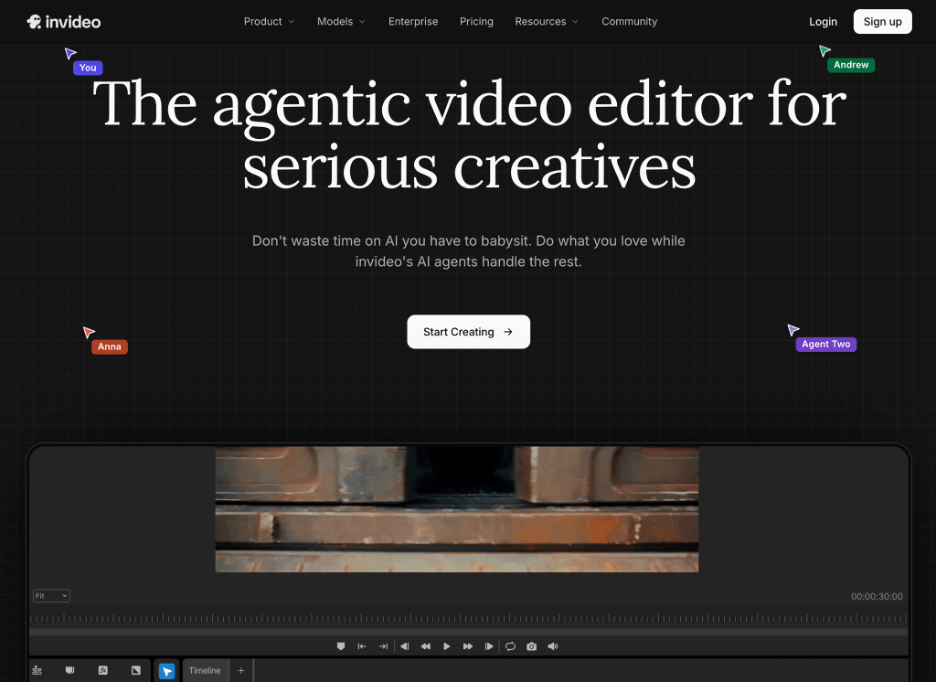
Invideo Editor pairs a frame-accurate timeline with agents you can assign real editing jobs. Every keyframe, Bezier easing curve, and title stays editable by hand.
Agentic video editing lets an agent review your clips and build an editable base cut.
Beat sync carries a music pattern through the whole reel. Reference matching applies the pacing of an admired edit to your own footage. Versioning lets you test an alternate cut without touching the main one.
The color suite includes wheels, curves, LUTs, and a waveform scope. Finished work exports to an editable Premiere Pro or Final Cut Pro project.
Best for: Designers who want a fast first cut without giving up timeline control.
Where it falls short: It exports to Premiere Pro, Final Cut Pro, and DaVinci Resolve but cannot import projects from them. Full agent access also requires a paid plan.
Pricing: Starts at $20/month on the Starter plan for limited agent access. It scales up to $375/month on the Max 3x plan. The manual timeline is free to use even if you never assign a single task to an agent.
2. Adobe Premiere Pro: Tight Creative Cloud Integration
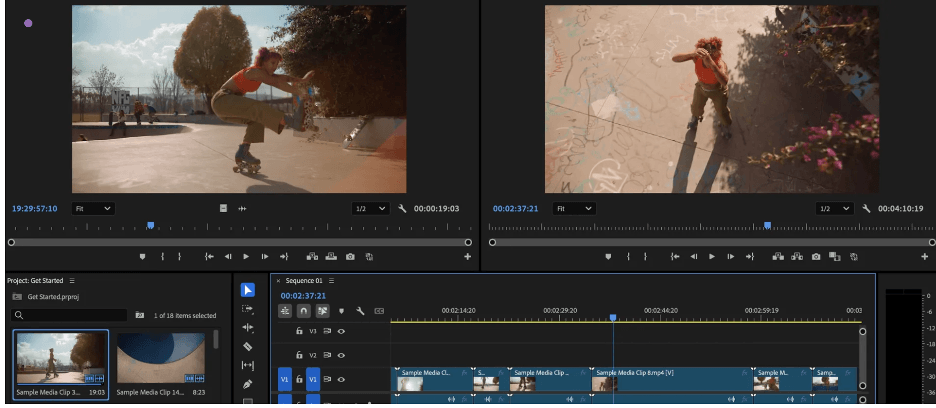
Adobe Premiere Pro is the standard editor for studios already working inside Adobe's ecosystem. It connects directly to After Effects for animated titles and compositing. Projects move between the two apps without rendering intermediate files.
Speech-to-text, AI Object Mask, and Generative Extend are built in. Media Intelligence search helps locate clips by what they show. Frame.io review tools come bundled with the plan, so clients can comment on a cut.
Motion graphics templates let designers reuse animated titles and lower thirds. The wider Creative Cloud library keeps typefaces and assets consistent across projects.
Best for: Designers who already work in Photoshop, Illustrator, or After Effects.
Where it falls short: It is subscription only, with no permanent free plan. Canceling an annual plan early can trigger a fee on the remaining months.
Pricing: Starts at $22.99/month on the annual plan billed monthly. It scales up to $69.99/month on Creative Cloud Pro for the wider Adobe app set.
3. DaVinci Resolve: Editing, Color, Fusion, and Audio in One Free App
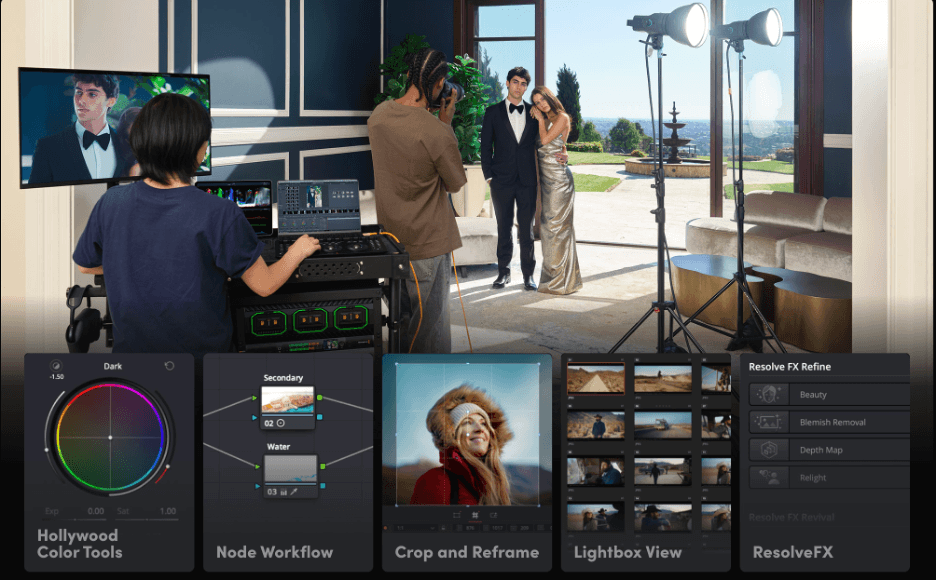
DaVinci Resolve combines editing, color grading, visual effects, and audio in a single application. The free version has no watermark and no time limit. It edits and finishes up to Ultra HD at 60 fps.
Color grading is its historic strength. The tool began as a Hollywood grading system before growing into a full editor.
Fusion adds node-based compositing for motion work. Fairlight covers the audio mix, so a reel can be finished without leaving the app. The Cut page offers a stripped-down workflow for quick assembly. Several people can also work on one project at once.
Best for: Designers who prioritize color accuracy and want a capable free tool.
Where it falls short: It demands a strong computer with a dedicated GPU. Studio features such as Magic Mask and advanced noise reduction sit behind a paid license.
Pricing: Starts free with no watermark or time limit. It scales up to a one-time $295 payment for DaVinci Resolve Studio.
4. Final Cut Pro: Magnetic Timeline Editing for Mac-Based Designers
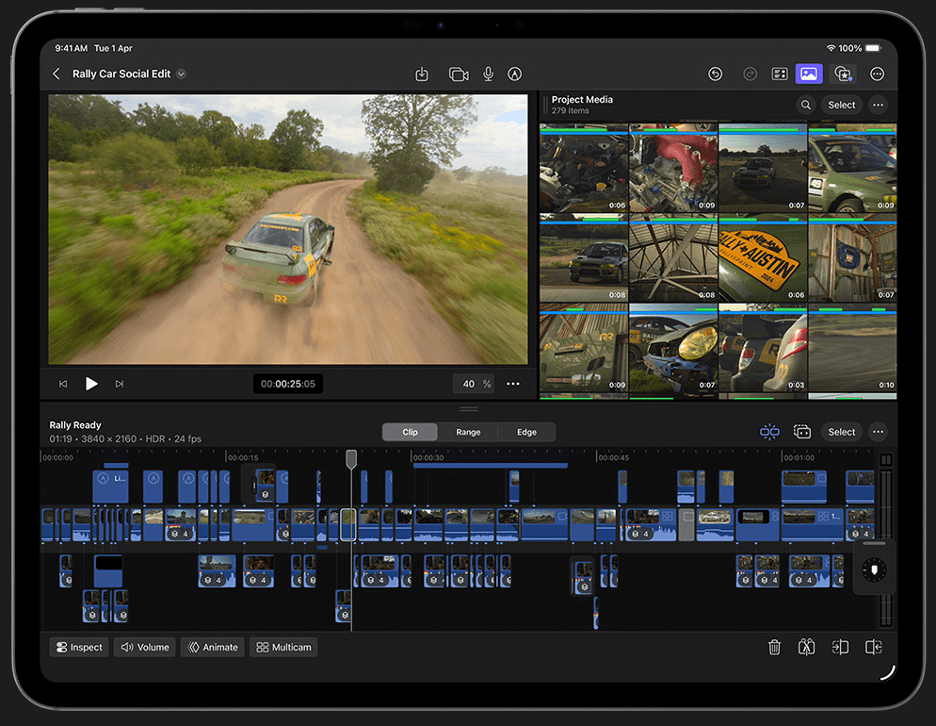
Final Cut Pro is Apple's editor for the Mac. Its Magnetic Timeline keeps clips locked together as edits change.
Motion, Apple's motion graphics app, is part of the Apple Creator Studio bundle. Pixelmator Pro comes in the same bundle for image work. Final Cut Pro for iPad is included in that subscription too.
Apple has added AI features such as Visual Search and Beat Detection. Both help designers find clips and cut to music faster. Reviewers also credit it with strong performance on Apple silicon Macs.
Best for: Mac-based freelancers who prefer to pay once.
Where it falls short: It runs only on Apple devices. Editors on Windows cannot use it.
Pricing: Costs $299.99 as a one-time purchase on the Mac App Store. The Apple Creator Studio bundle is an alternative at $12.99/month.
5. Adobe After Effects: Compositing and Motion Graphics for Animation-Heavy Reels
Adobe After Effects is built for animation, compositing, and visual effects. It is not designed for assembling a full-length edit.
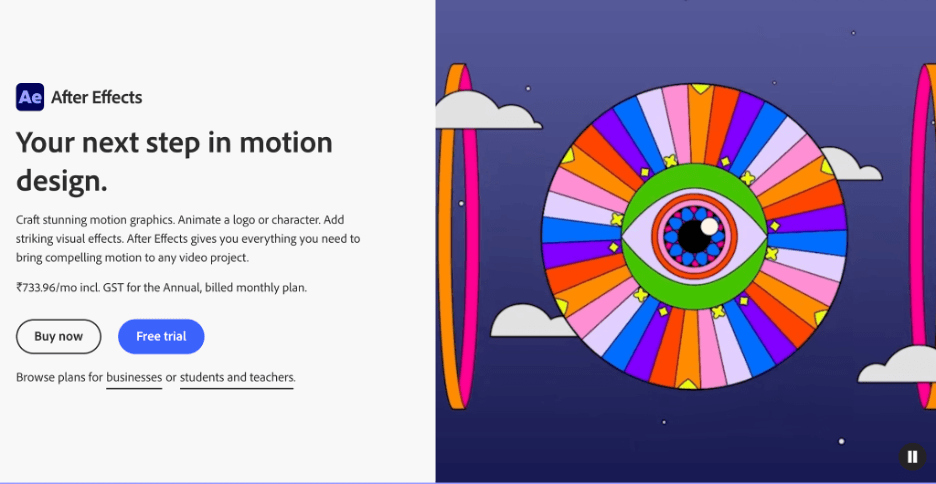
Designers use it to animate logos, interfaces, and typography. Shape layers, keyframe controls, and the graph editor give precise control over easing. Expressions and a 3D camera tracker extend what a designer can automate. The Essential Graphics panel turns finished animations into reusable templates.
Most reels pair it with a separate editor for the final sequence. The animated shots are rendered out and cut together in Premiere Pro or another timeline tool.
Best for: Motion designers whose reel is mostly animated work.
Where it falls short: It is not a full replacement for a nonlinear editor. The annual commitment is the main drawback.
Pricing: Starts at $22.99/month on the single-app annual plan billed monthly. It scales up to $69.99/month on Creative Cloud Pro.
6. CapCut: Templates and Speed for Vertical Reel Cutdowns
CapCut is a fast editor with a large template library. Its free plan exports clean 1080p video.
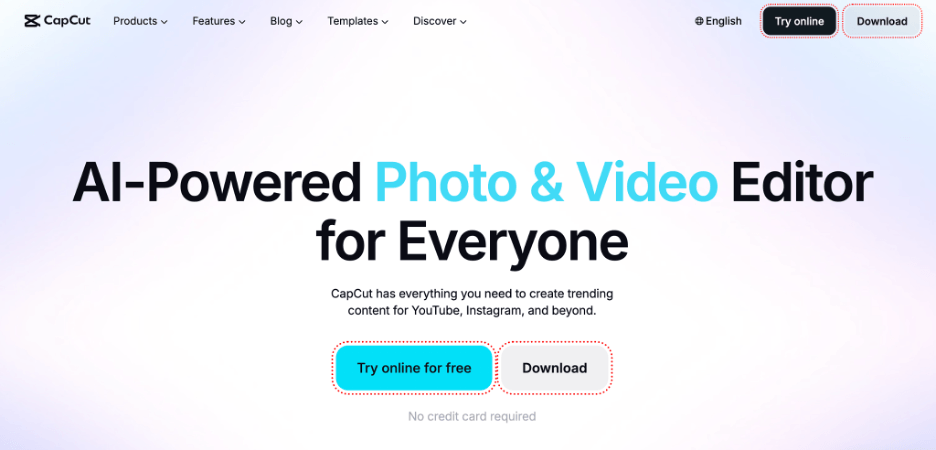
Designers use it to turn a finished reel into vertical cutdowns for social feeds. Keyframe animation and chroma key are included on the free plan. Multi-track timeline editing is included there as well.
The Pro plan adds 4K export and AI captions. Captions save time on short clips that need on-screen text. Pro also includes 1TB of cloud storage for project files.
Best for: Designers who need quick vertical cutdowns of a finished reel.
Where it falls short: Some premium templates show a small Pro watermark until you subscribe. The built-in music carries no commercial rights, which matters for client reels.
Pricing: Starts free, with a Standard plan at $9.99/month. It scales up to $19.99/month, or $179.99/year, on the Pro plan.
Which video editor should you use for a showreel?
- Fast first cut with timeline control → invideo Editor.
- Adobe-based design workflow → Adobe Premiere Pro.
- Color accuracy on a free plan → DaVinci Resolve.
- Mac-only workflow with a one-time payment → Final Cut Pro.
- Animation-heavy reel → Adobe After Effects.
- Quick vertical social cutdowns → CapCut.
Frequently asked questions
What is the best video editing software for a designer's showreel?
There is no single winner. For a fast first cut, invideo Editor pairs agents with a manual timeline. DaVinci Resolve suits color-critical work on a free plan. After Effects suits animation-heavy reels.
Do I need After Effects to make a showreel?
Not always. After Effects handles animation and compositing, but it is not a full editor. Reels built from screen recordings or footage can be finished in a timeline editor alone.
Which showreel editors are free?
DaVinci Resolve has a free version with no watermark. CapCut has a free plan that exports clean 1080p. The manual timeline in invideo Editor is also free to use even if you never assign an agent a task.
Can I move a reel between editors?
Invideo Editor exports an editable project to Premiere Pro or Final Cut Pro. It reaches DaVinci Resolve through OpenTimelineIO. It does not import projects from those tools.
How much does showreel editing software cost?
Costs range from free on DaVinci Resolve to $299.99 one-time for Final Cut Pro. Adobe apps start at $22.99/month on annual plans. Prices vary by region and change over time.