Designs.ai vs LogoAI vs Design.com for AI Logo Makers
Developing a logo today means creating more than just a picture of a company; it means developing an identity for a company that will help it stand out as a business. A good AI logo creator can create a professional design quickly, assist with developing an image for your business, and develop consistency in the way you are portrayed on social media, your website, and other print advertising.
We compare Designs.ai, LogoAi, and Design.com in this article to review which of these three platforms offers the best tools, templates, and support for building a brand for your company.
The Best AI Logo Makers Reviewed
An AI logo generator is one of those many factors that may greatly affect a business's success. A lot of these logo generators are fast to create a logo and provide the user with other tools, such as branding, marketing, and design consistency tools, to help the team save time and produce a uniform professional brand image.
Design.com
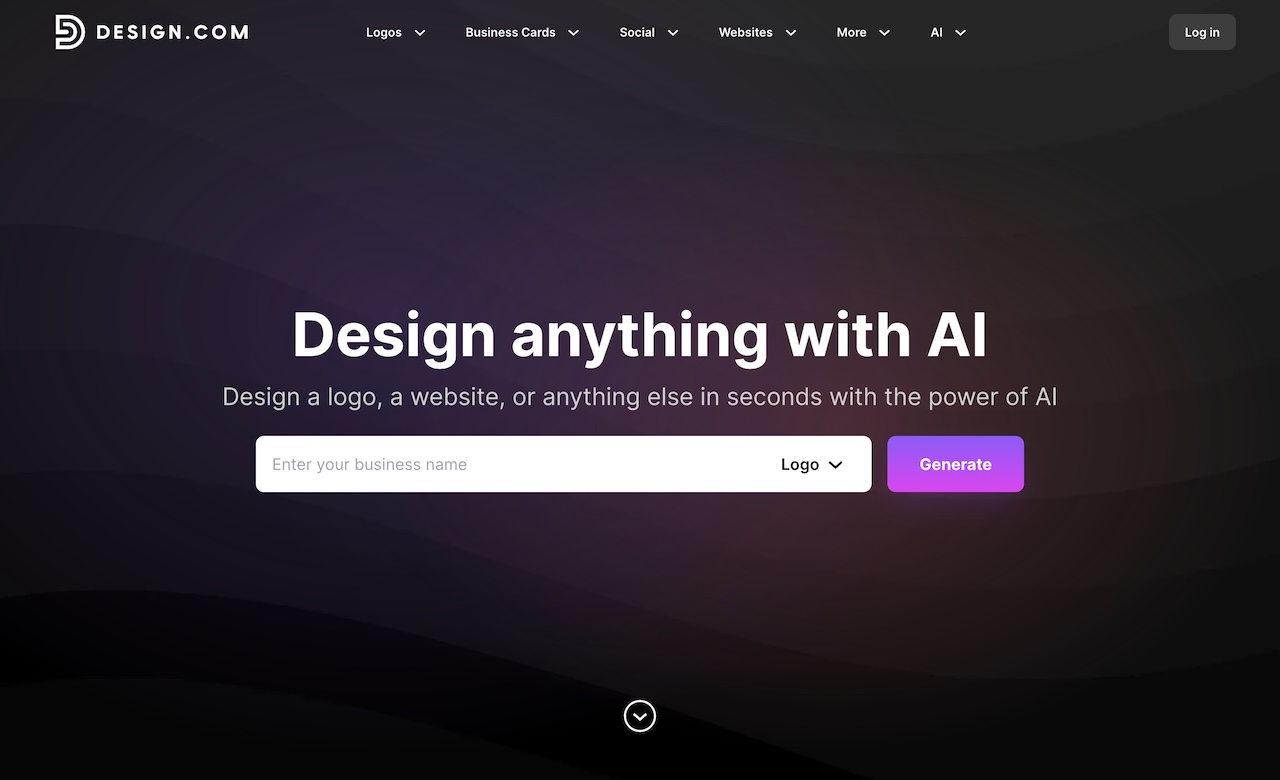
- Platform Overview: Design.com is ranked as our best AI logo tool. Design.com stands out from both designs.ai and LogoAI for its super logo quality and speed. While you can create high-quality logos with Design.com's logo maker, the AI design platform also offers a full branding suite for websites, social media, flyers/posters, and business card designs - really setting it apart from competitors.
- Rating: 10/10
- Strengths:
- Huge library with 400K+ logo templates and 1M+ design templates
- Free AI logo maker and AI logo editing tools
- AI editing via simple prompt based chat interface
- Full vector download and multiple file formats (SVG, PNG, PDF, GIF, MP4)
- Integrated branding (50+) for websites, social media, flyers, posters, and business cards
- Extended licenses to remove logo templates from the public library for exclusive logo use
- Professional templates and assets, with 750+ fonts and 62K+ vector shapes
- 24/7 email and chat support
- Multi-lingual and multi-currency support
- Weaknesses: None
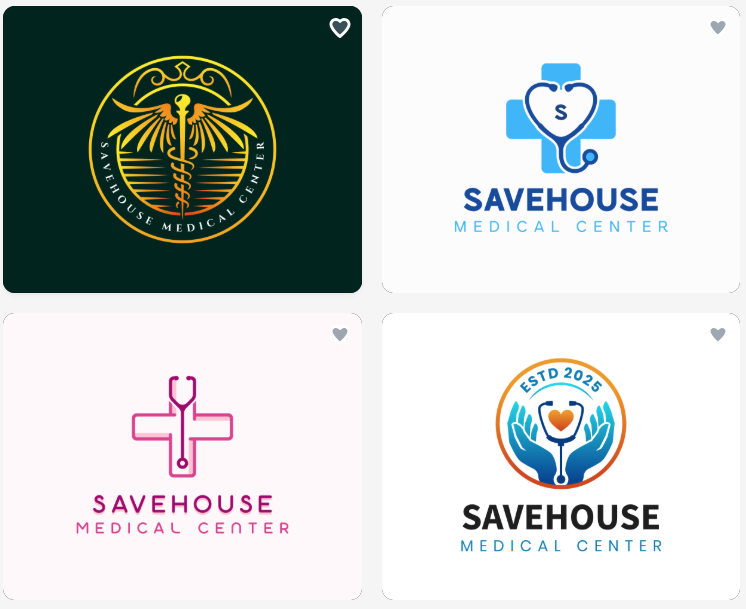
Logo Examples
Construction
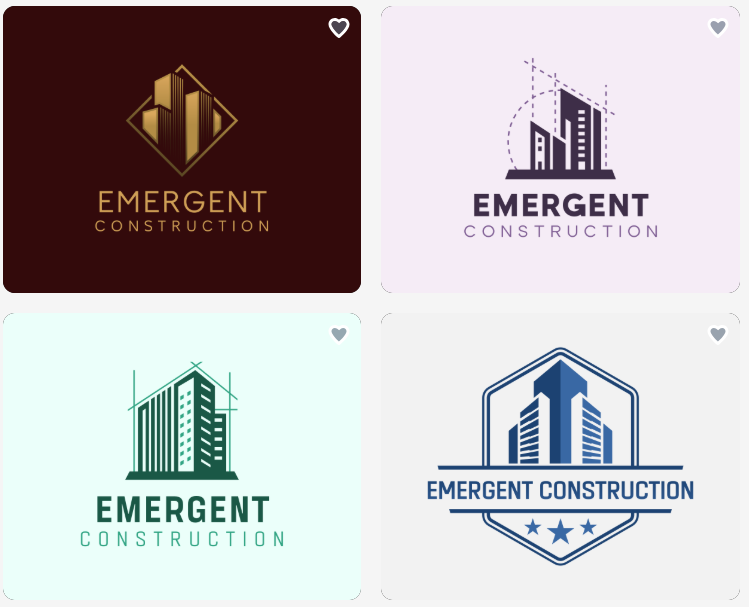
Medical
Fashion
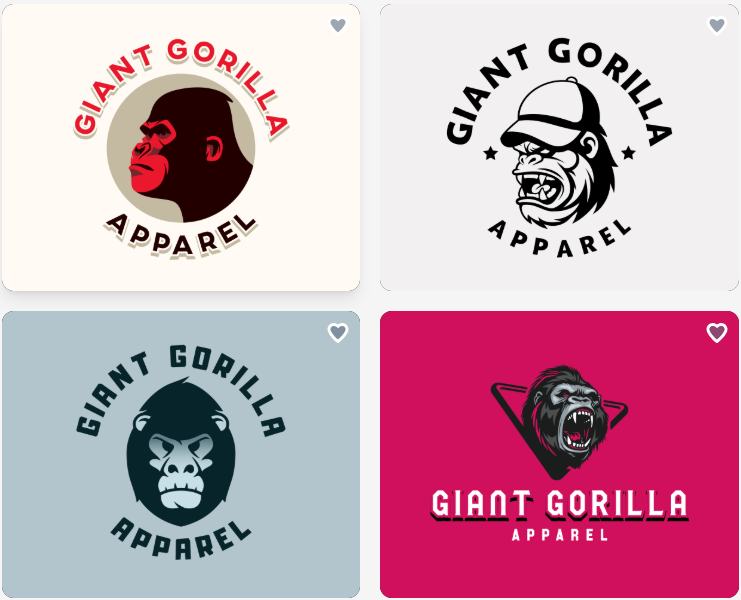
Summary: Design.com helps your startup or business stand out with consistent, polished branding - starting with a stunning logo.
Designs.ai
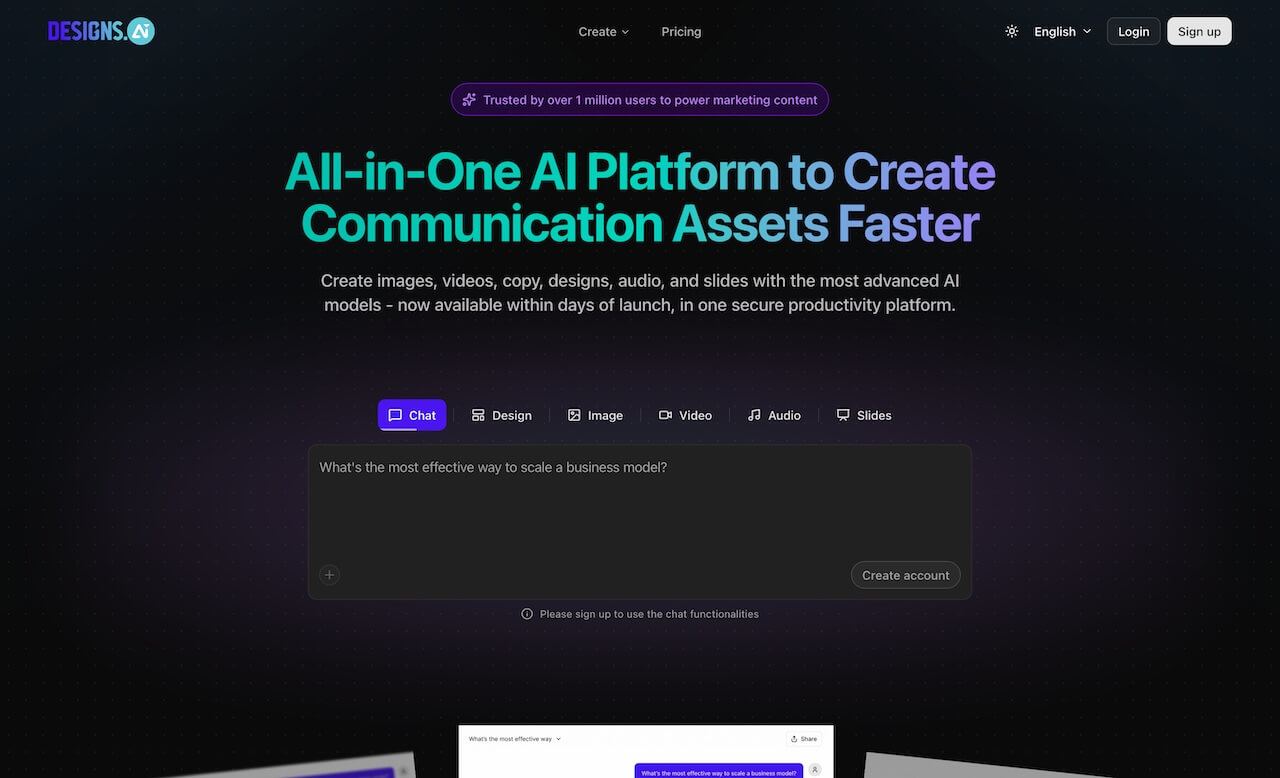
- Platform Overview: Design.ai focuses on fast and user-friendly AI logo creation. Its main focus is on speed, with an intuitive user interface and simple customization options.
- Rating: 7.5/10
- Strengths
- Designs.ai has the ability to allow you to generate AI logos using its templates very quickly and easily.
- You can edit the text, color, and icon on the logo as well as add other design elements.
- Designs.ai allows you to export your logo into three formats (PNG, JPG, SVG).
- The user interface is very simple and easy to use, making it perfect for beginners.
- Weaknesses
- Designs.ai has limited branding tools available to help you create a consistent look and feel across all of your social media outlets and printed materials.
- There is no 24/7 Live Chat Support available.
- Designs.ai has a smaller template library than Design.com
Logo Examples
Construction
Medical

Fashion
Summary: Designs.ai is an easy-to-use, fast and simple AI logo maker that allows users to generate hundreds of AI logo templates quickly.
LogoAI
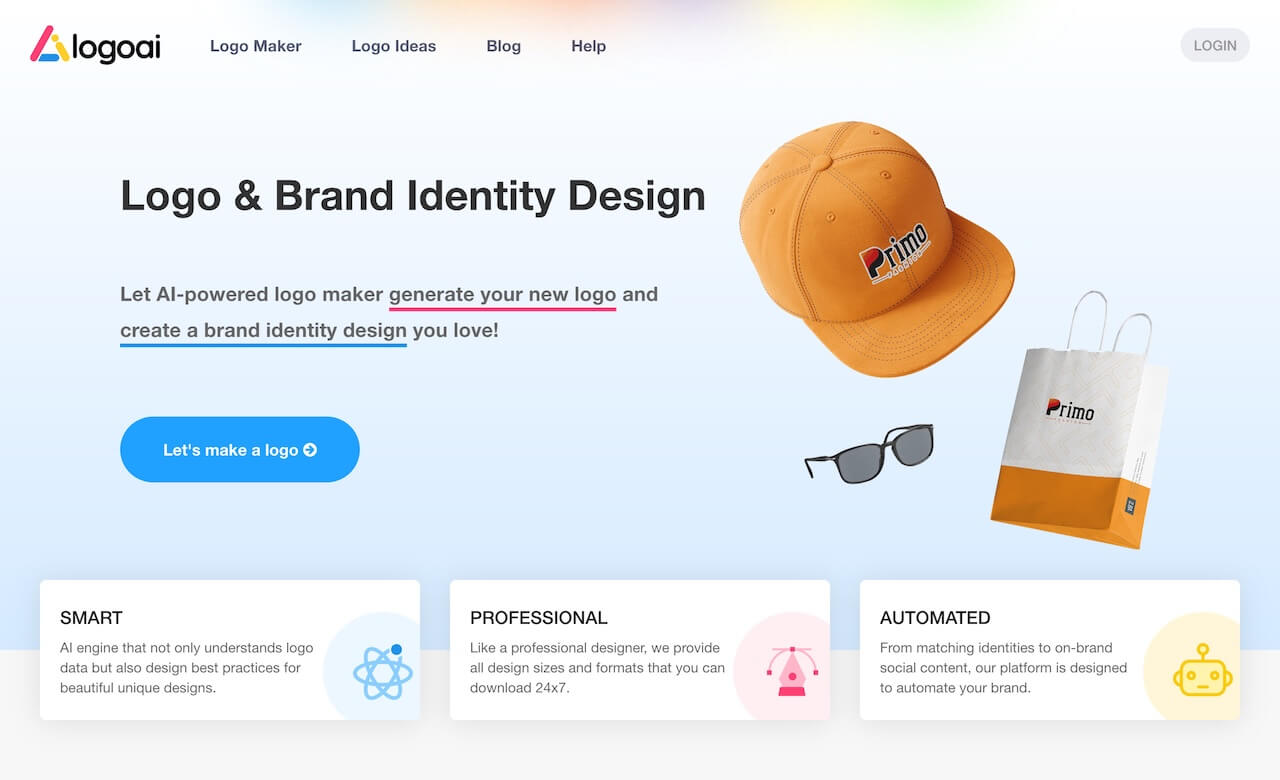
- Platform Overview: LogoAI is a simple AI logo generator suitable for quick, straightforward logo creation.
- Rating: 7/10
- Strengths
- LogoAI uses its AI to generate logos, and you can make basic edits to your generated logo (text, icons, colors).
- You are able to export your logo in a variety of formats, including PNG, JPG, and SVG.
- The user interface is very easy to navigate and is designed for creating logos as quickly as possible.
- Weaknesses
- There are limited templates available from which to choose when creating your logo.
- Since there is no direct connection with other branding services (i.e., social media), you will have to manually upload your logo to each platform individually.
- Unlike other logo creators, LogoAI has fewer exporting and marketing tools available for use.
- LogoAI only supports email support and does not support multiple languages or currencies.
Logo Examples
Construction
Medical

Fashion
Summary: LogoAI is an entry-level AI logo generator that allows users to create logos with some basic editing features.
Why Design.com is the Top Choice?
With three platforms that allow you to create an AI logo, Design.com is the best of the three for many reasons:
- Large collections of templates and fonts with professionally designed options.
- A complete system for editing your AI design that produces copyright-compliant outputs.
- The ability to integrate branding across both digital and print products.
- Support for multiple file types, such as vector, raster, and animated files.
- Licensing for extended use in a commercial or exclusively licensed manner.
- Multi-lingual and multi-currency access
- Chat and email support 24/7
Businesses can find the greatest advantage using Design.com's one-stop shop for creating logos, websites, social media, and marketing content. By doing so, they save time and have a way to develop their own consistent brand identity.
Summing Up
If you are a business that needs to save time and money while also creating perfect logos and establishing an effective, professional brand image, there is no doubt which AI logo maker is best: Design.com.
While both Designs.ai and LogoAI offer some limited options for a simple logo creation experience, neither can compare to the level of branding services available in Design.com's templates and the overall AI-based workflow.
Start using Design.com today to create your logo, site, and complete brand identity, giving your new business or SMB the professional look you need to be successful.