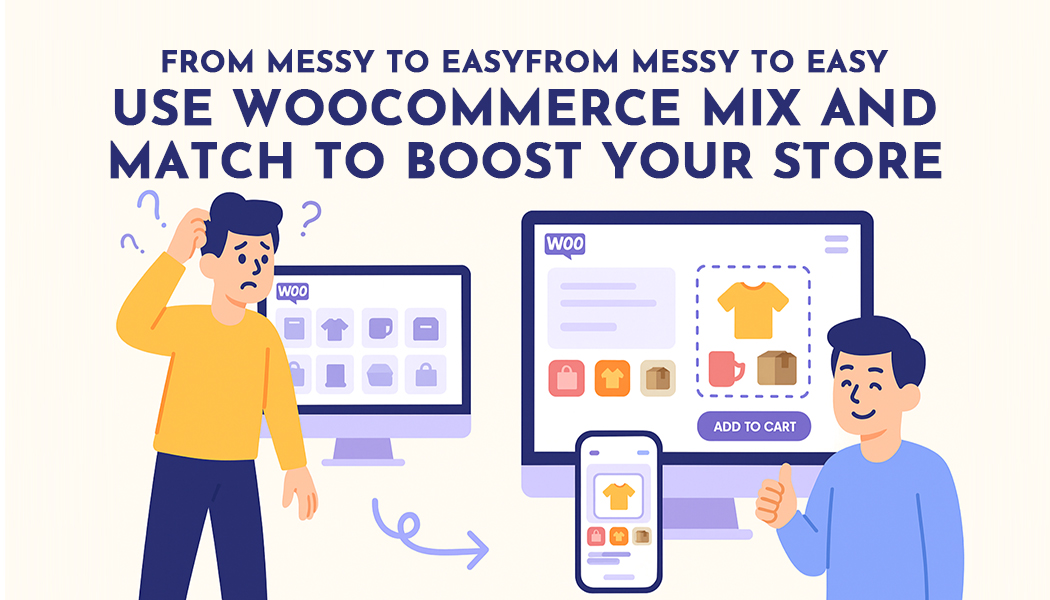
From Messy to Easy: Use WooCommerce Mix and Match to Boost Your Store
Are Customers Getting Lost in Your Store?
Many online stores look nice but don’t work well for real people. They show too many products at once. Or they force shoppers to buy items they don’t want. This can be stressful.
When shopping feels hard, people leave the store. No one wants to waste time clicking around or buying something that doesn’t fit their needs.
But there is a better way.
Let Customers Pick What They Want
People love to choose. Whether it’s snacks, gifts, skincare, or clothes, giving options makes shopping more fun. With mix and match WooCommerce plugin, shoppers can pick their own items and build their own boxes.
For example:
- A tea lover can choose six flavors instead of buying a fixed set.
- A parent can pick baby care items they actually use.
- A gift shopper can mix candles, soap, and a card in one box.
This kind of shopping feels good. It's simple, and it gives more control to the customer.
WooCommerce mix and match plugins can help with that. Let's see how this technology could turn an irregular store into something streamlined, manageable, and straightforward.
What Is WooCommerce Mix and Match?
It's exactly what it sounds like: mix & match. It lets people choose several products from a group and put them together in one box or package. This is useful for a lot of things:
- Gift boxes
- Starter kits
- Sample packs
- Bundles with a custom number of items
Instead of forcing customers to buy a pre-made set, they can build one that works for them. It feels better, and it usually leads to bigger orders.
Example Use Cases
- A tea shop can let buyers build their own six-pack of tea flavors.
- A cosmetics store can offer a skincare routine kit where shoppers choose which cream, face wash, and serum they want.
- A snack store can let buyers mix chips, cookies, and energy bars into a custom box.
The Problem with Fixed Products
Fixed bundles might look neat, but they can lead to a lot of problems:
- People might only want some of the items, not all.
- The entire bundle is unavailable if one product is out of stock.
- Shoppers might want a different size, scent, or flavor.
When customers feel stuck, they leave. And when they leave, stores lose money.
Why Mix and Match Works So Well in WooCommerce
Here’s why store owners are turning to mix and match WooCommerce plugins:
1. It Gives More Control to Customers
People like to choose. They know what they need better than anyone. Giving them options builds trust and keeps them coming back.
2. It Helps Stores Sell More
When customers build their own box, they usually add more items. This means a higher total at checkout without needing discounts or upsells.
3. It Keeps Things Organized
Instead of selling single items one at a time, stores can group them together in custom boxes. This helps reduce order clutter and makes packing easier.
Recommended Plugin: Custom Product Boxes by Extendons
One of the top plugins that helps stores create these flexible product boxes is the WooCommerce Mix and Match plugin by Extendons.
What This Plugin Does Well:
- Let store owners create boxes that shoppers can fill with any products.
- Works with both single-item products and items that have options (like size or color)
- Can be set to a fixed price or can be adjusted the total based on what's added
- Allows notes to be added to boxes (great for gifts)
- Works on phones and computers smoothly
- Hides items that are out of stock, so shoppers don’t get confused
This plugin is especially useful for stores that want to sell bundles without forcing buyers into fixed sets. It gives structure but also leaves room for choice.
Combining Mix and Match for Different Types of Buyers
Let’s say a store sells healthy snack boxes.
- A casual buyer builds their box and checks out as usual.
- A company wants to send 100 snack boxes to clients. They build one box and place a large order.
The store handles both types of buyers, without changing the product page or building a second store.
Real Benefits for Store Owners
Here’s how all this helps the people running the store:
- Fewer abandoned carts
- Easier management of bundled orders
- More control over pricing and inventory
- Happy customers who enjoy the shopping experience
Best Practices for Using These Plugins
Keep Product Options Clear
Only show items that are available. Use short descriptions and clean images.
Avoid Too Many Choices at Once
Having too many choices might be too much. Provide smaller groups or categories to make browsing easier.
Set Rules for Box Limits
Decide how many items should go into a box and make it clear from the start.
Use Simple Layouts
A grid or list layout that works well on both desktop and mobile keeps the experience smooth.
Ideal Store Types for This Setup
These plugins work well for:
- Gift and stationery stores
- Food and beverage shops
- Skincare and wellness brands
- Office supply companies
- Baby product stores
- Wholesale or B2B platforms
Any store that sells collections or bundles will benefit.
FAQs
Can this plugin work on all types of WooCommerce stores?
Yes. It works well for any store that sells items in sets or bundles.
What if a product is out of stock?
The plugin can hide unavailable products automatically.
Is it difficult for beginners to use this setup?
Not very much. The plugin is easy to install and use, and no prior knowledge of coding is required.
Can store owners offer different prices for different box sizes?
Yes. You can set a fixed price or let the total change based on what shoppers add.
Is mobile shopping supported?
Yes. The plugin works well on phones, tablets, and desktop computers.
Conclusion
Running an online store should be easy. Shoppers want to pick what they like, build their own box, and buy without trouble. The mix and match products WooCommerce plugin lets them do this. It helps them choose their favorite items and put everything in one place.
Online retailers can provide their finest customer service, increase sales, and satisfy customers with this easy-to-use plugin. Such minor adjustments can have a significant impact.