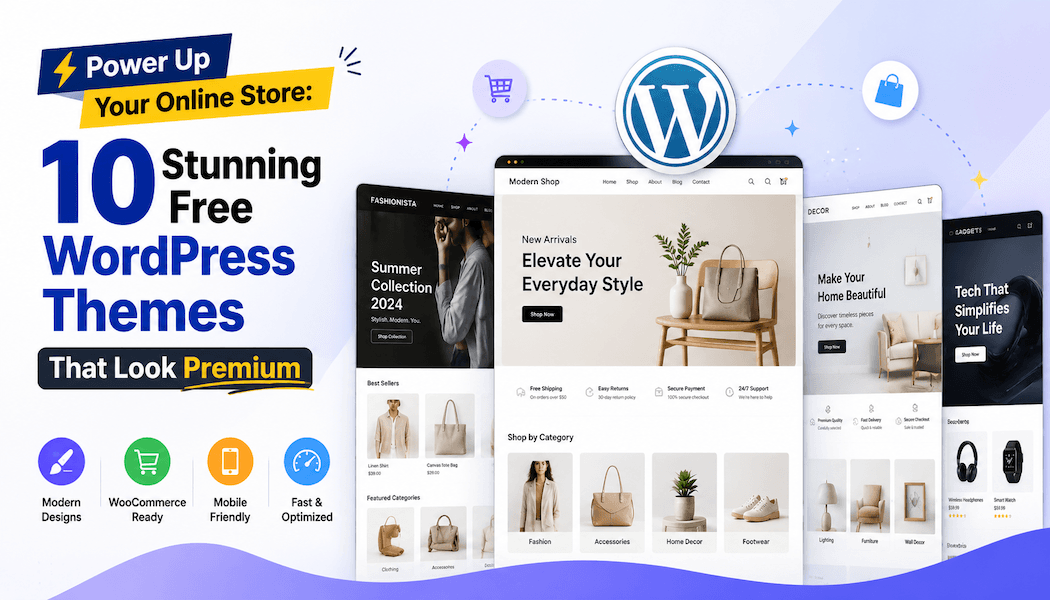
Power Up Your Online Store: 10 Stunning Free WordPress Themes That Look Premium (But Cost $0!)
Free WordPress Themes are the backbone of the accessible web, allowing aspiring entrepreneurs to launch professional storefronts without the barrier of entry-level costs. Many beginners assume that to achieve a sleek, conversion-oriented design, they must shell out hundreds of dollars for a "premium" license. However, the ecosystem has shifted dramatically; today, the finest free themes often outperform their paid counterparts in speed, SEO optimization, and mobile responsiveness. Building a high-end online store is no longer about how much you spend, but how effectively you select your digital foundation.
The Rise of "Freemium" Design
The current landscape of web design is dominated by themes that offer a powerful core for free, banking on the idea that if the free version impresses you, you might eventually upgrade for niche functionalities. This "freemium" model is a win-win for store owners. You gain access to high-quality code, clean typography, and intuitive page builder compatibility without spending a cent.
When selecting a theme, prioritize those that are regularly updated and offer robust support documentation. A beautiful store that breaks during a WordPress update is a liability; therefore, performance and compatibility are just as important as visual aesthetics.
10 Themes for Your Storefront
These selections are hand-picked for their balance of design flexibility, WooCommerce integration, and ease of use for store owners.
-
Astra: Arguably the most popular choice, it is incredibly lightweight and designed for speed. It offers dozens of starter templates specifically for e-commerce, making it a perfect starting point.
-
OceanWP: This theme is a favorite for those who want deep customization. It includes built-in features for pop-up carts and floating add-to-cart bars, which are usually reserved for paid plugins.
-
Neve: Known for its "mobile-first" approach, Neve ensures your store looks flawless on small screens. It is compatible with all major page builders, allowing you to drag and drop your way to a custom layout.
-
Botiga: Specifically built with e-commerce in mind, Botiga offers a clean, modern aesthetic that puts your products center stage. Its checkout process is optimized for high conversion rates.
-
GeneratePress: If your priority is technical performance, this is the gold standard. It is a minimalist theme that provides the stability required for large product catalogs.
-
Blocksy: With a modern architecture, Blocksy feels like a premium app. Its live customizer is intuitive, allowing you to see changes in real-time as you build your shop.
-
Storefront: Created by the developers of WooCommerce, this theme offers the highest level of compatibility for your store. It is the "official" choice for those who want a reliable, no-fuss experience.
-
Zakra: This theme is highly versatile, offering different styles for different niches, whether you are selling handmade crafts or tech gadgets. It is very lightweight despite its visual richness.
-
Sydney: While often used for business sites, its e-commerce capabilities are impressive, offering a professional, corporate look that builds immediate trust with customers.
-
Hello Elementor: If you use the Elementor page builder, this is the lightest theme available. It acts as a blank canvas, giving you total creative control without any bloat.
Why Design Matters for Conversion
An online store is not just a digital catalog; it is a psychological funnel. Customers make split-second decisions based on the "vibe" of your homepage. If your site is cluttered, slow to load, or looks dated, potential buyers will lose trust immediately. The themes listed above solve this by providing modern, whitespace-heavy designs that look like they were built by a high-end design agency.
When setting up your chosen theme, remember that the "premium look" is often achieved through high-quality photography and consistent branding. Even the most expensive theme will look cheap if your product images are low resolution or inconsistent. Spend your time crafting clear calls to action and ensuring your navigation is intuitive; let the theme handle the underlying technical structure.
Essential Tips for Customization
To truly make these free themes sing, consider using a page builder like Elementor or the native WordPress block editor. These tools allow you to move beyond the theme’s default layout. When you stick to the framework but customize the content, you get the best of both worlds: the stability of a well-coded theme and the uniqueness of a custom brand.
Lastly, keep your plugin list lean. While it is tempting to install a plugin for every small feature, too many will slow your store down and create security vulnerabilities. Focus on speed, simplicity, and user experience, and your free WordPress theme will serve your business faithfully for years to come. Your journey to a profitable online store begins with the right choice, and any of these ten themes provides a solid foundation for that success.