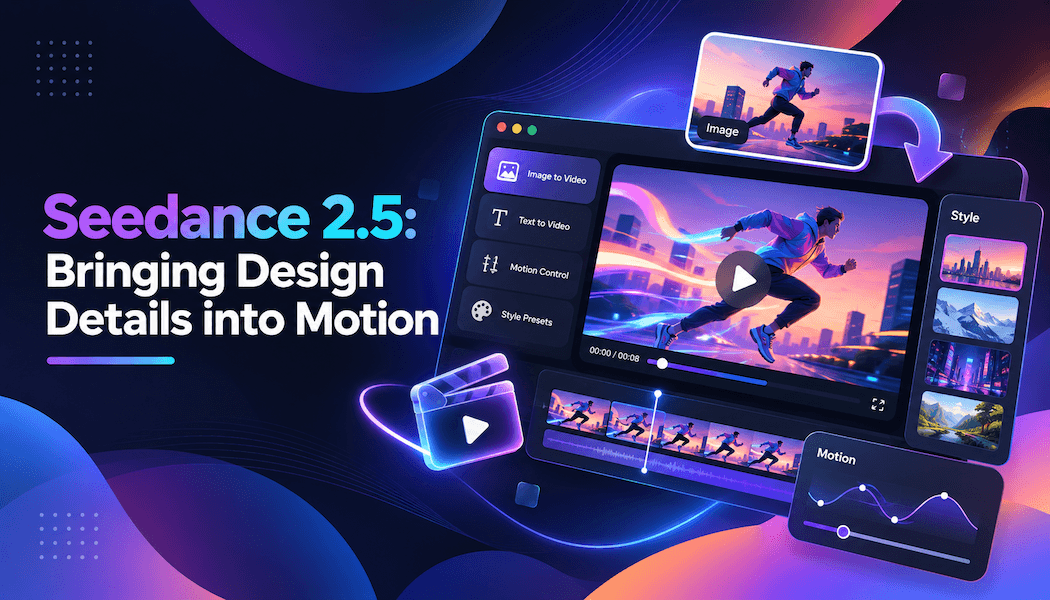
Seedance 2.5: Bringing Design Details into Motion
An amber glass pendant light already looks appealing in a design image. But what happens to its reflections when the camera moves around it? What color falls across the table when it switches on? What shadow does a person cast as they walk past? Video gives those changes a way to unfold.
Product design, interior presentations and visual projects often raise questions like these. Still images establish appearance. The next step is to help viewers sense an object's texture, volume and relationship with its surroundings.
Seedance 2.5 offers several ways to direct that expression. It supports image, video and audio references, generates picture and sound together, and produces clips of up to 30 seconds with editing and extension capabilities. Its appeal lies in how those features can serve a specific creative idea.
Small Changes Give a Picture Its Texture
Glass, metal and fabric each behave differently in a moving image.
As a camera passes the edge of a glass object, the background refracts through it. A highlight travels across brushed metal as the viewing angle changes. When a knitted scarf is lifted, its folds and shadows shift. These details affect how an object feels to the viewer.
Seedance 2.5 includes refinements to object textures, lighting and color, as well as details in skin and eyes. For product and character content, those improvements support a more nuanced picture.
A pendant light sequence, for example, could begin at the edge of the shade, move past the translucent glass, then gradually reveal its complete shape. The idea focuses on how the material appears from different angles. The action itself can stay simple.
A person can give the scene another point of interest. A designer looks up at the light, then follows its glow towards the table. The audience sees the object and a response to it. The product has a context of use, and its details have a reason to draw attention.
Explain an Existing Design Through Several References
A design project usually comes with a collection of materials.
A front view shows the outline. A side view explains the depth. Detail photographs reveal the surface finish. An interior rendering establishes furniture and wall colors, while a separate video captures a filming rhythm the team likes.
Seedance 2.5 supports multiple types of reference material during generation. Creators can explain what each asset contributes, combining the appearance shown in images, movement and camera cues from video, and sound characteristics from audio.
For the pendant light, product images could define the glass shape and metal fittings. A dining room photograph could supply the setting. A reference clip could show how the camera should approach. The text adds the new arrangement: when the light turns on, whether someone walks through the room, and which angle closes the sequence.
This is useful for projects with an established visual design. The product, characters and setting already have references, so the discussion can move into how they appear on screen.
The same approach suits accessories, home furnishings and clothing. Different materials call for attention to different details, and references make those intentions more specific.
Plan How the Camera Moves Through the Scene
The camera's route affects how viewers understand an object.
A frontal approach shows its outline. Moving alongside it reveals depth. Raising the camera slightly can establish its position relative to nearby objects. Each movement adds information.
Seedance 2.5 strengthens its understanding of composition, shot size and camera language in reference videos. It also supports clay render control. A clay render uses simple three-dimensional forms without detailed materials to explain a scene's structure and movement paths.
For the pendant light, a few basic shapes can mark the shade, table and person's positions. The camera can be planned to pass the table before tilting up towards the fixture. Visual references for glass, wood and wall finishes then supply the intended appearance.
This capability also suits interior concepts. While a new shop is still being designed, a creator can establish how the camera should travel from the entrance to the counter, where it should pause, and which display deserves a closer look.
The audience gets to know the space by following that route. The design's important features acquire a viewing order.
Give a Change Time to Register
Seedance 2.5's maximum single-generation length of 30 seconds leaves room to show a process.
A lighting film could establish the room's existing illumination, show someone switching on the pendant, then move towards the table to observe the resulting colors and shadows. Several shots work together to explain how the fixture changes the room.
That pace suits objects whose qualities become clearer in use. A fabric cushion is placed on a chair, someone sits down, and the material creases with the movement. A carefully bound art book opens, the camera travels across its pages, then pauses on an illustration. The sequence follows a clear process and gives viewers time to notice the changes.
Joint audio-video generation can contribute too. The click of a switch, the turning of a page or a chair moving against the floor can be included in the description, connecting sound with the visible action.
If a person needs to explain something, dialogue can be planned alongside the picture. As a particular feature is discussed, the camera moves closer to it, connecting what viewers hear with what they are being shown.
Refine the Picture After Seeing It
Design presentations often involve trying different ways to communicate the same idea.
The light could switch on a little later. A close-up might deserve more time. The angle used as a person passes through the scene may need adjusting. Once there is footage to review, feedback tends to become more precise.
Seedance 2.5 supports targeted editing through timestamps, along with camera perspective and reference-based editing. A revision can focus on a particular action, character or story element.
For the lighting film, the request could address the seconds after the lamp turns on: change the viewing angle so the light falling across the table is easier to notice. If the emphasis shifts towards the fixture itself, a new camera arrangement could give the fittings and glass edge more attention.
The model also supports video extension. Once one presentation segment is established, further footage can explore what follows. A scene near the dining table might continue into a wider view of the room, helping the audience understand the object's place within the space.
Let an Existing Photograph Start the Movement
Product photographs already contain many creative decisions. The background color, the object's position and the direction of the light are all present in the image.
To explore how that design might feel in motion, an existing picture can become a starting point on the image to video website. For a photograph of a pendant light, a slow approach or a slight change in viewing angle can offer an initial sense of how the composition works as it moves.
That short sequence gives the next discussion something concrete. Which details deserve a close view? Where should the camera pause? Would a person add useful context? There is now footage to help answer those questions.
Seedance 2.5 brings references, camera direction, sound and editing into the creative process. For someone with an existing design, product or visual direction, those capabilities provide ways to keep developing its details.
Light falls from the glass shade onto the table, and the camera slowly pulls away. The viewer sees an object being used within a space. The choices already made in the design image have a chance to unfold over time.