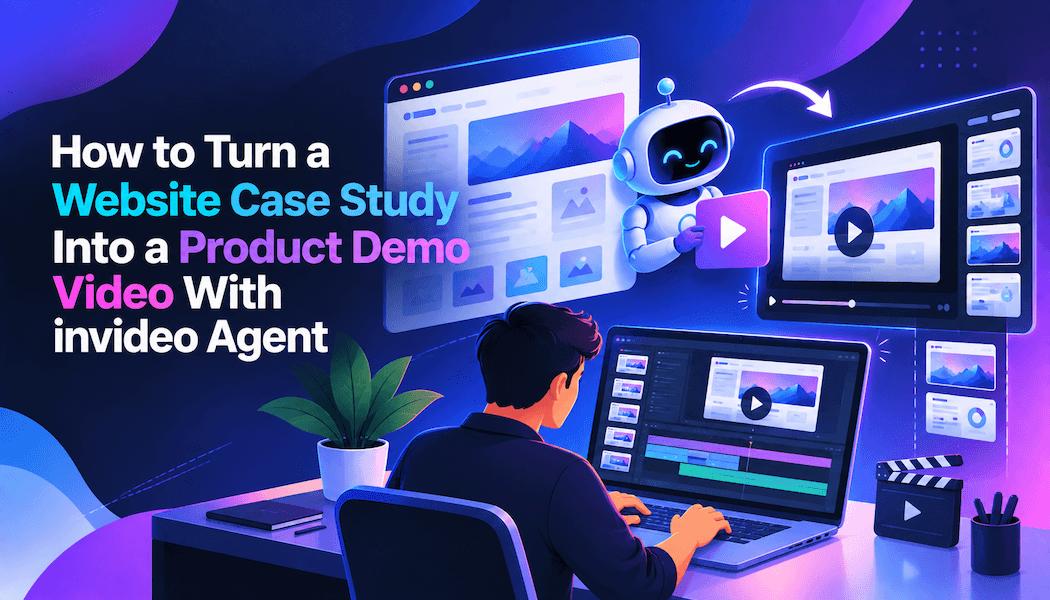
How to Turn a Website Case Study Into a Product Demo Video With invideo Agent
A product demo video is a short film that shows how a product works in the order a viewer would use it. A website case study is a written customer story that covers a problem, a solution, and a measured result. The case study already holds the story a demo needs.
Most teams still rebuild that story by hand. The handoff from writer to recorder to editor is slow. The finished video can also drift from the proof in the original case study.
Invideo Agent is an AI filmmaking collaborator that takes an idea and helps produce a finished video. This guide shows six steps for turning a case study into a demo video. It also covers common mistakes and answers the questions teams ask most.
Why does a website case study make a strong demo video source?
A case study works as a demo source because it already follows a story arc. The problem becomes the hook. The solution becomes the walkthrough. The result becomes the closing proof.
A demo video needs a tighter shape than a written page. Trim each section down to the moment a viewer must see.
Pick one metric from the result, such as time saved or revenue gained. That number becomes the on-screen proof at the end.
How does the agent read a website case study?
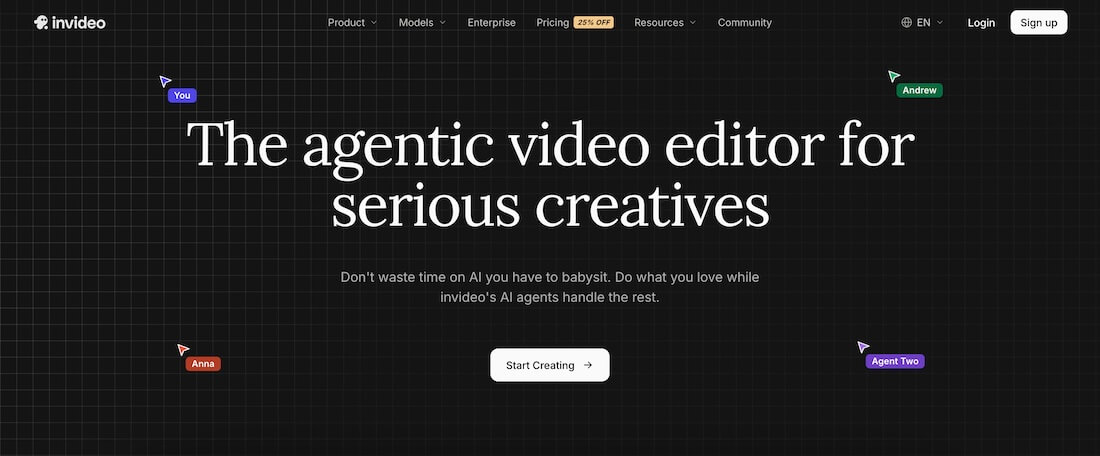
Invideo Agent reads PDFs, images, videos, scripts, YouTube links, and Google Drive folders. The AI filmmaking page describes hybrid production, where generated shots match the grade of footage you already shot.
Save the case study page as a PDF and upload it to a new project. Add your brand guidelines and product footage next.
Existing professional documents work well as inputs. The agent extracts the look, tone, and rules from a deck or treatment note. You do not need to translate them into a prompt.
What are the steps to turn a website case study into a demo video with AI filmmaking?
Six steps take you from an uploaded case study to platform-ready demo cuts.
Step 1: Give the agent a real role
On first login, the agent asks who it is and who you are. Answer with real job titles, such as product marketing director.
A real role makes the agent behave like a collaborator. Without one, it acts like a generic assistant.
Step 2: Upload the case study with a purpose note on every file
Attach each file with a note about what it is for. For example, write "use this screenshot only for the dashboard layout."
Dozens of unlabeled references tend to produce average results. Specific notes tell the agent what to take from each file.
Use real product footage instead of images pulled from a website. Screen recordings show true interface detail.
Screen recordings can also vary considerably depending on the tool behind them. Alternatives to CleanShot range from straightforward capture and editing software to options built for more guided, interactive product walkthroughs.
Step 3: Turn the case study into a short script
Ask the agent to draft a script that follows the problem, solution, and result arc. Keep one idea per scene so every shot has a clear job.
Reuse the customer's own wording for the result. It keeps the proof faithful to the case study.
Step 4: Storyboard the demo before generating video
Run the Storyboards workflow with your script. Choose a realistic or sketch style.
The agent works out the shot breakdown. It returns a storyboard in your video's aspect ratio.
Approve the boards before any video is generated. The agent gives upfront spend estimates, so credits go only to approved shots.
Step 5: Assemble and refine the cut in Slate
Slate is the timeline editor inside invideo Agent. It fills automatically from approved generations, which keeps the full AI filmmaking workflow inside one project.
Say "show me a lineup" to assemble the approved shots. Then drop in your real product footage or a jingle. The agent uses the script to slot each asset into place.
Drag in your brand font file. Every on-screen text line then uses that font. Place markers on the timeline and say "make all of these shots warmer" to correct several shots at once.
Step 6: Cut versions for each platform
Ask Slate for "three shorter versions of this cut." Each one can serve a different channel.
The Reframing workflow converts 16:9 video to 9:16. It builds extensions as still images first, so credits are spent only after you approve.
Use the Localization workflow to adapt on-screen text and currency for other markets. The agent asks which markets you want.
What are the common mistakes when turning a website case study into a demo video?
Pasting the full case study in as the script. A page of copy becomes a long video. Trim to the problem, one key moment, and one metric.
Uploading references without notes. The agent cannot tell which detail matters in each file. Label every upload with its purpose.
Skipping the storyboard approval. Generating video before the boards are approved wastes credits. Approve stills first.
Handing over the creative decisions. The agent carries the execution. Story, taste, and shot choice stay with you.
Frequently asked questions
Can an AI agent make a product demo video from a PDF case study?
Yes, as long as you supply the source material. The agent reads PDFs, images, videos, and Google Drive folders. You still direct the story, the shots, and the approvals.
Do I need real product footage for a demo video?
Real footage gives the most accurate result. Upload screen recordings or product captures. Generated shots can then be matched to the grade of that footage.
How long does it take to make a demo video from a case study?
Invideo published a two-minute brand promo made in three days for about $1,500. That example is a brand film, not a product demo. Your timeline depends on scene count and approval rounds.
How much does the agent cost per month?
Plans for AI filmmaking with invideo Agent start at $20/month on the Starter plan. They scale up to $375/month on the Max 3x plan. Pricing varies by region.