Turning Visual Ideas Into Motion Without Timeline Editing
There is a subtle frustration that comes with static content. You have an image that carries meaning, mood, or even a story—but it stops there. It does not evolve. It does not unfold. For people without video editing skills, that limitation has always been difficult to overcome. This is where tools like Image to Video AI start to reshape expectations, not by adding complexity, but by removing it.
The interesting part is not that images can now move. It is that users no longer need to understand how motion is constructed. Instead, they describe what they want, and the system attempts to interpret it.
Why Motion Matters More Than Resolution
Engagement Comes From Change Over Time
High-quality images can still feel static. Movement introduces a temporal dimension that keeps attention longer.
Visual Context Expands With Motion
A slow zoom or shift can reveal details that a single frame cannot communicate.
Perception Of Effort Changes
Even simple motion can make content feel more produced, even if the underlying process is automated.
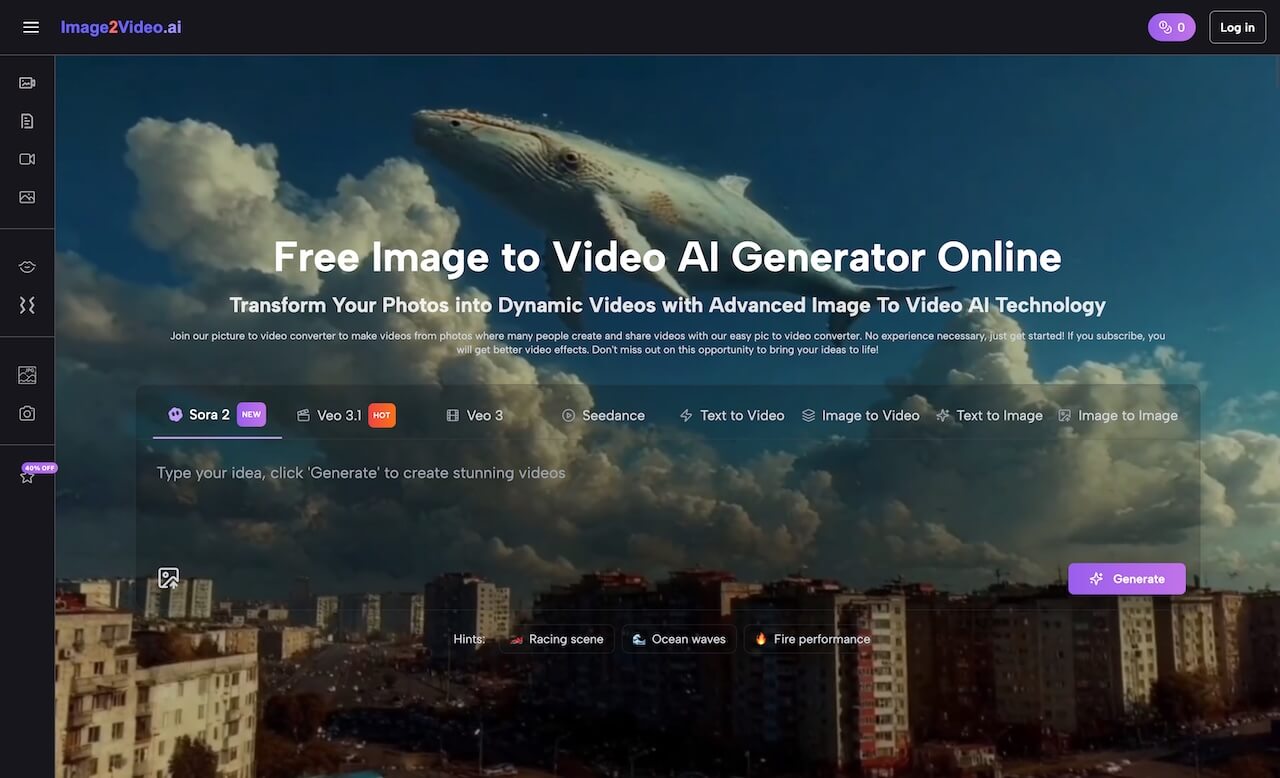
How The Platform Bridges Description And Output
Prompt As A Creative Interface
Users interact through language rather than controls. This lowers the barrier but also introduces ambiguity.
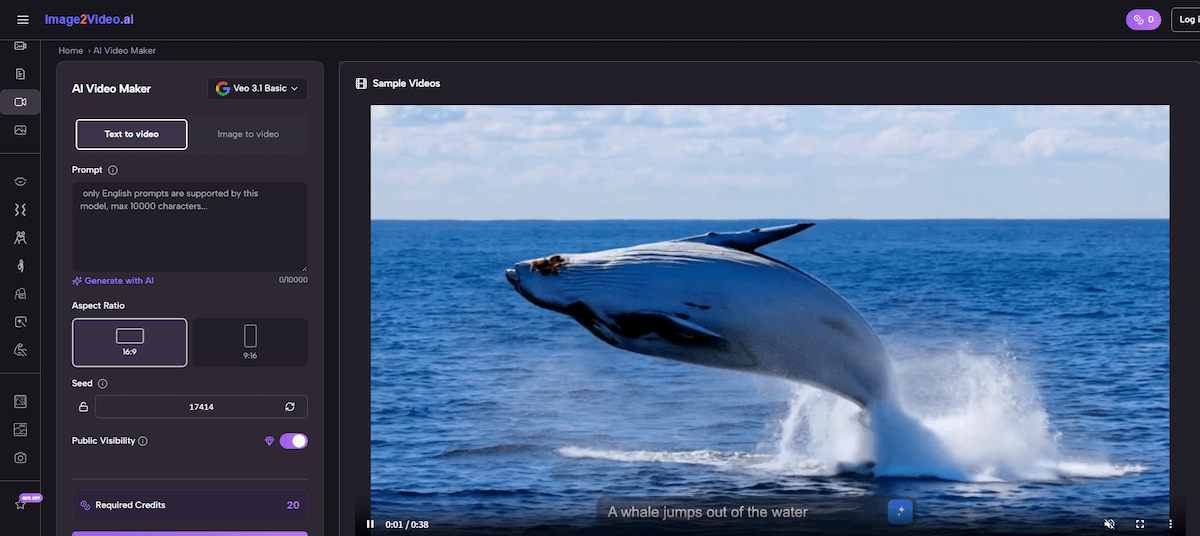
Model Variations Affect Interpretation
Different models interpret prompts differently. In some cases, motion feels more natural; in others, more stylized.
Image Quality Still Plays A Role
Clear subjects and balanced composition tend to produce more stable outputs.
What The Workflow Looks Like In Practice
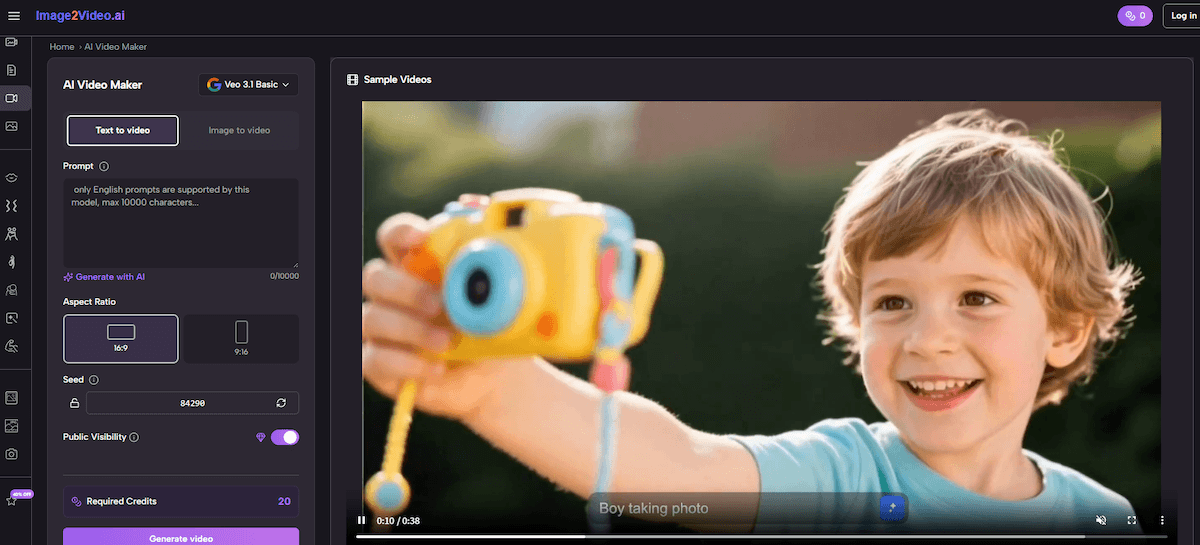
Step 1 Upload An Image File
The platform accepts standard formats like PNG or JPEG. This image becomes the foundation of the animation.
Step 2 Enter A Descriptive Prompt
Users describe the intended motion, atmosphere, or scene transformation.
Step 3 Generate And Review The Result
After selecting a model, the system processes the request. Outputs are typically ready within minutes.
Understanding The Tradeoffs Compared To Editing Software
| Dimension | AI Workflow | Editing Software |
| Speed | High | Low |
| Control Precision | Limited | High |
| Accessibility | Broad | Narrow |
| Repeatability | Variable | Consistent |
| Skill Requirement | Minimal | Advanced |
The distinction is not about which is better, but about which is more appropriate for a given task.
Where This Approach Fits Naturally
Social Media Content Creation
Short videos benefit from quick production cycles. The ability to generate motion without editing reduces friction.
Marketing And Product Displays
Transforming product photos into short animations can improve perceived value. Some brands are already using AI product photography to generate those source images at scale before animating them.
Personal Creative Experiments
Users can explore ideas without committing to complex workflows.
Limitations That Shape Real Use
Dependence On Prompt Clarity
Ambiguous prompts often lead to inconsistent results. Clear descriptions tend to perform better.
Output Variability
Even with identical inputs, outputs may differ. This can be either a limitation or a creative advantage.
Lack Of Fine-Tuned Control
Precise adjustments are harder compared to traditional tools.
How It Changes Creative Thinking
One noticeable shift is how users approach creation. Instead of thinking in terms of layers or timelines, they think in terms of intention.
This makes the process feel closer to directing rather than editing.
Extending Beyond Single Images
As users become more familiar with the workflow, they often start combining multiple outputs. This is where Photo to Video becomes relevant as a broader concept—assembling multiple generated clips into a sequence.
The transition from single animation to structured video is not built into the system directly, but it emerges naturally through repeated use.
Why This Matters In The Bigger Picture
The value of this type of tool is not just efficiency. It is accessibility. By removing technical barriers, it allows more people to experiment with motion-based storytelling.
From my perspective, the outputs are not always perfect, but they are often good enough to communicate an idea. And in many contexts, that is what matters most.
Where It Might Evolve Next
Future improvements may include:
- More predictable outputs
- Better alignment between prompt and result
- Expanded support for multi-scene generation
But even now, the shift is clear: creating motion is no longer reserved for those who understand editing software.
It is becoming something anyone can attempt, using nothing more than a description.