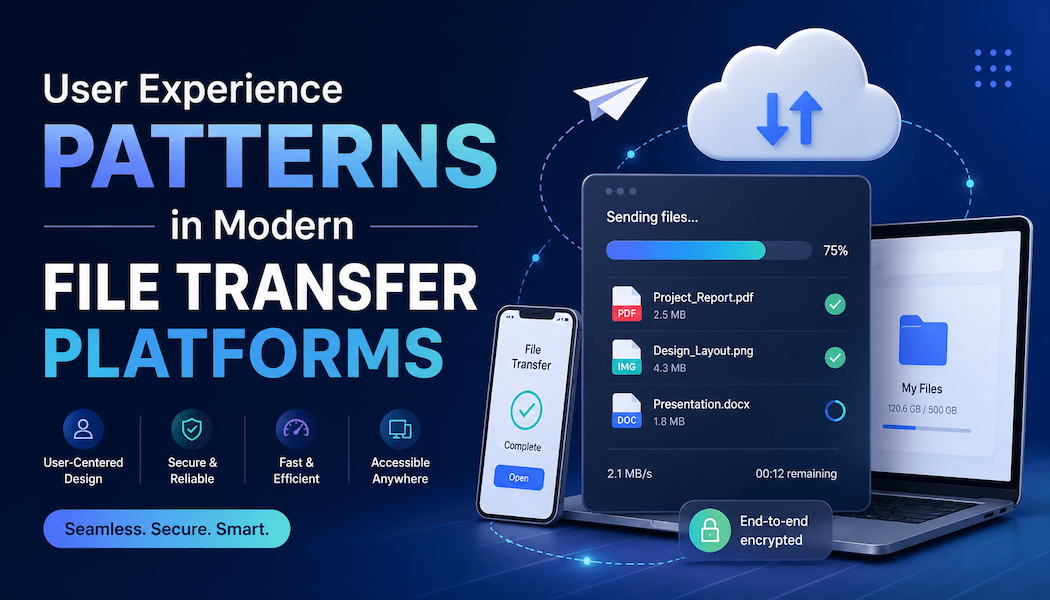
User Experience Patterns in Modern File Transfer Platforms
Transferring large creative assets remains a persistent challenge for designers and collaborative teams. Modern file transfer platforms have raised the bar for user experience, shaping expectations around reliability, simplicity, and trust. This article examines which UX patterns are most important when workflows rely on seamless digital delivery.
For creative professionals, design leads, and developers, transferring high-volume assets is often a recurring friction point in daily work. As projects require larger deliverables and distributed collaboration, large file sharing experiences directly affect productivity and team satisfaction. Platforms that prioritize an efficient, thoughtful experience help prevent dropped files, lost time, and repeated attempts. Recognizing what makes a platform intuitive and trustworthy is essential for teams streamlining hand-offs and preserving creative momentum.
Balancing simplicity and feature discovery in interfaces
Modern file transfer platforms are judged immediately on ease of entry and clear navigation. Intuitive design enables users to start tasks such as uploading files or sharing folders swiftly, without excessive guidance or onboarding screens. This approach lowers the learning curve, especially valuable for first-time users who may only need the platform for a single project or delivery cycle.
The challenge lies in supporting both newcomers and power users. Primary actions like dragging and dropping files, as well as one-click sharing, must remain prominent and easy to find, while advanced configuration options should stay accessible without causing interface clutter. Clear pathways through the interface reduce hesitation and help users feel in control even during complex transfers, ensuring smoother project flows.
Status feedback and reassuring interface cues
Trust plays a pivotal role as assets often represent hours of work or confidential client content. Transparent status indicators, showing queues, uploading, processing, and completion states, are critical. These visual cues assure users that progress is being made and that the system has not stalled, especially for lengthy or multi-gigabyte transfers.
Equally important are error messages that provide specific, human-readable explanations and actionable recovery options. Instead of technical jargon or unclear codes, successful platforms explain the issue in plain language and suggest clear next steps. Subtle security and privacy indicators, like padlocks or information modals, reinforce safety without alarming users or deterring workflow.
Managing performance, speed, and interruptions gracefully
Perceived speed is just as vital as actual throughput. Prominent progress bars and estimated time remaining guide expectations, offering reassurance during transfers that might otherwise seem sluggish. When transfers involve multiple stages, clear breakdowns of current steps help prevent uncertainty about what remains or if a user action is required.
Modern platforms handle connectivity changes or pauses with resilience, allowing uploads to resume if a device loses signal or a user navigates away. The ability to continue transfers in the background, or restart from the point of interruption without data loss, demonstrates understanding of real-world habits and disruptions. For creative professionals who may need to switch devices, this robustness becomes a core aspect of reliable file sharing and collaboration.
Supporting creative collaboration with workflow features
Effective file transfer platforms go beyond single-send to support nuanced creative collaboration. Features like shareable links, granular access controls, and set expiration dates give teams flexibility while maintaining oversight. Clear versioning and metadata help prevent mix-ups, ensuring the right revisions reach the right recipients.
Well-designed notifications inform users when files are received, accessed, or about to expire, reducing the chances of missed deliveries. Simple activity histories help teams track who has interacted with assets, adding accountability without overwhelming users with dashboards or analytics. This blend of transparency and restraint is crucial for workflows where creative output is in constant motion.
As projects increase in complexity, platforms with these thoughtful features support not only efficient delivery but also clarity and peace of mind for everyone involved.
Cross-platform usability and experience consistency
With teams often working across desktop, browser, and mobile, consistency in user experience is important for avoiding costly mistakes. Disparities in layout, features, or performance can create confusion, especially if file picking and share options appear in unpredictable locations. Responsive interface design, which adapts elements to device dimensions, helps maintain familiarity and reduces the likelihood of accidental errors.
Accessibility basics must also be respected throughout device variants, including keyboard navigation, sufficient contrast, and descriptive text for screen readers. By focusing on a seamless cross-device experience, platforms reduce the risk of files being sent incorrectly or workflows breaking down due to overlooked limitations, keeping creative projects moving smoothly regardless of where or how contributors connect.
Avoiding common pitfalls and designing for clarity
Several recurring pitfalls can undermine the user experience in file transfer tools. Overly technical language or hidden constraints, such as undisclosed file size limits, frustrate new users and erode trust. Equally problematic are upsell attempts disguised as error messages or pop-ups that interrupt tasks, which can create unnecessary friction and suspicion.
Poor information architecture, particularly around sent items, delivery receipts, or re-sending options, leads to confusion and wasted time. Designers must ensure that sent files, past transfers, and activity logs are easy to find and understand. By avoiding these pitfalls, platforms deliver an experience that feels professional, respectful, and transparent to users.
Practical criteria for evaluating file transfer UX
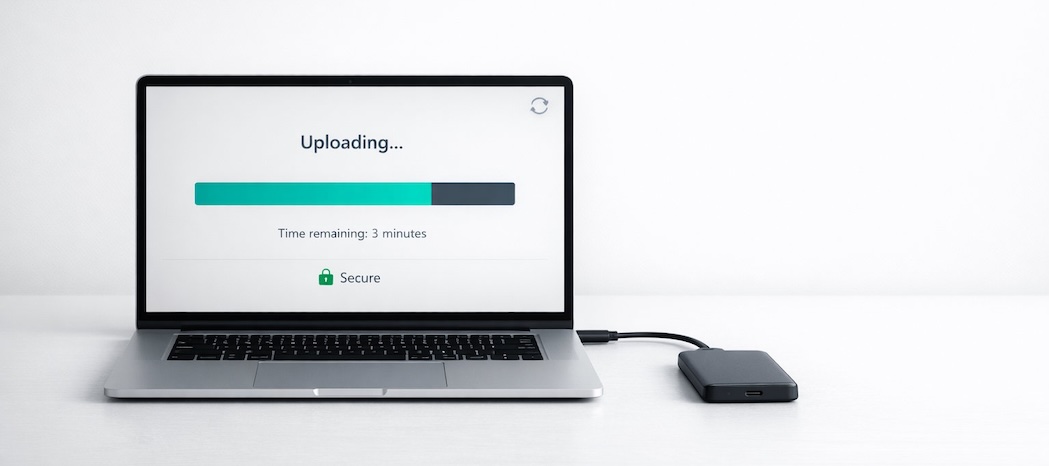
When assessing or designing a modern file transfer platform, several criteria help gauge the overall user experience. Entry points should be obvious, and primary actions should be achievable in one or two steps. Consistent status feedback and error handling matter just as much as upload speed or storage capacity in practice.
Look for platforms that provide security cues, support for interrupted transfers, and straightforward controls for permissions, expiration, and versioning. Clear interface elements that guide users through each stage of the process, combined with accessible activity histories, help teams maintain confidence and accountability in large file sharing regardless of the project size or timeline.
For design and product teams, reliable file transfer experiences are defined not just by technical performance but by the clarity, predictability, and steadiness of the user journey. Prioritizing intuitive UX patterns ultimately supports better collaboration, reduces stress, and allows creative work to flow at its best.