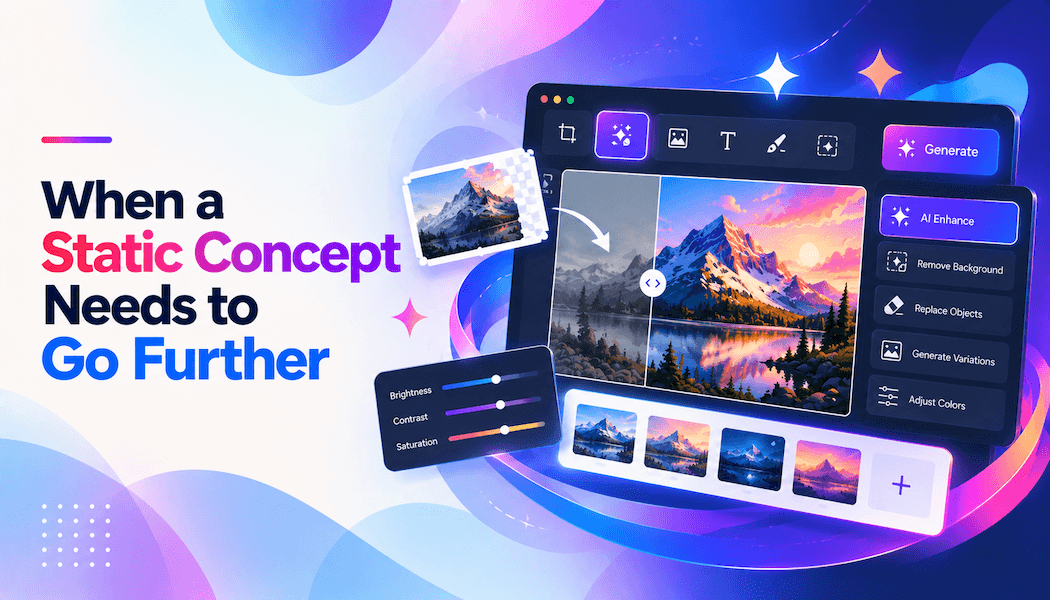
When a Static Concept Needs to Go Further
A finished design rarely stays finished for long. A campaign image approved for a landing page may later need a wider crop for display ads. A product visual might need a cleaner background for a marketplace listing. A portrait created for one format could end up being reused for social posts, a profile image, or a short promotional video.
The original concept may still be good. What changes is the context around it.
That is one reason AI-assisted editing has become useful in everyday design work. Rather than generating a completely new image whenever a brief changes, designers can start with an existing visual, describe the adjustment they need, review the result, and continue refining it.
Keep the useful parts of an existing image
Traditional editing tools remain essential when precise manual control is required. But not every revision needs hours of masking, compositing, retouching, and rebuilding layers.
Sometimes the request is straightforward: move the subject into a warmer setting, change the season, simplify the background, or create a variation with more room for text.
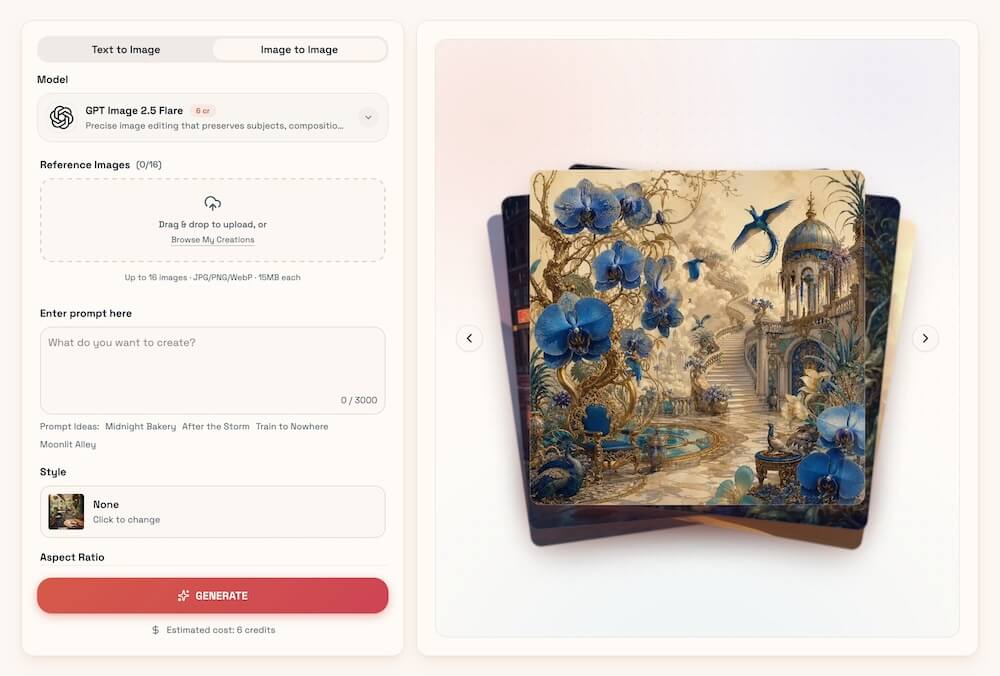
A prompt-based AI image editor can make those experiments much faster. Pixlio starts its editing experience with an existing image as the reference. Users upload one or more images, describe the change they want, choose a supported model, and generate a new version.
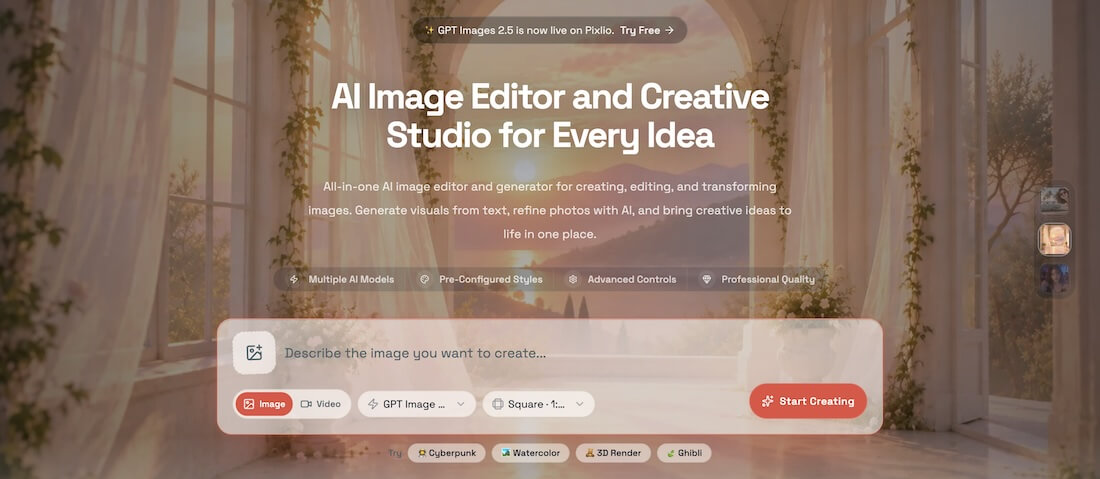
This approach is especially useful when most of the original image already works. The composition, character, product, or general art direction does not have to be discarded simply because one part of the brief has changed.
It also makes experimentation less expensive in terms of time. A designer can test several directions before deciding which one deserves more detailed manual work.
One revision often leads to another
In practice, an edited image is often just another stage in the process.
Suppose a designer has a good campaign visual, but the client later needs a horizontal version. Expanding the existing scene may make more sense than recreating it. The same image could then need a transparent background for another placement, or a higher-resolution version for print.
Pixlio places several of these next steps near the generated result. An image can be sent to tools for upscaling, background removal, canvas extension, or video creation. These are separate tools rather than hidden operations happening automatically, so users can review the relevant settings before processing the image again.
The AI image editor also allows the current result to become the reference for another edit. That matters because real design feedback rarely arrives as a single perfect instruction.
A typical sequence might be closer to: keep the subject, reduce the clutter behind it, make the lighting softer, then leave additional space on the left for copy.
Being able to continue from the latest result makes these revisions feel more like working through successive drafts instead of starting over after every change.
Different models can produce different kinds of results
AI image models do not respond to the same instruction in exactly the same way. Some may preserve a reference more faithfully, while others may be better suited to stronger stylistic changes or a particular type of image.
Pixlio brings several models into the same editing environment and exposes model-specific settings where they are supported. Depending on the model, users may also have controls for aspects such as image size, aspect ratio, output format, quality, or seed.
Recent creations can be reopened as well. This is a small but useful detail when a project goes through several review rounds and an earlier variation suddenly becomes relevant again.
The result is less like producing isolated AI images and more like maintaining a collection of working visual directions.
Focused tools can simplify familiar design tasks
A general editor works well when the desired change is already clear. Other jobs benefit from a tool designed around a specific outcome.
Pixlio also functions as a broader AI image creative studio, with focused tools for recurring visual tasks.
Its AI Book Cover Generator, for example, is structured around creating cover concepts rather than asking users to build the entire process from a blank prompt. The Caricature Maker focuses on turning a portrait into a recognizable stylized illustration, while Photo to Painting offers a more direct route for converting photographs into painting-inspired artwork.
These tools are useful because they reduce setup. Someone trying to create a book cover should not necessarily need to understand the same controls as someone making a caricature.
The outputs do not have to remain isolated either. A generated cover image may need further editing. A caricature could need a different background. A painting-style result might later be extended into a wider composition or used as the starting frame for video.
AI editing works best as part of the design process
The practical value of AI editing is not that every design task should become automated. It is that certain production steps can become easier to explore.
Alternate layouts, background changes, rough client directions, social-media adaptations, scene extensions, and stylistic experiments are all good examples.
Design judgment still matters. AI-generated details need to be checked. Brand colors may drift. Typography often deserves separate treatment. A visually impressive variation can still be wrong for the brief.
What has changed is the amount of effort required to explore those possibilities.
A static concept no longer has to be treated as a fixed endpoint. It can become the source material for the next version, the next format, or even the next medium. For designers working across increasingly varied channels, that flexibility can be more valuable than generating yet another image from scratch.